Microsoft 365 - User App Install (Email send & Calendar)
Last updated: February 5, 2026
ModernLoop's Microsoft 365/Outlook Integration simplifies scheduling and communication by enabling the following features:
Send emails to candidates on your behalf.
Display privacy-safe calendars for your interviewers directly within ModernLoop.
Depending on your organization's settings, this app may need to be approved by a Microsoft Admin.
If you’re an existing ModernLoop customer planning to transition from Microsoft to Google Workspace, please notify your CSM or email support@modernloop.io at least 1 month prior to your target transition date.
List of Permissions
ModernLoop requires the following user permissions for integration:
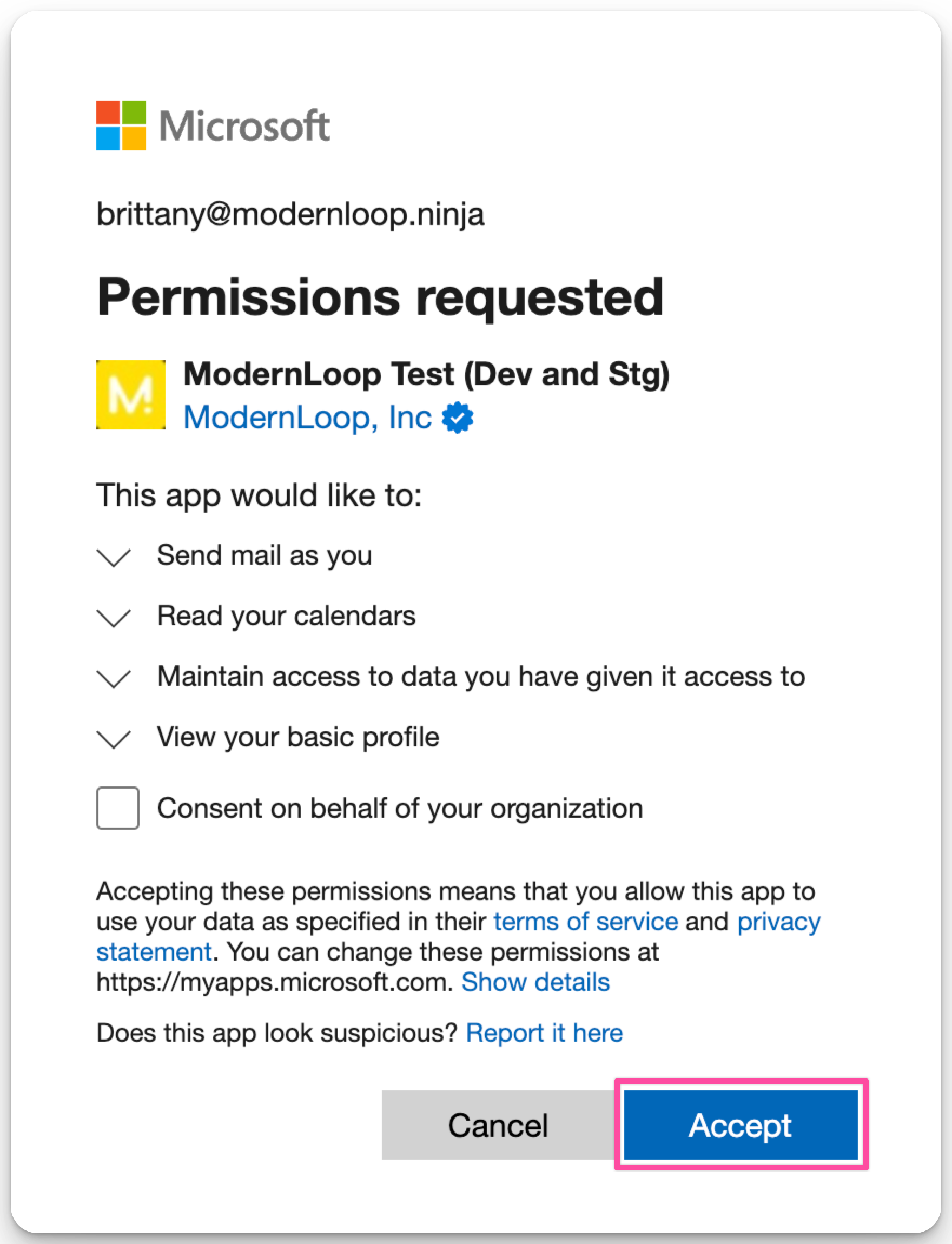
Send email as you: Allows ModernLoop to send emails from your account.
Read your calendars: Access interviewer calendars for scheduling purposes.
Maintain access to data you have given it access to: Ensures the integration remains active without requiring repeated authorization.
Integration Instructions
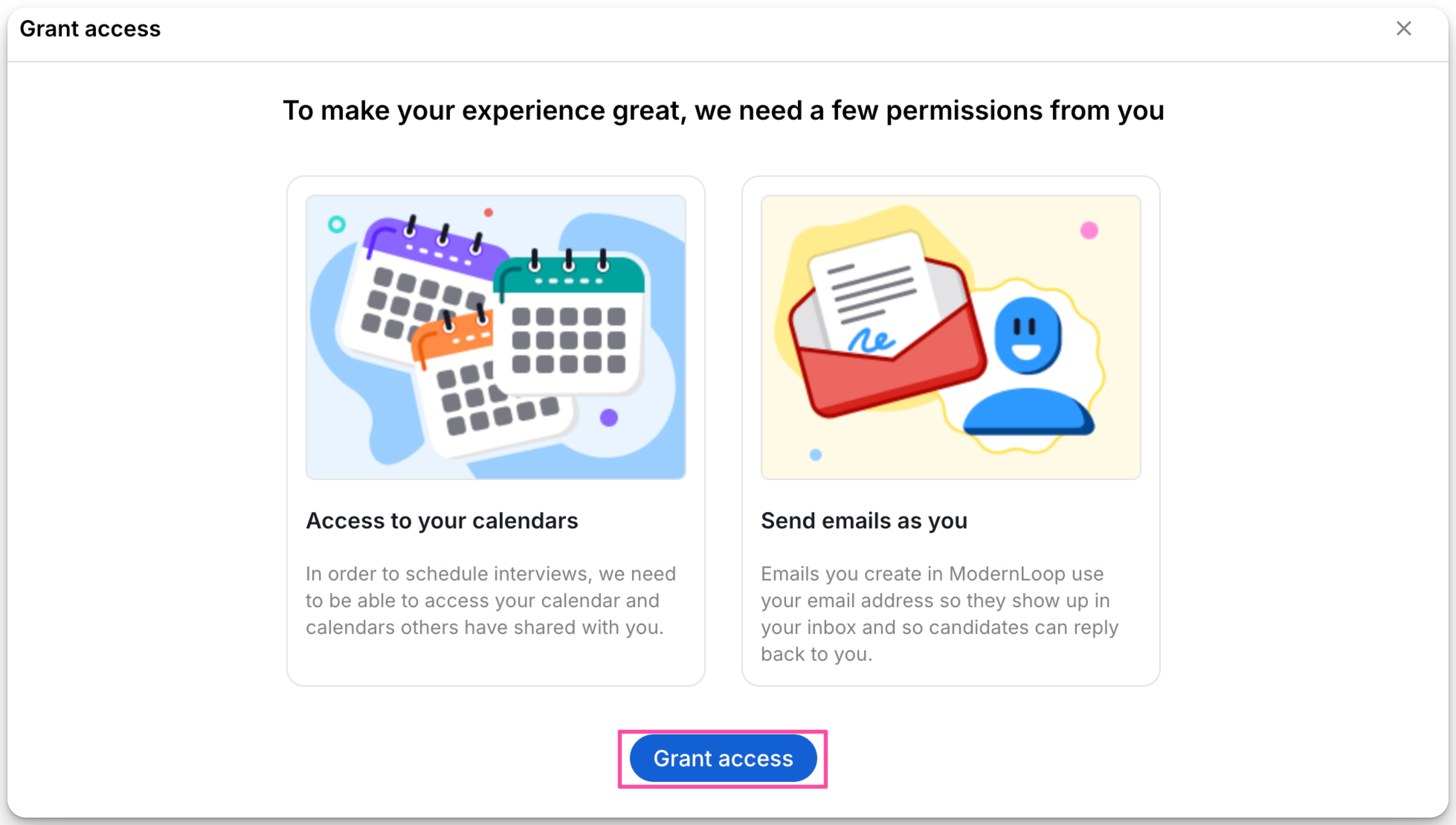
On first login after the Organization App Install, users will need to grant individual permissions for Email Send and Calendar Read access.
Log in to ModernLoop using your Microsoft 365 account.
Accept the Privacy Policy and Terms of Service.
Click Grant Access when prompted.
Review the required permissions and click Accept.