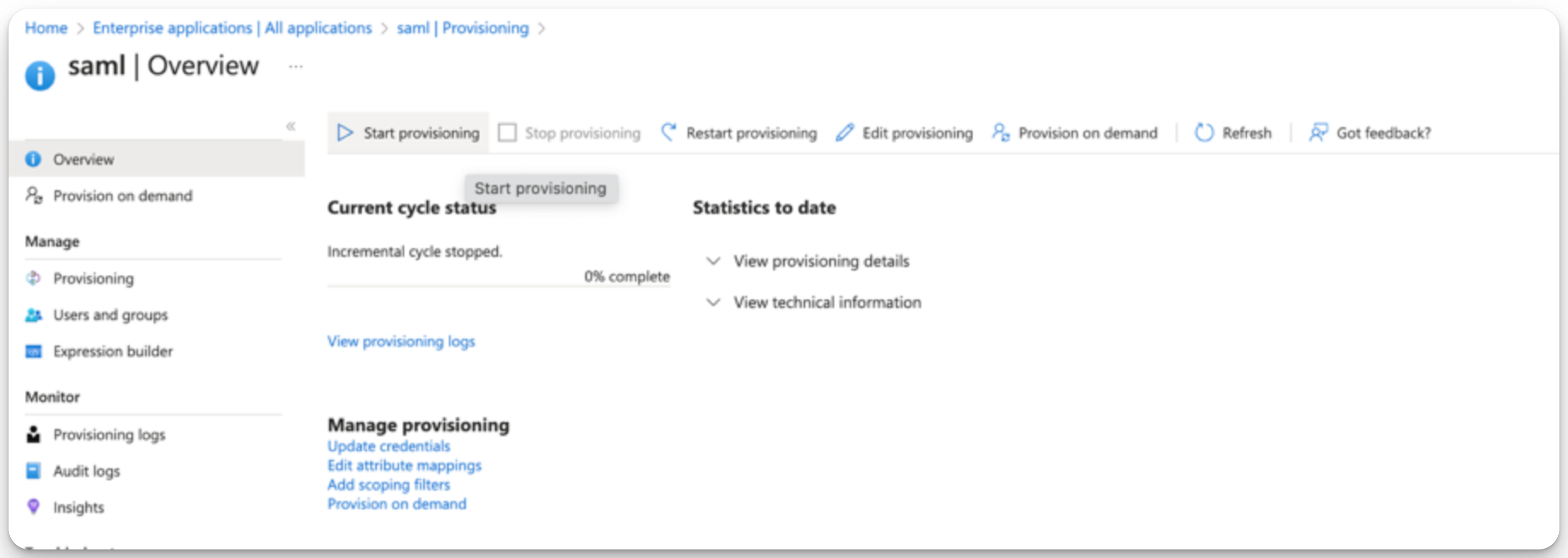
Microsoft Entra ID SCIM Property Sync
Last updated: February 9, 2026
This guide provides step-by-step instructions for mapping ModernLoop Interviewer Properties using custom attributes in Azure Enterprise Apps. By following these steps, you can enable attribute provisioning and ensure accurate role synchronization for interviewers in your organization.
Tell ModernLoop to accept values from SCIM (For ModernLoop Admins)
Navigate to ModernLoop and log in
Navigate to Settings → Interviewers → Work Info (link) and change the source for each property your want to sync from Okta
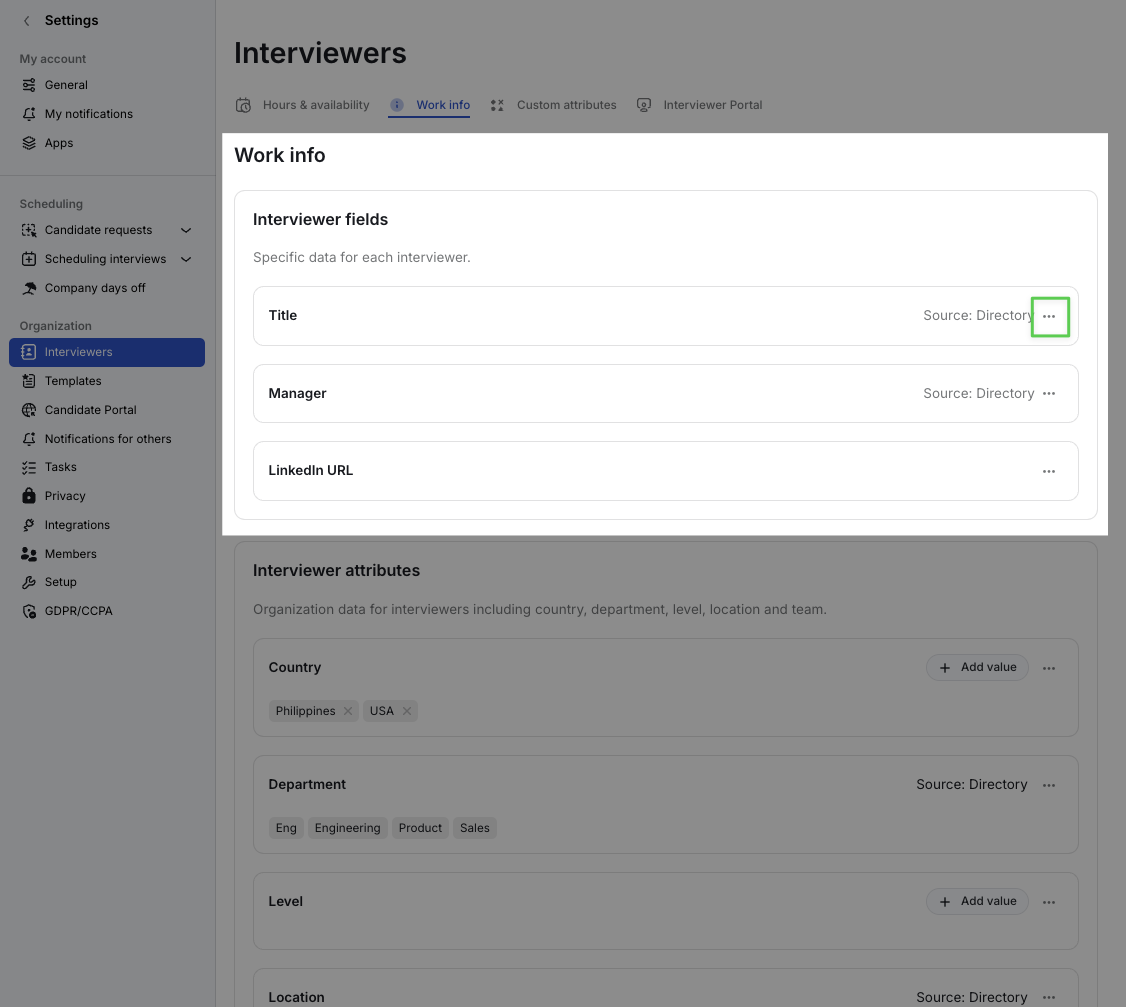
Title
Work Info → Interviewer fields → Title
Set Title property’s Source to SCIM
Manager
Work Info → Interviewer fields → Manager
Set Manager property’s Source to SCIM
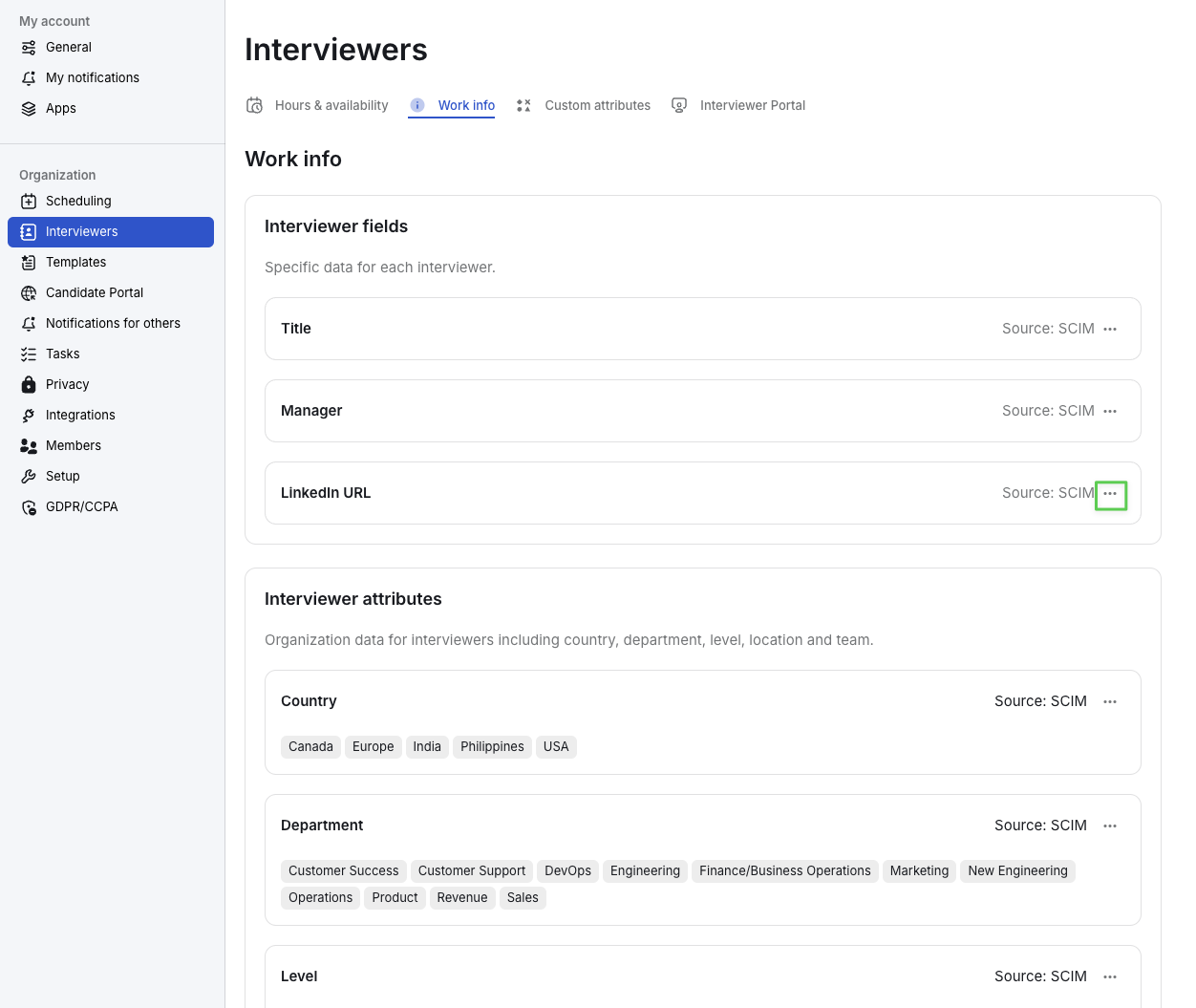
LinkedIn URL
Work Info → Interviewer fields → LinkedIn URL
Set LinkedIn URL property’s Source to SCIM
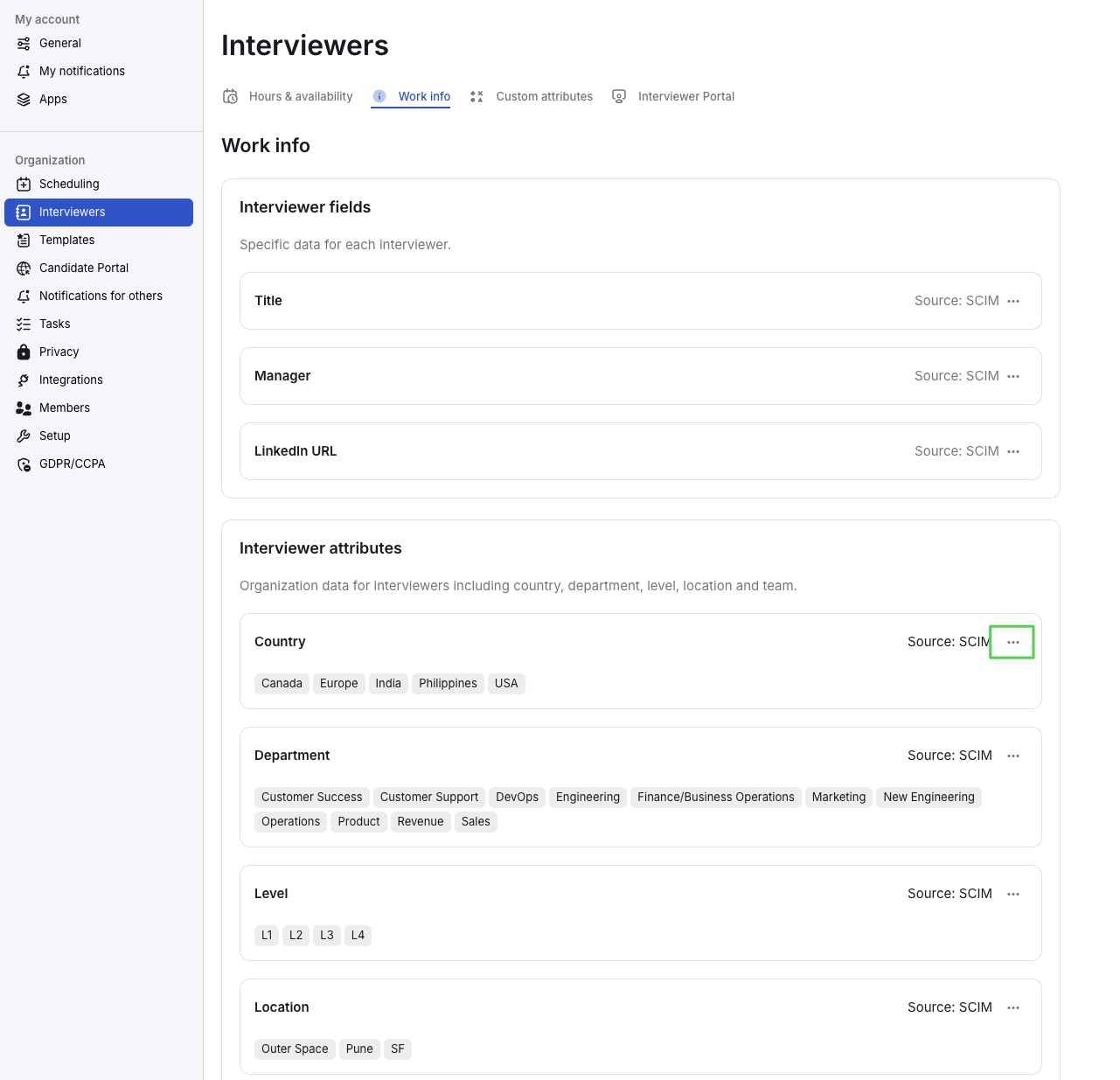
Country
Work Info → Interviewer attributes → Country
Set Country property’s Source to SCIM
Level
Work Info → Interviewer attributes → Level
Set Level property’s Source to SCIM
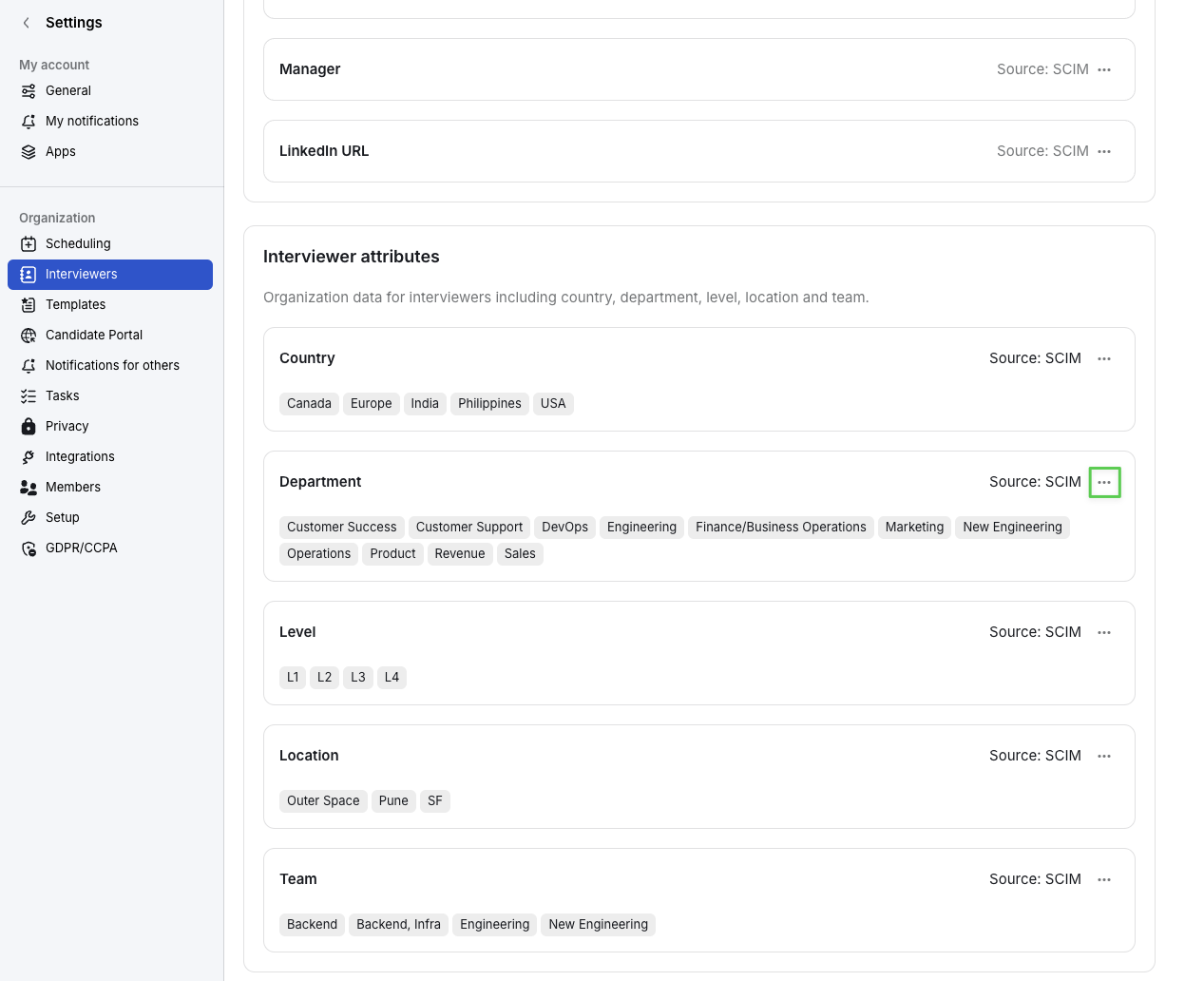
Department
Work Info → Interviewer attributes → Department
Set Department property’s Source to SCIM
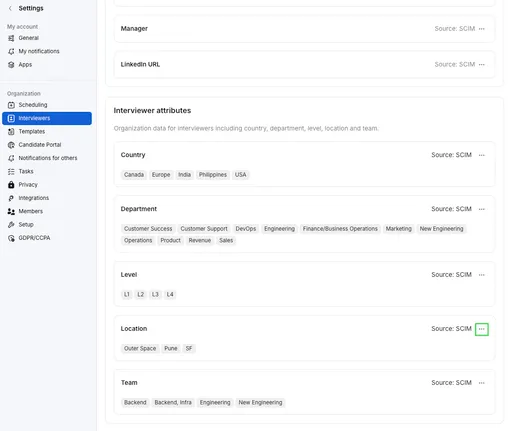
Location
Work Info → Interviewer attributes → Location
Set Location property’s Source to SCIM
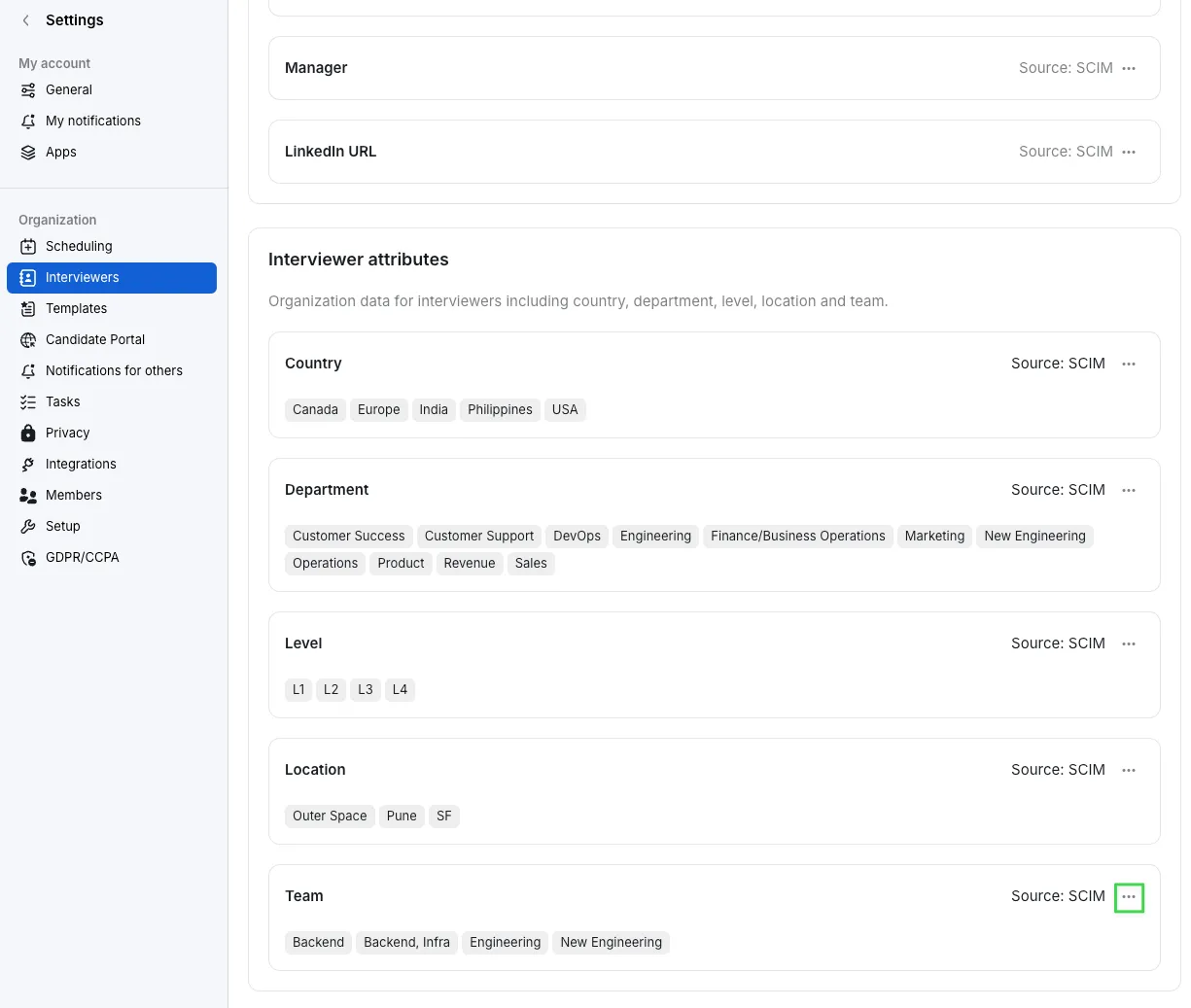
Team
Work Info → Interviewer attributes → Location
Set Team property’s Source to SCIM
Map Interviewer Attributes via SCIM (for IT and Security Teams)
In Azure please use Enterprise App→Custom Attributes to map ModernLoop→Interviewer Properties using SCIM.
Create a Custom Attribute
You must enable the creation of custom attributes for the SAML Application on Azure AD / Entra ID.
Open the SAML Enterprise App in Azure.
Navigate to the Provisioning section.
Click Edit Attribute Mappings.
Test the connection by entering the correct Tenant URL and Secret Token, then click Test Connection.
Expand the Mappings section and select Provision Microsoft Entra ID Users.
Scroll to the bottom and select Show Advanced Options.
Click Edit Attribute List for Custom SSO App.
If unavailable, use the Azure AD portal with schema full enabled.
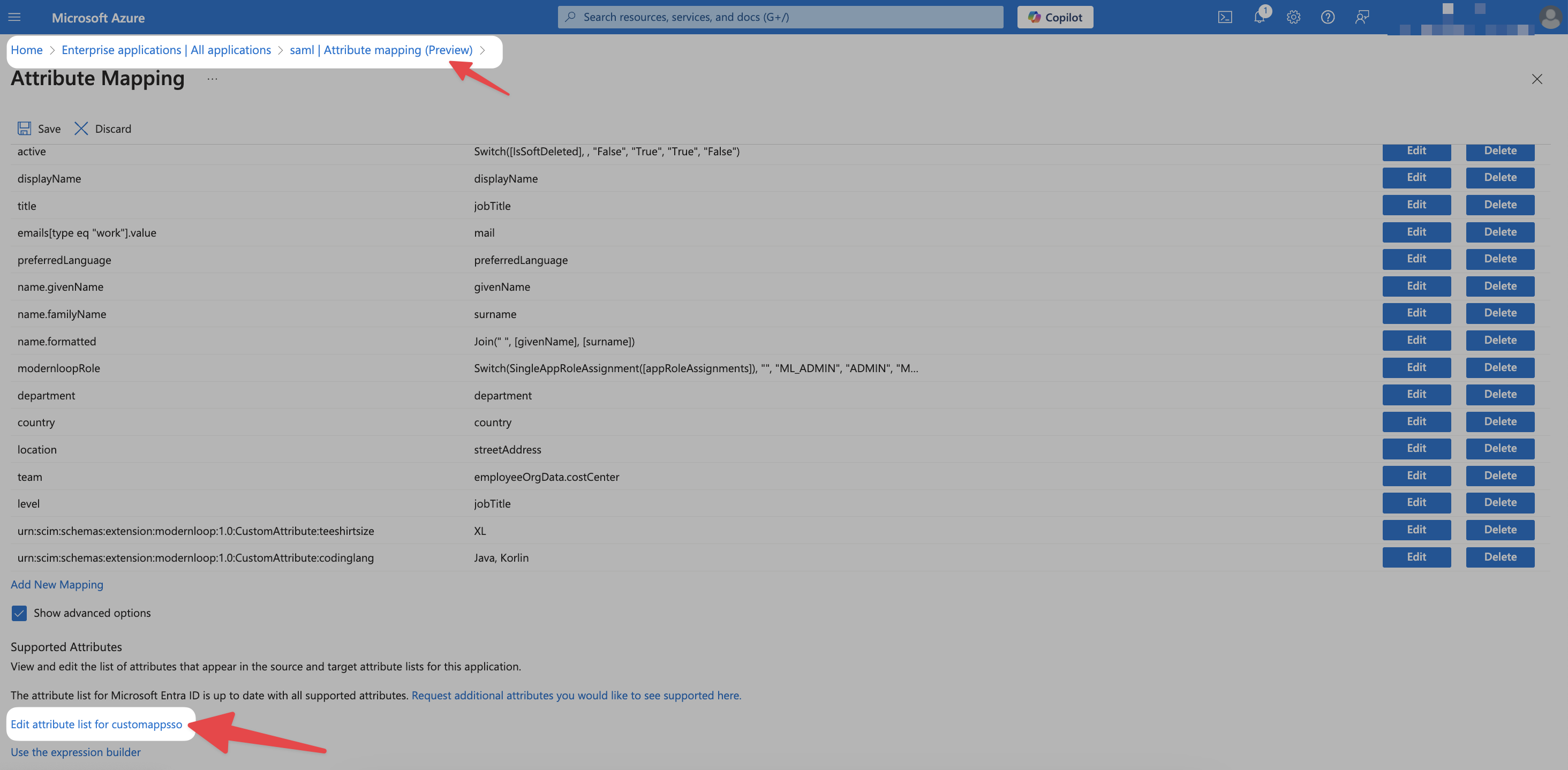
Add a custom attribute: (example given)
Name:
department
Data Type:
String.
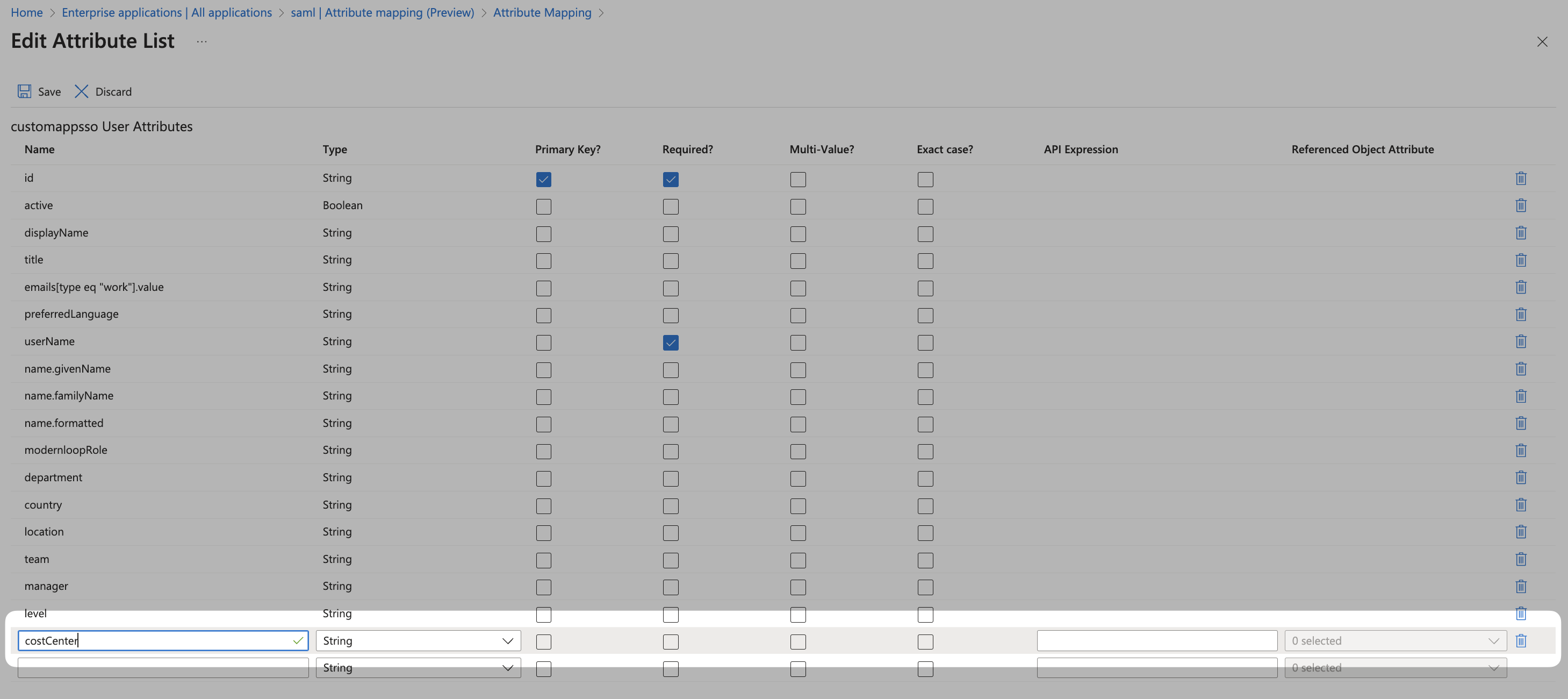
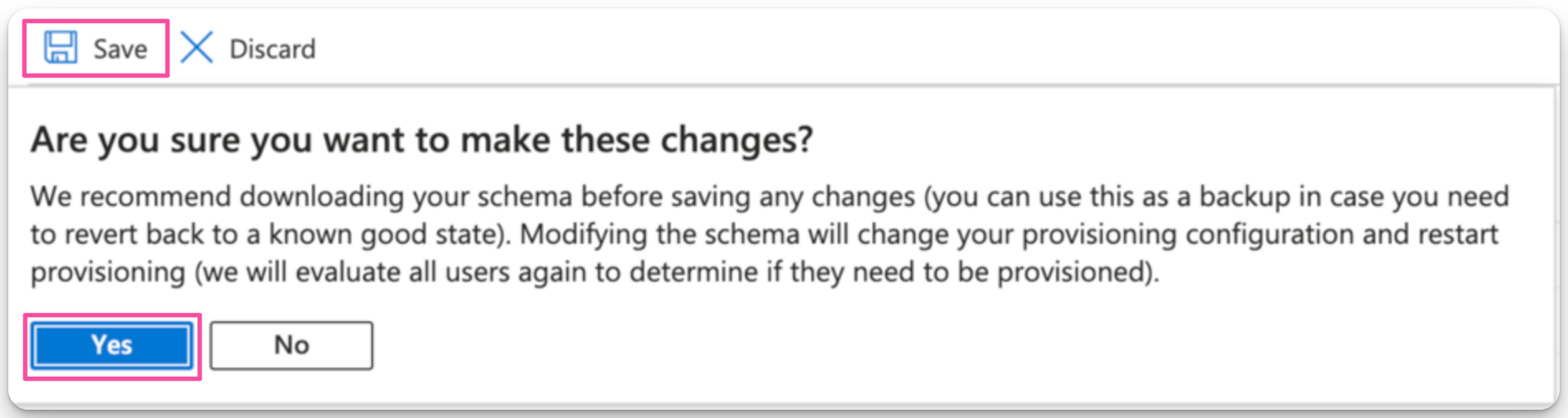
Save the configuration and click Save, then Yes.
Interviewer Properties in ModernLoop
Following specific Custom Attributes will be displayed in “Work Info” section ModernLoop (Under settings → organization → interviewers)
Attribute | Interviewer Work Info Property in ModernLoop |
title | Maps to the |
manager_email | Maps to the |
country | Maps to the |
department | Maps to the |
level | Maps to the |
location | Maps to the |
All other Custom Attributes will be shown in “Custom Attributes” section ModernLoop (Under settings → organization → interviewers)
Run SCIM Provisioning
Once the setup is complete, run SCIM provisioning again to sync these roles with ModernLoop.