Ashby Integration
Last updated: February 9, 2026
ModernLoop's integration with Ashby leverages the API to provide the following functionalities:
Sync candidate information between Ashby and ModernLoop.
Enable seamless navigation between candidate profiles in Ashby and ModernLoop.
Import jobs, job stages, scorecards, and interview plans.
If you’re an existing ModernLoop customer planning to transition to a new ATS, please notify your CSM or email support@modernloop.io at least 2 weeks before your target transition date.
See📄 ATS Transitioning Planfor additional information.
Prerequisites
The Ashby user setting up the integration must have Organization Admin access in Ashby.
The Ashby user setting up the integration must also have Admin access in ModernLoop.
Instructions
Create an API Key for the Ashby/ModernLoop Integration
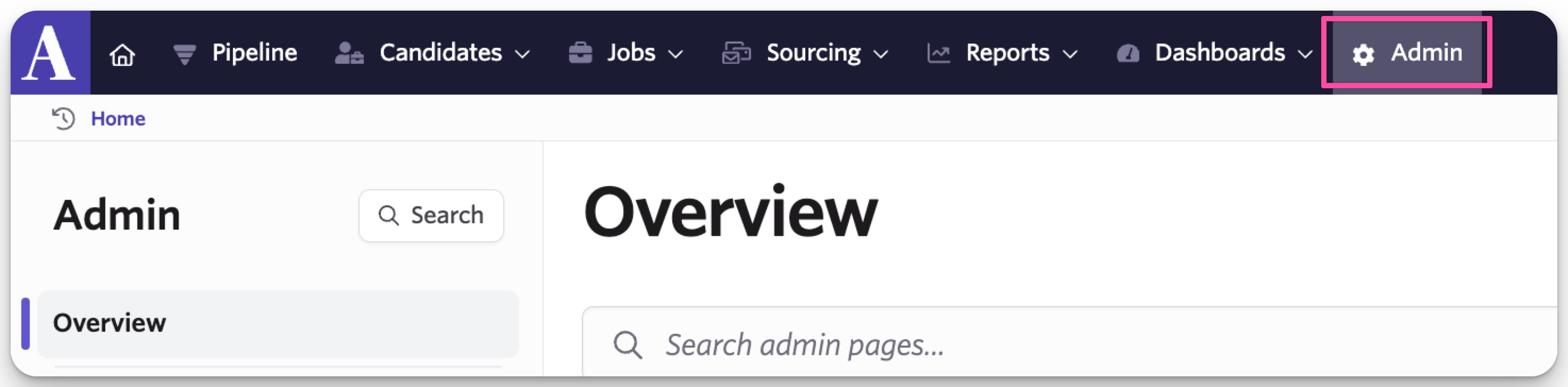
In Ashby, navigate to the Admin tab.
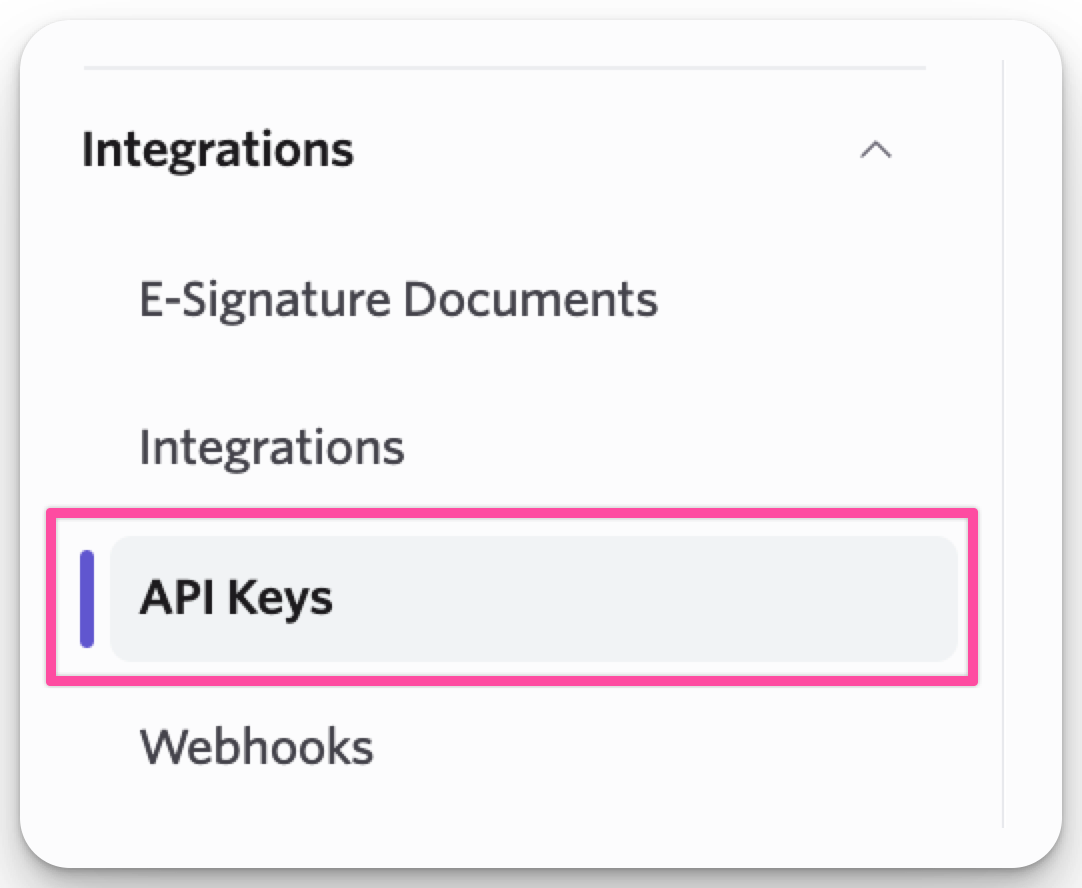
Go to Integrations → API Keys.
Click + New.

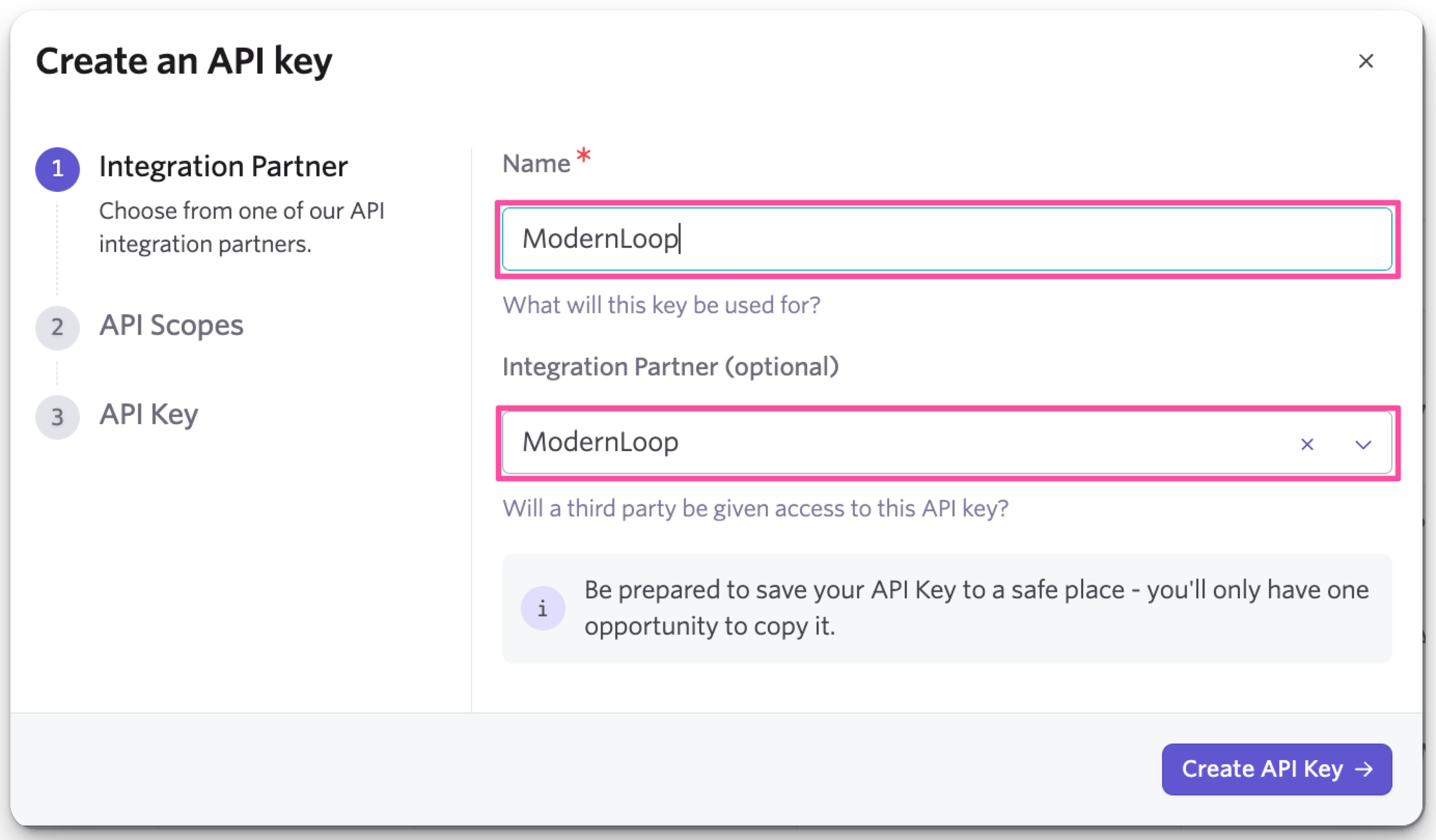
In the modal:
Enter "ModernLoop" in the Name field.
Select ModernLoop from the Integration Partner dropdown.
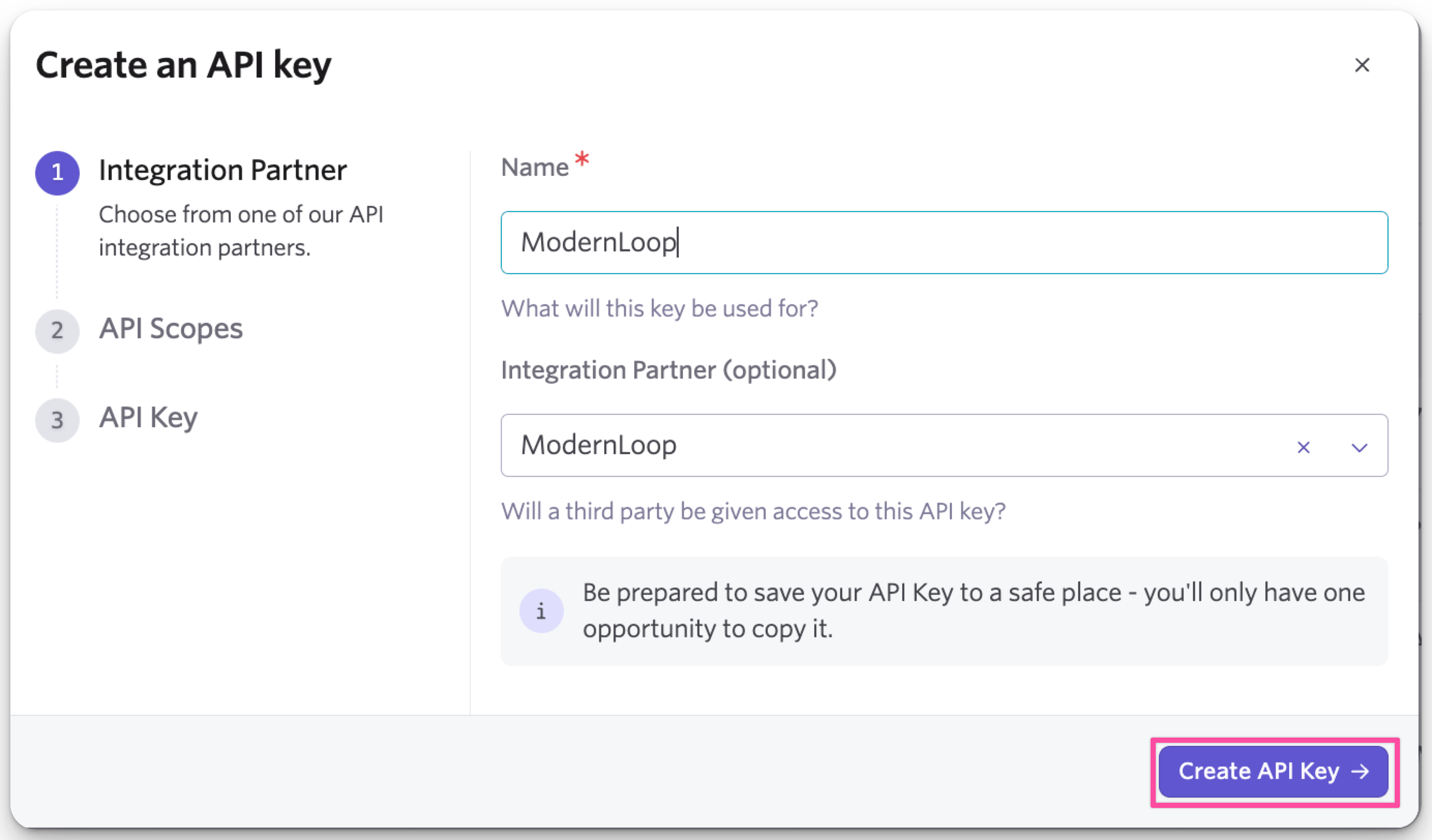
Click Create API Key at the bottom of the modal.
Use the Copy icon to copy the API Key, or click Copy & Close.
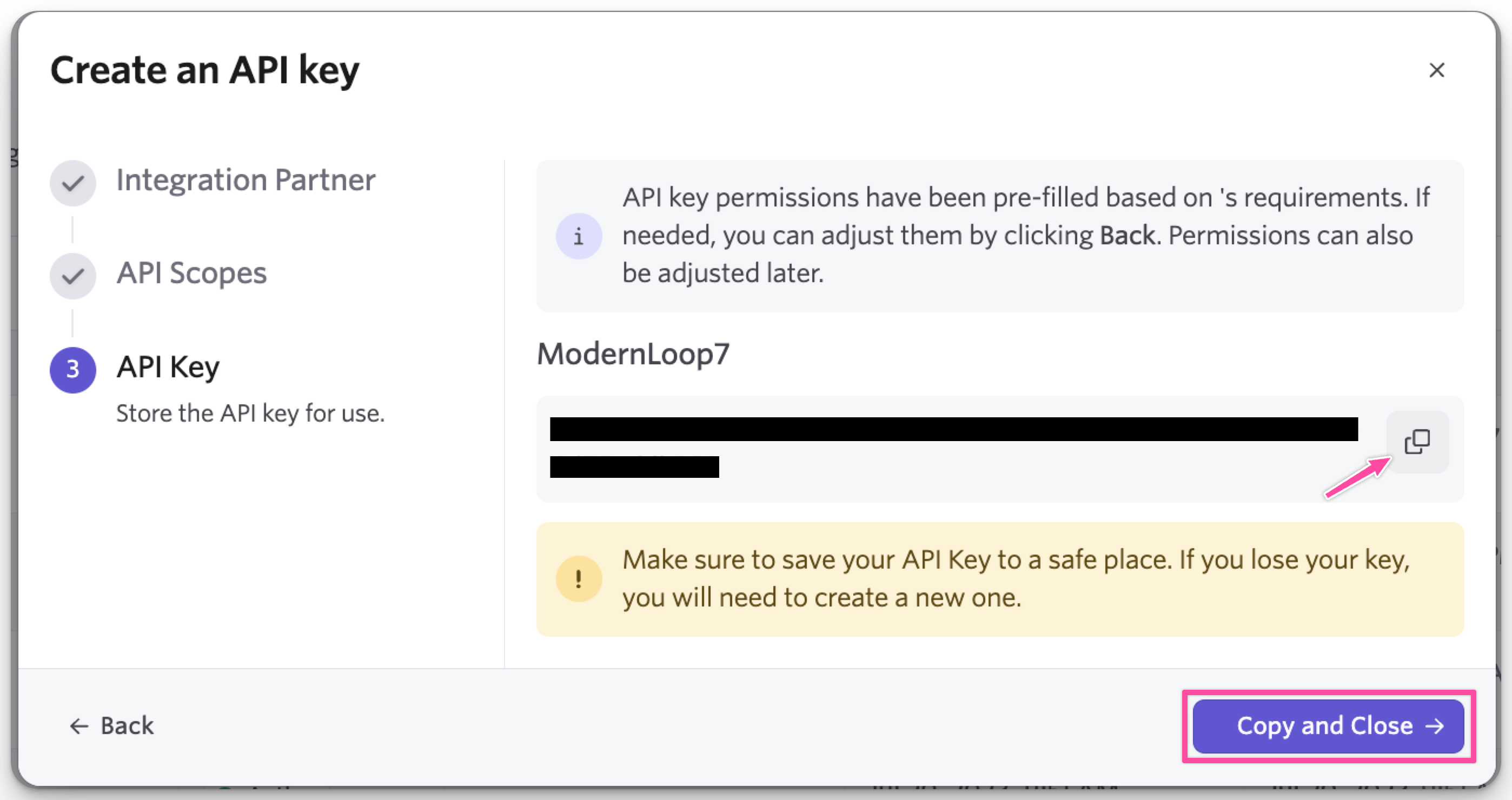
Important: Once the modal is closed, you will no longer be able to copy the API Key.
Provide the API Key to ModernLoop
Log in to your ModernLoop account at https://app.modernloop.io/.
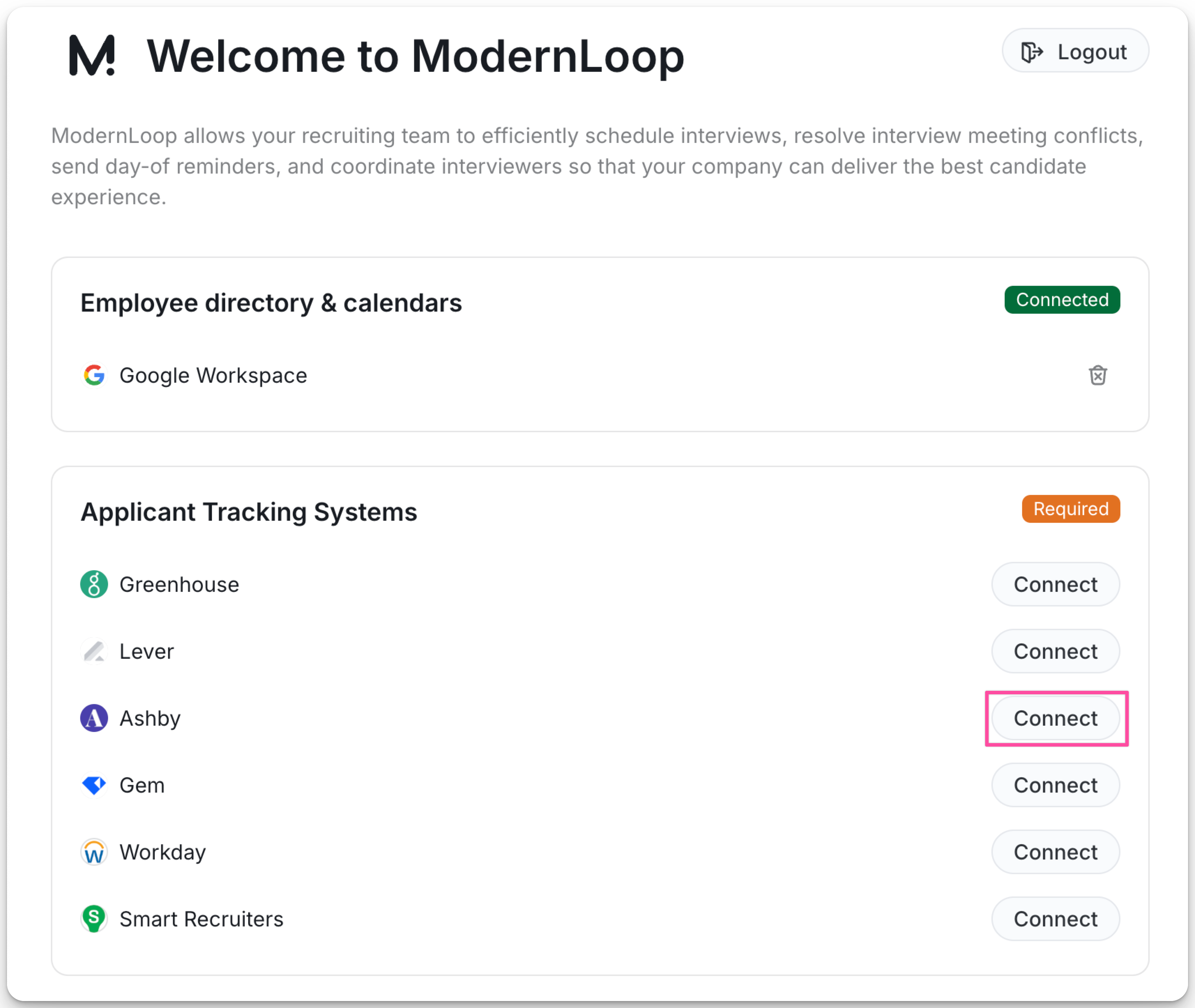
Find Ashby in the Applicant Tracking System section and click Connect.
Paste the API Key into the field.
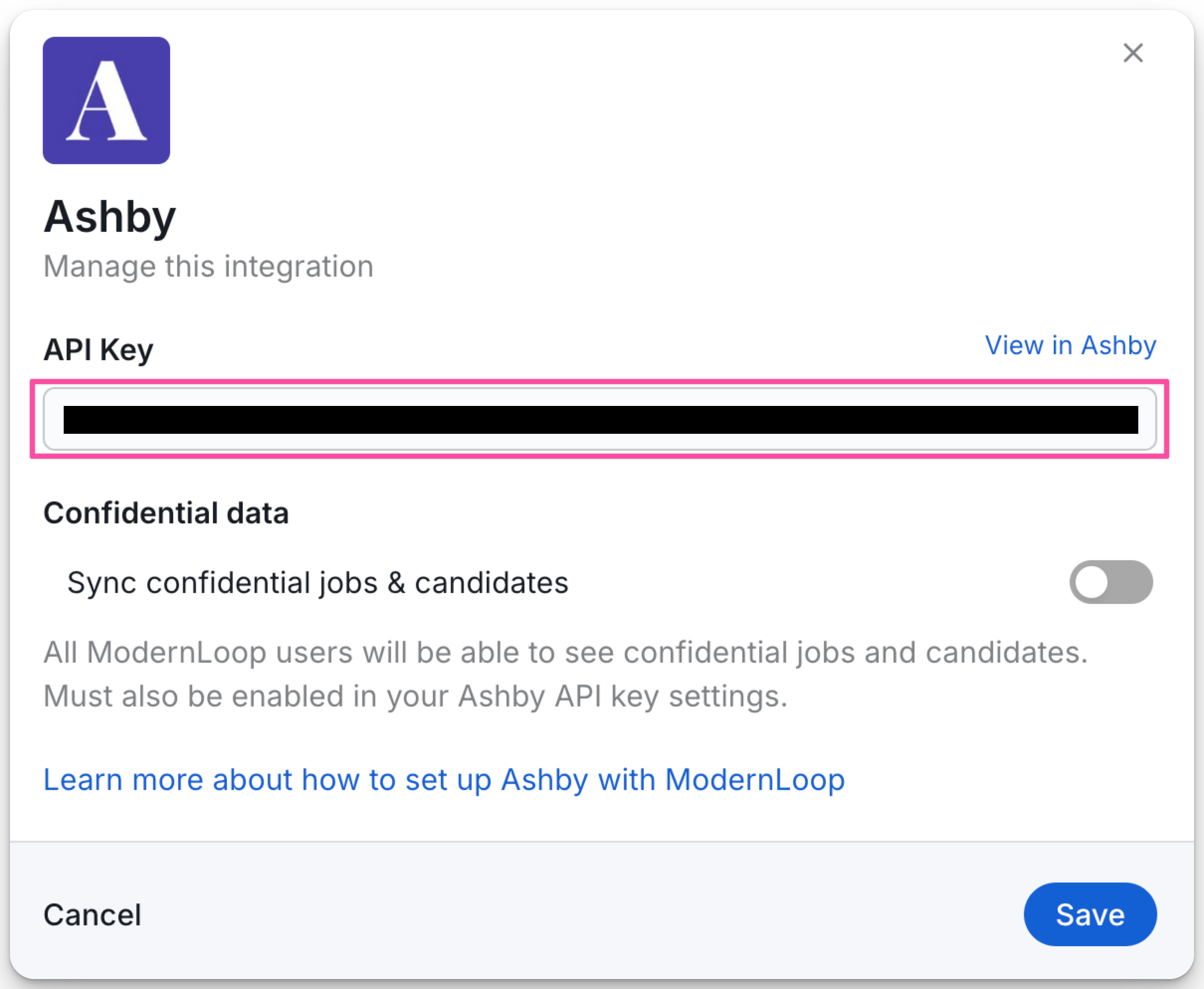
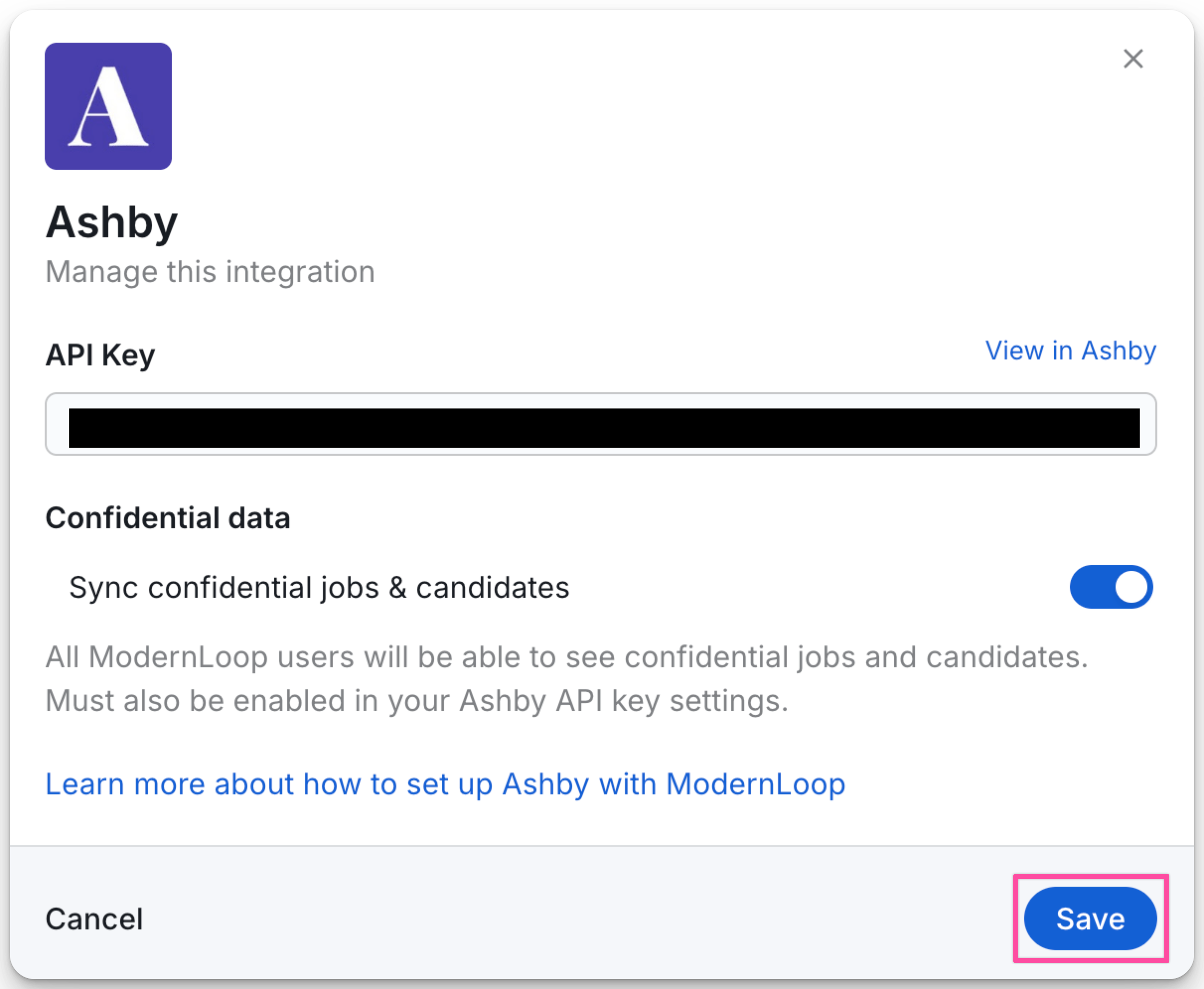
(Optional) Toggle Sync confidential jobs & candidates to ON if you would like to be able to see confidential jobs and candidates in ModernLoop.
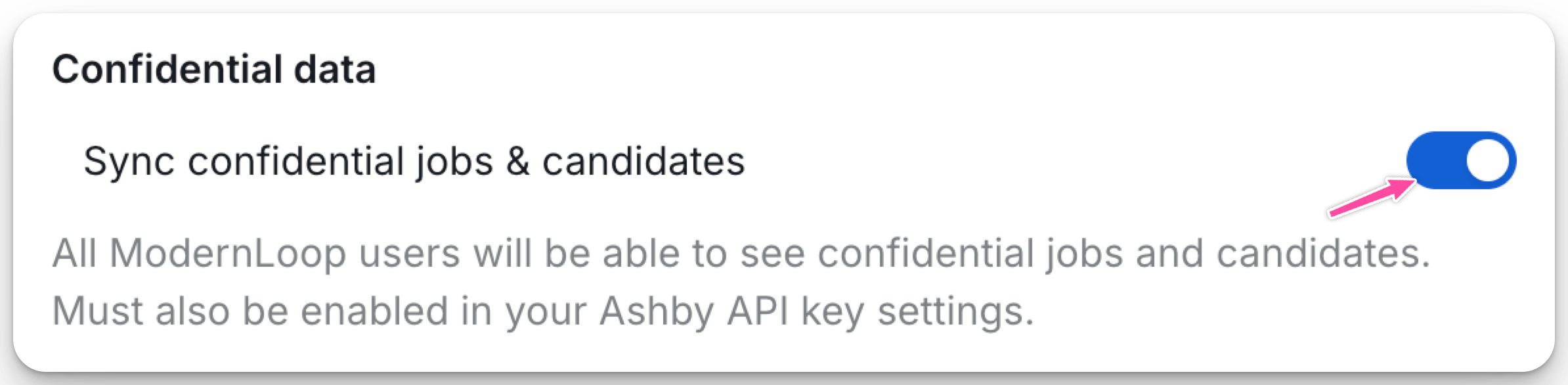
In Ashby, be sure to check the box in your API setup under Other Permissions to Allow access to confidential jobs and projects? This setting in Ashby must be checked in order for ModernLoop to Sync confidential jobs and candidates.
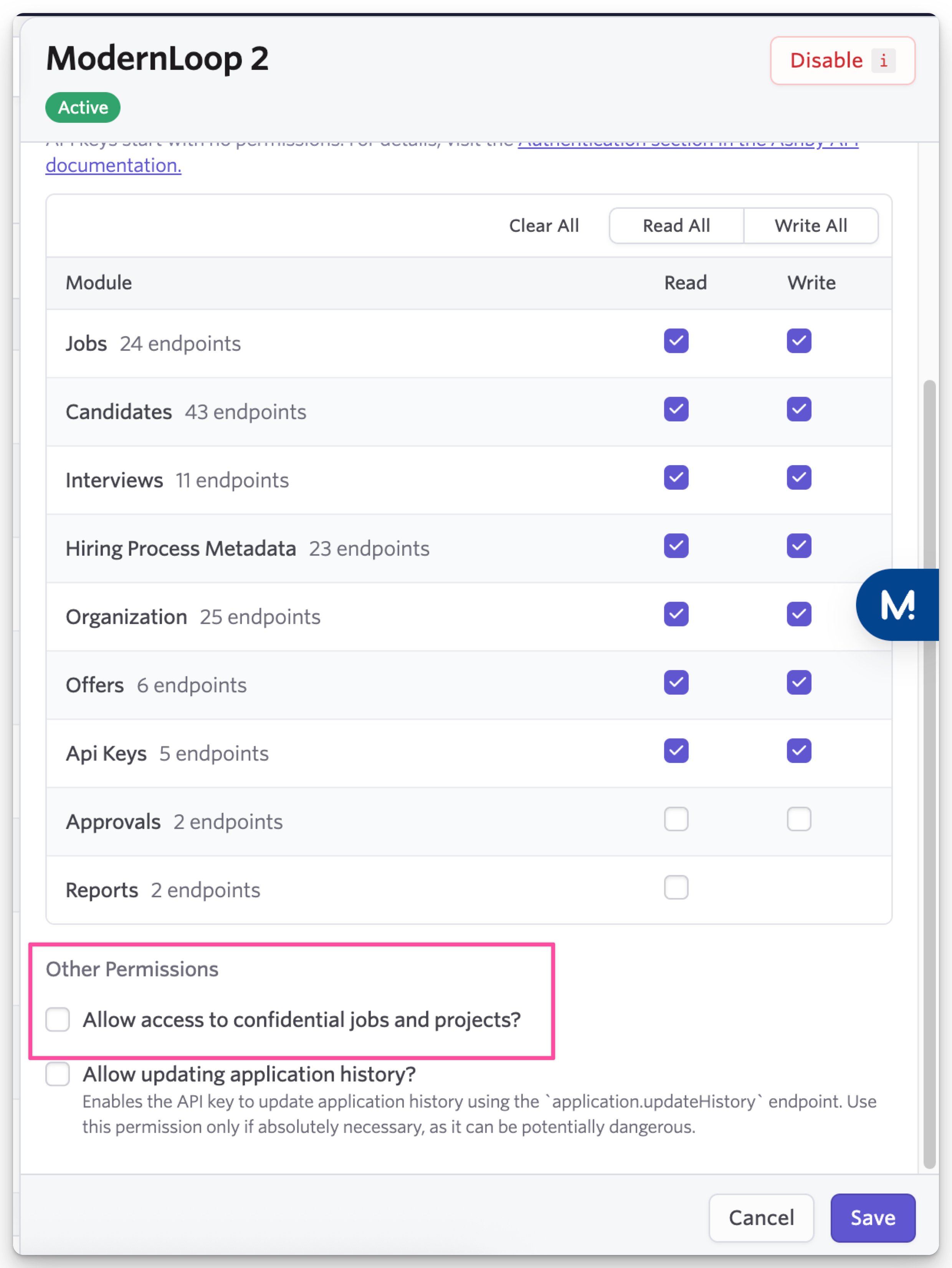
Click Save.
API Permission List
The following permissions are required for the ModernLoop integration:
Note: These permissions are automatically assigned when selecting ModernLoop in Step 4 of creating the API Key. The list below is for reference.
Read Endpoints:
Jobs
Hiring Process Metadata
Organization
Read and Write Endpoints:
Candidates
Interviews
API Keys
Allowing ModernLoop to View Confidential Jobs
If you want ModernLoop to access confidential jobs, update the API Key settings in Ashby:
Navigate to Admin → Integrations → API Keys.
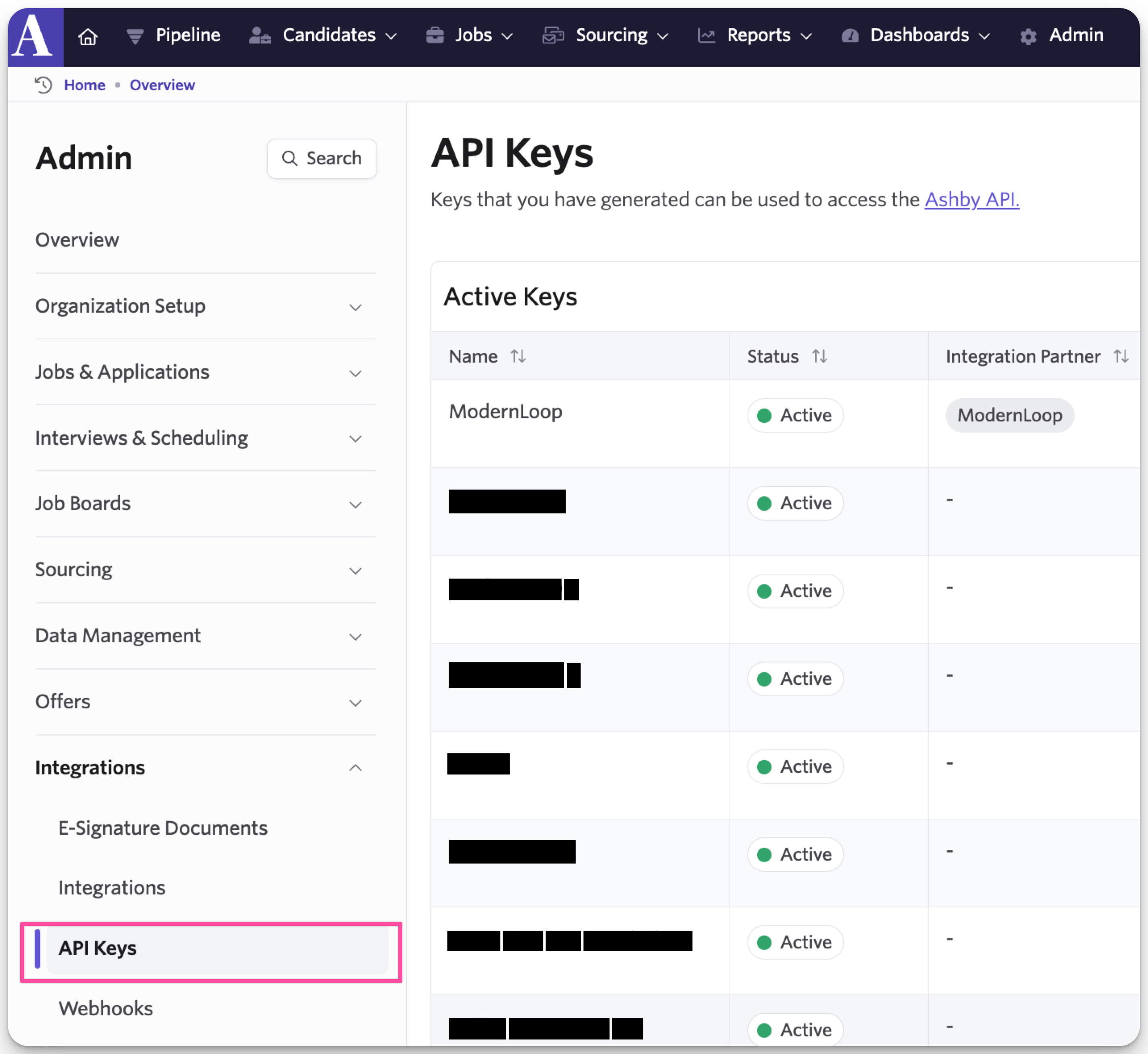
Select the ModernLoop API Key.

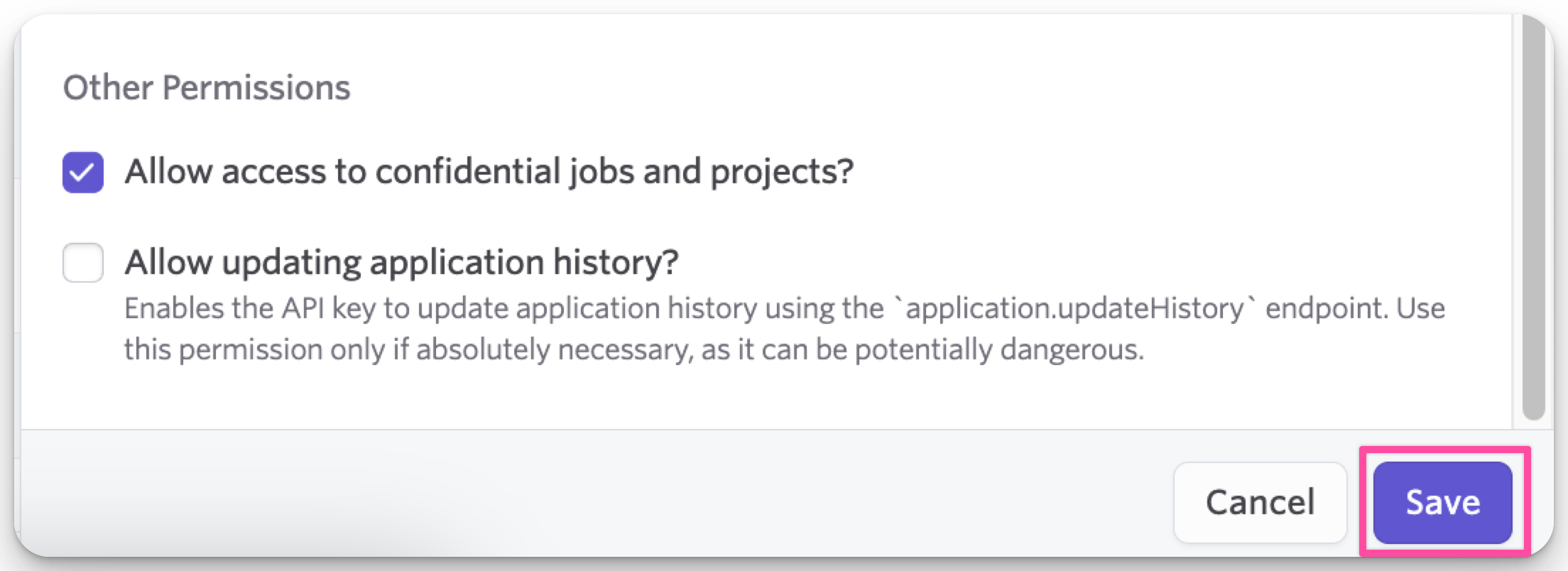
Check the box for Allow access to confidential jobs and projects.
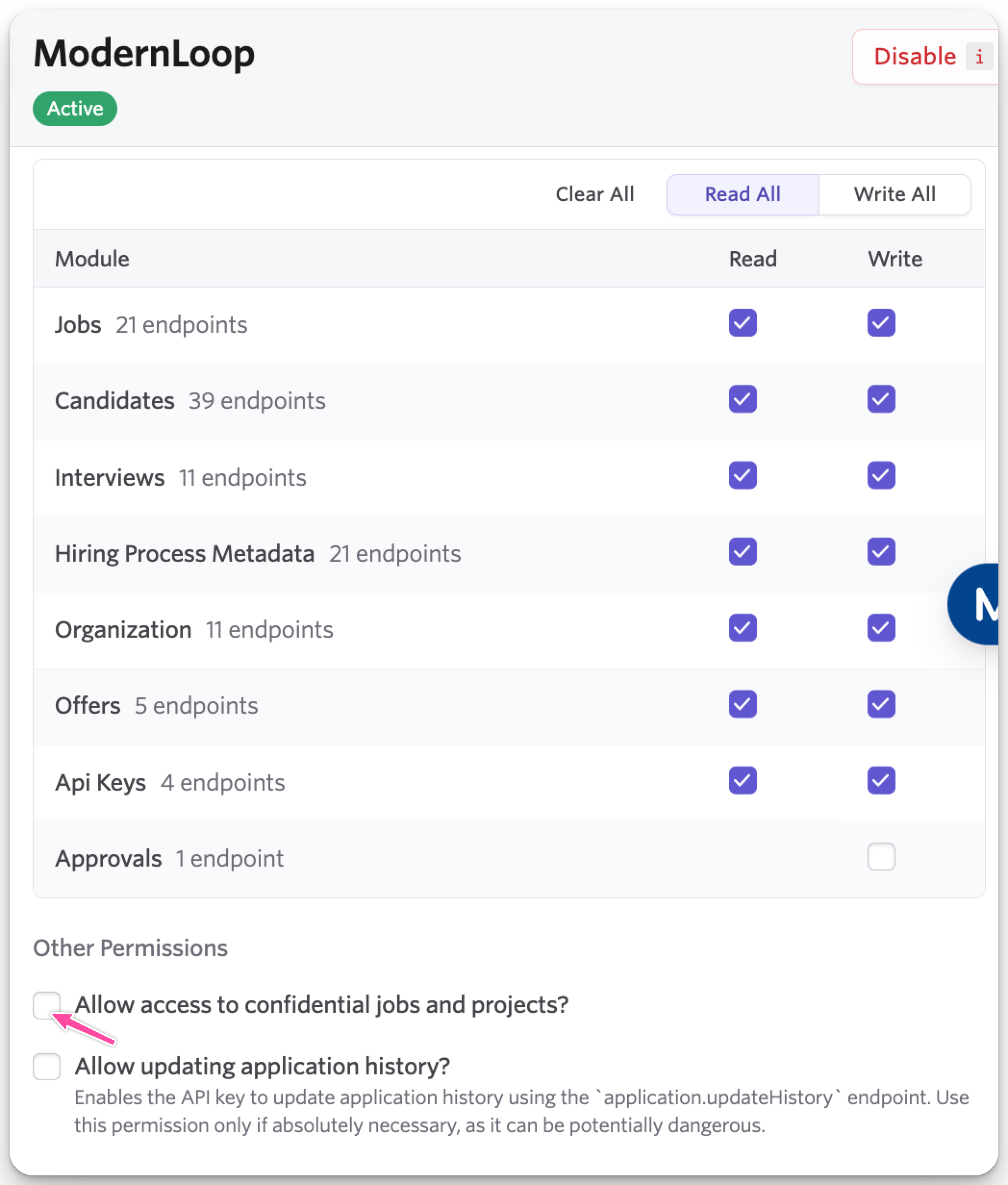
Click Save.
Note: This setting enables ModernLoop to view confidential roles. However, it is not user-specific due to an Ashby API limitation.