Gem Integration (Beta)
Last updated: February 9, 2026
ModernLoop's integration with Gem utilizes the API to enable the following features:
Synchronize candidate information between Gem and ModernLoop.
Seamless navigation between candidate profiles in Gem and ModernLoop.
Import jobs, job stages, scorecards, and interview plans.
The Gem ATS integration is currently in beta. If you are a current ModernLoop customer and wanting to switch from your existing ATS to Gem, please contact your Customer Success Manager for more information. If you are a prospective customer for ModernLoop and are currently using Gem as your ATS, please reach out to your Account Executive for more information.
If you’re an existing ModernLoop customer planning to transition to a new ATS, please notify your CSM or email support@modernloop.io at least 2 weeks before your target transition date. See📄 ATS Transitioning Planfor additional information.
Prerequisites
The Gem user setting up the integration must have Admin access in Gem.
The Gem user setting up the integration must also have Admin access in ModernLoop.
Instructions
Create an API Key for the Gem/ModernLoop Integration
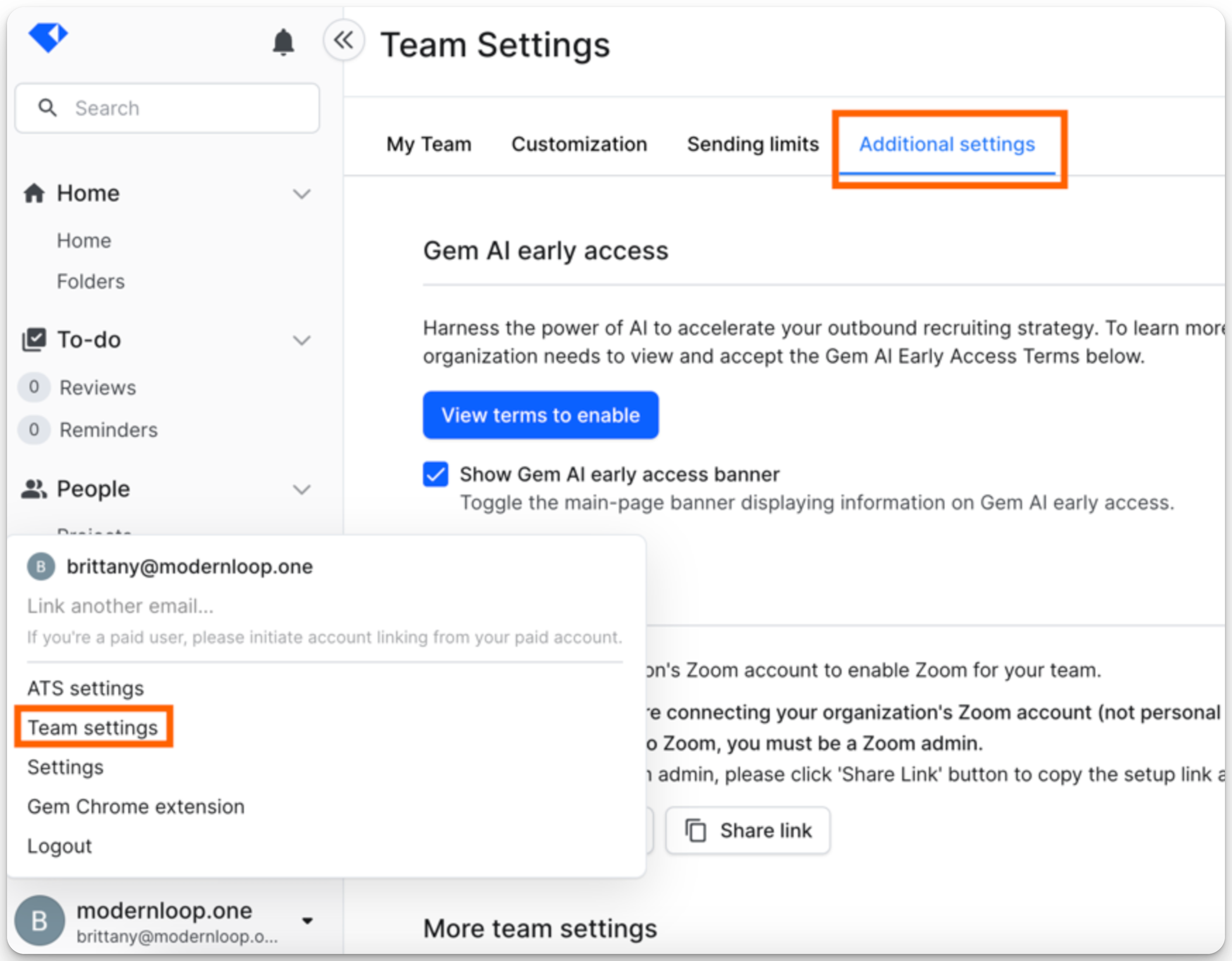
In Gem, navigate to Team Settings → Additional Settings.
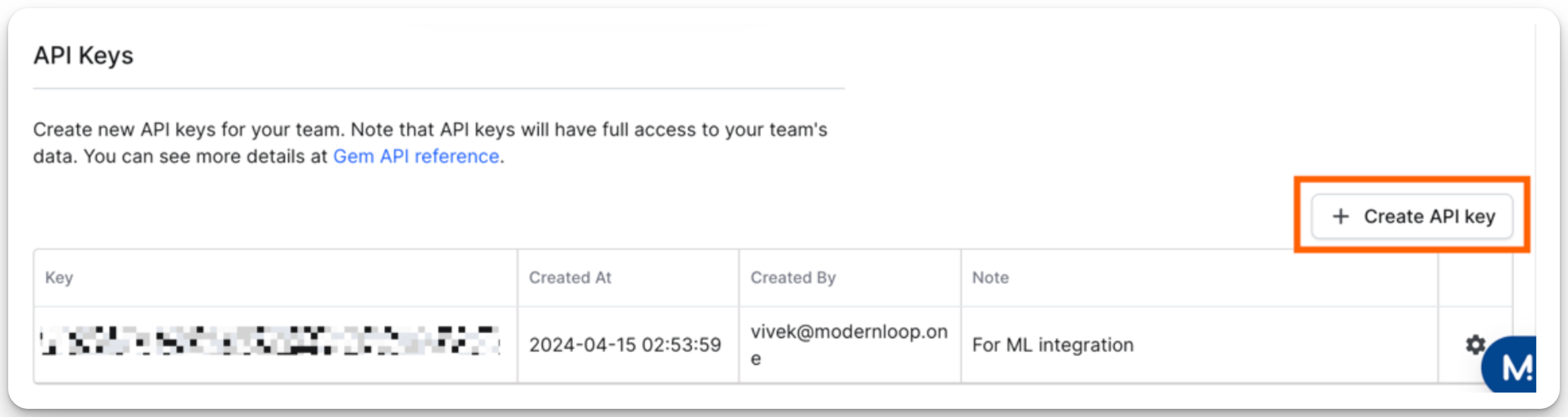
Scroll down to the API Keys section and select + Create API Key.
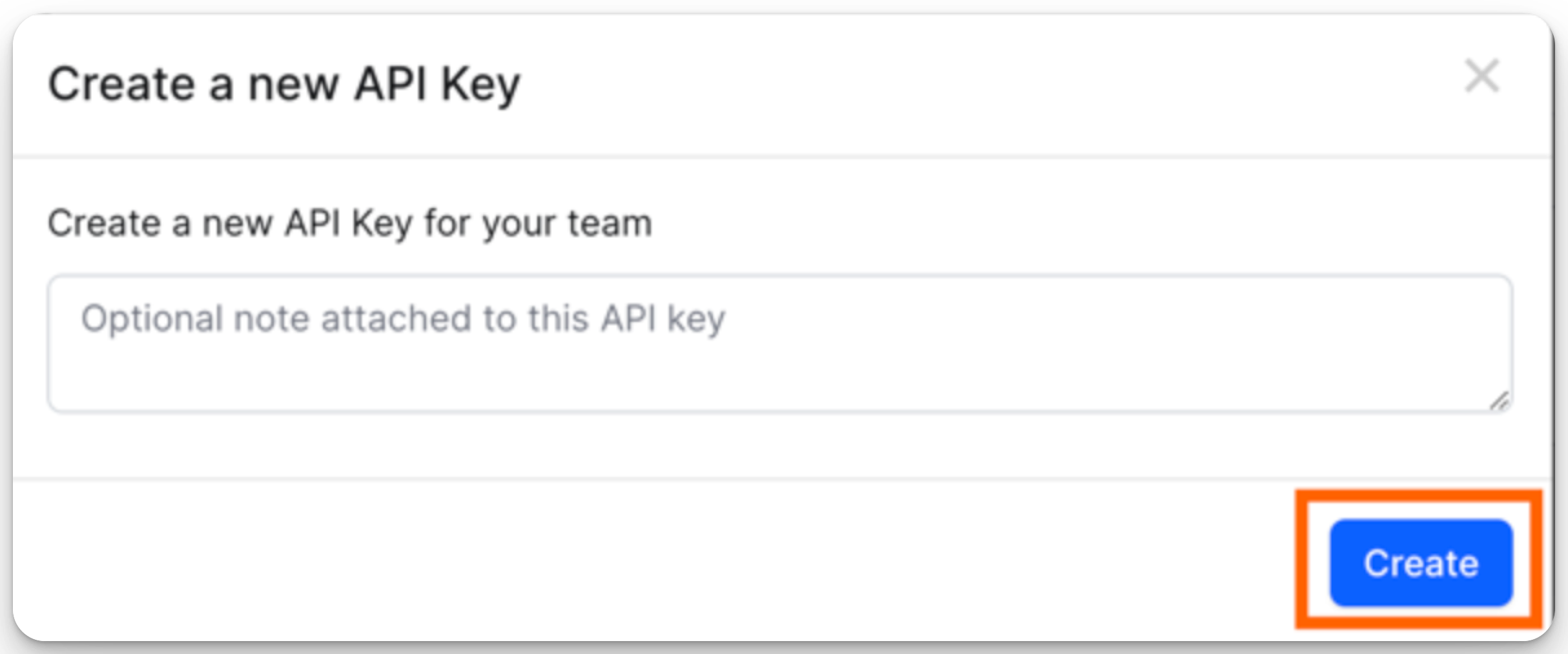
Add a note to identify the key, then select Create.
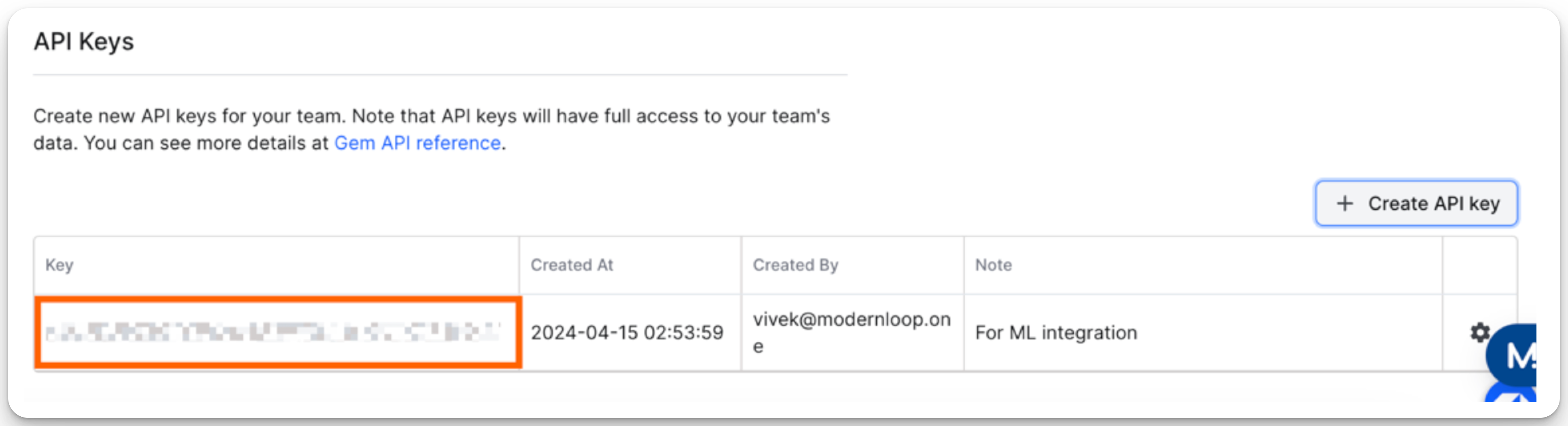
Copy the API Key from the table.
Provide the API Key to ModernLoop
Sign in to your ModernLoop account at https://app.modernloop.io/.
Navigate to the Integrations section.
Click Connect next to Gem in the Applicant Tracking System section.
Enter your API Key into the field and click Save.