ModernLoop Interviewer Role on Okta
Last updated: February 9, 2026
This article guides you through the steps to add the Interviewer role in Okta.
How to update Okta to include the INTERVIEWER Role:
Navigate to your Okta Admin dashboard
Navigate to your ModernLoop Okta App
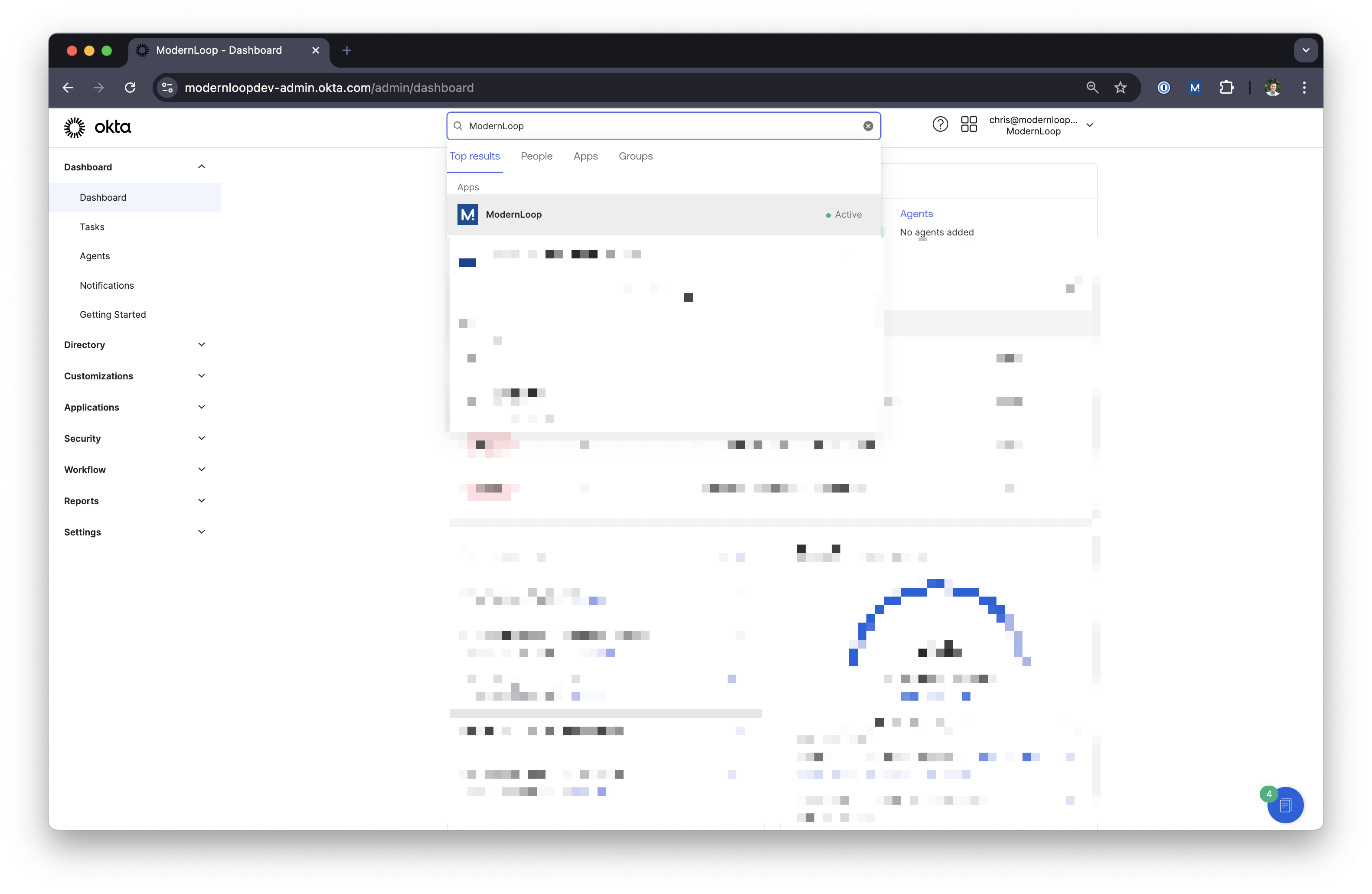
Click Provisioning
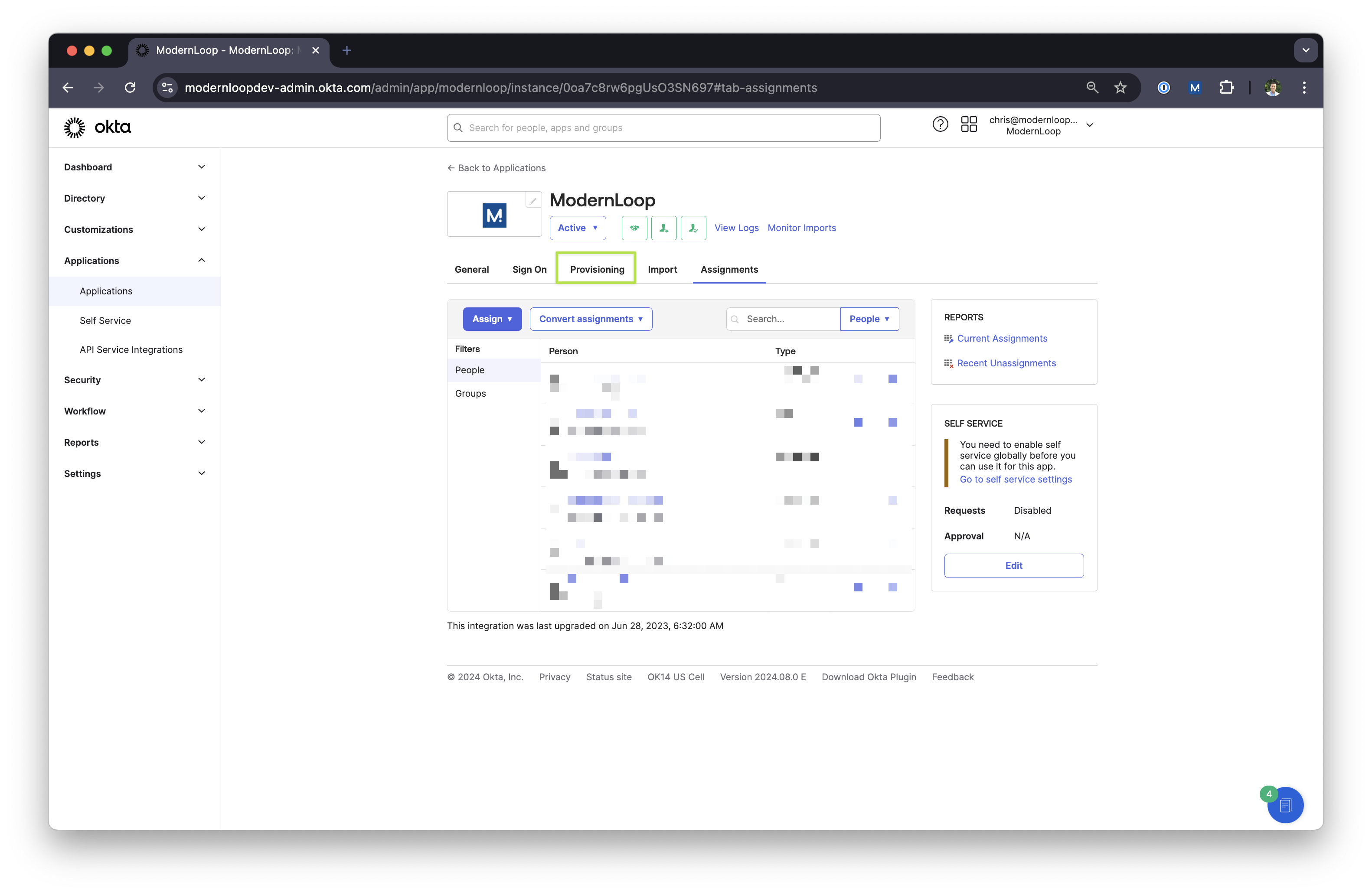
Click Go to Profile Editor
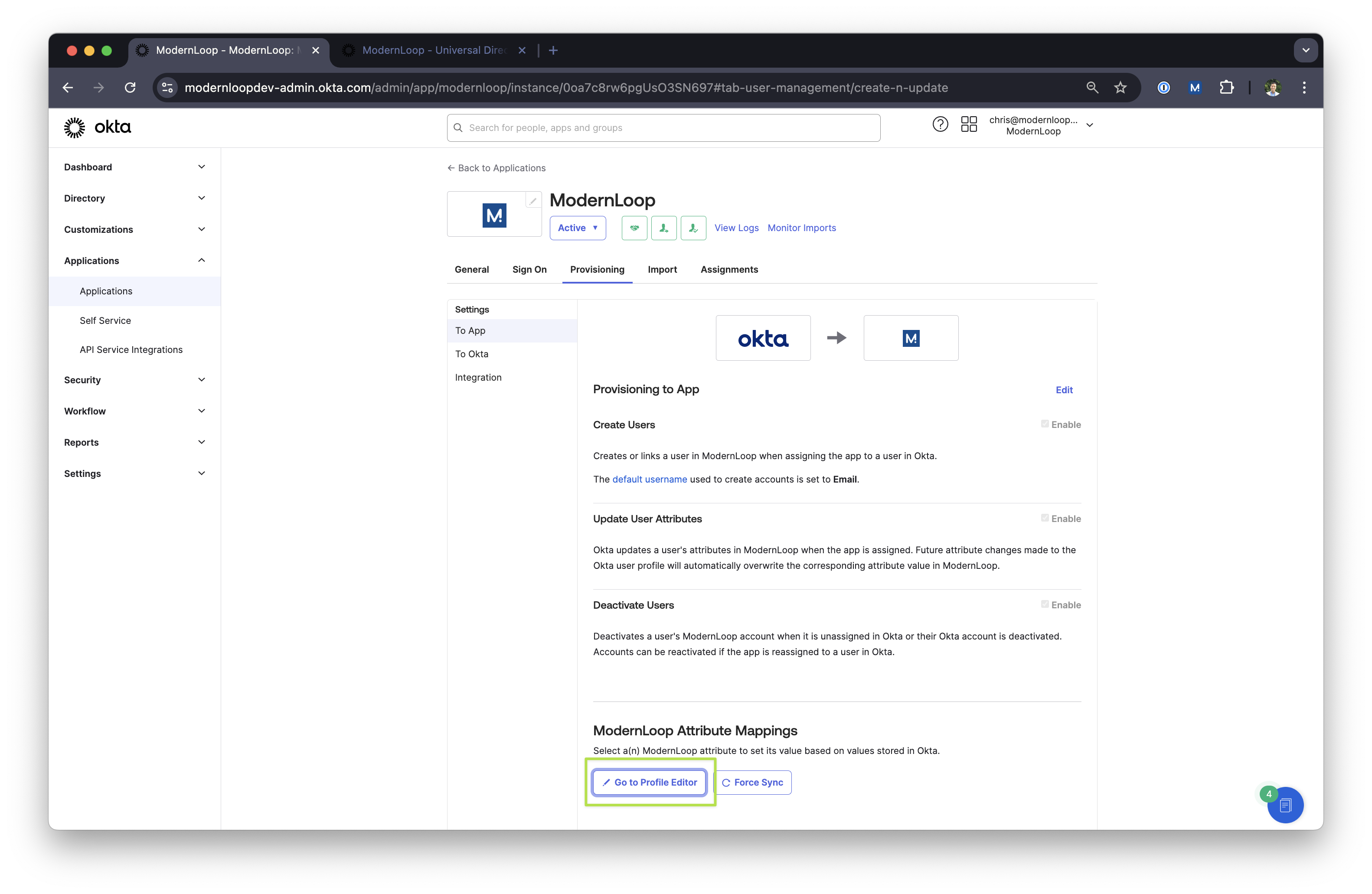
Click the pencil icon for ModernLoop Role
Click “Add Another” under “Attribute Members”
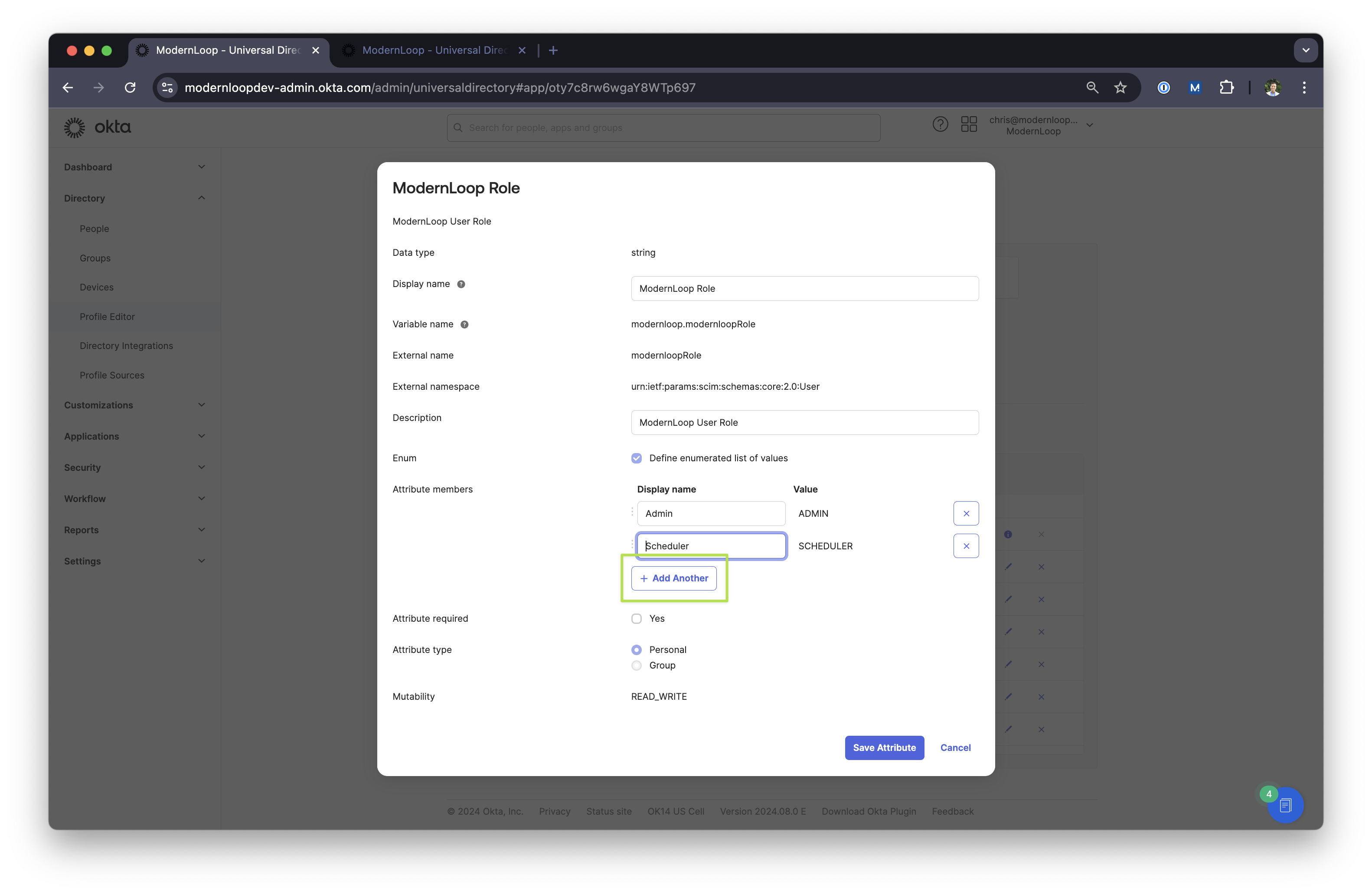
Type
Interviewerfor Display Name andINTERVIEWERfor Value.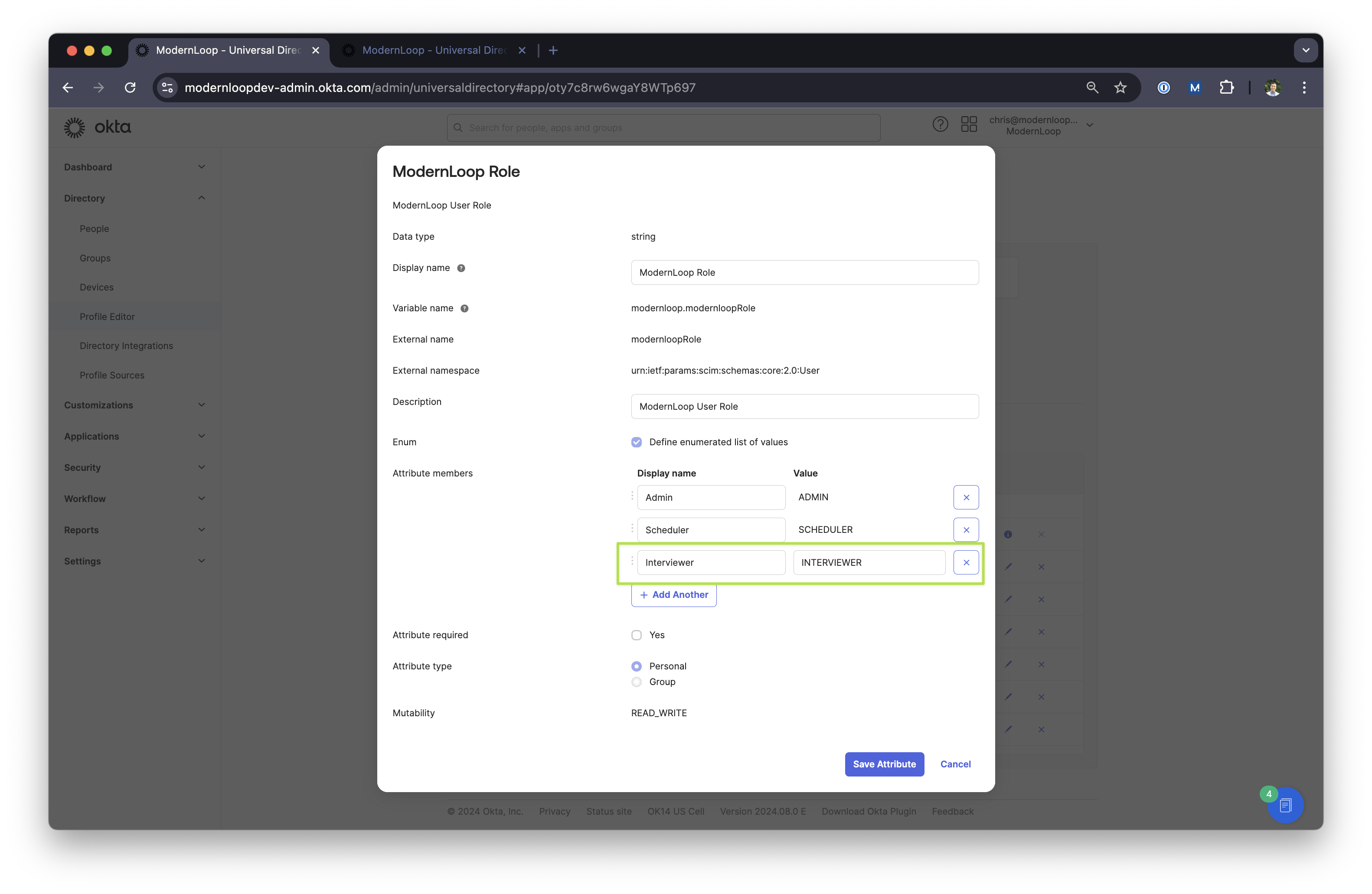
Choose
PersonalorGroupdepending on how you want to assign roles. If you can’t edit this, delete the attribute and recreate it with the values hereSave attribute
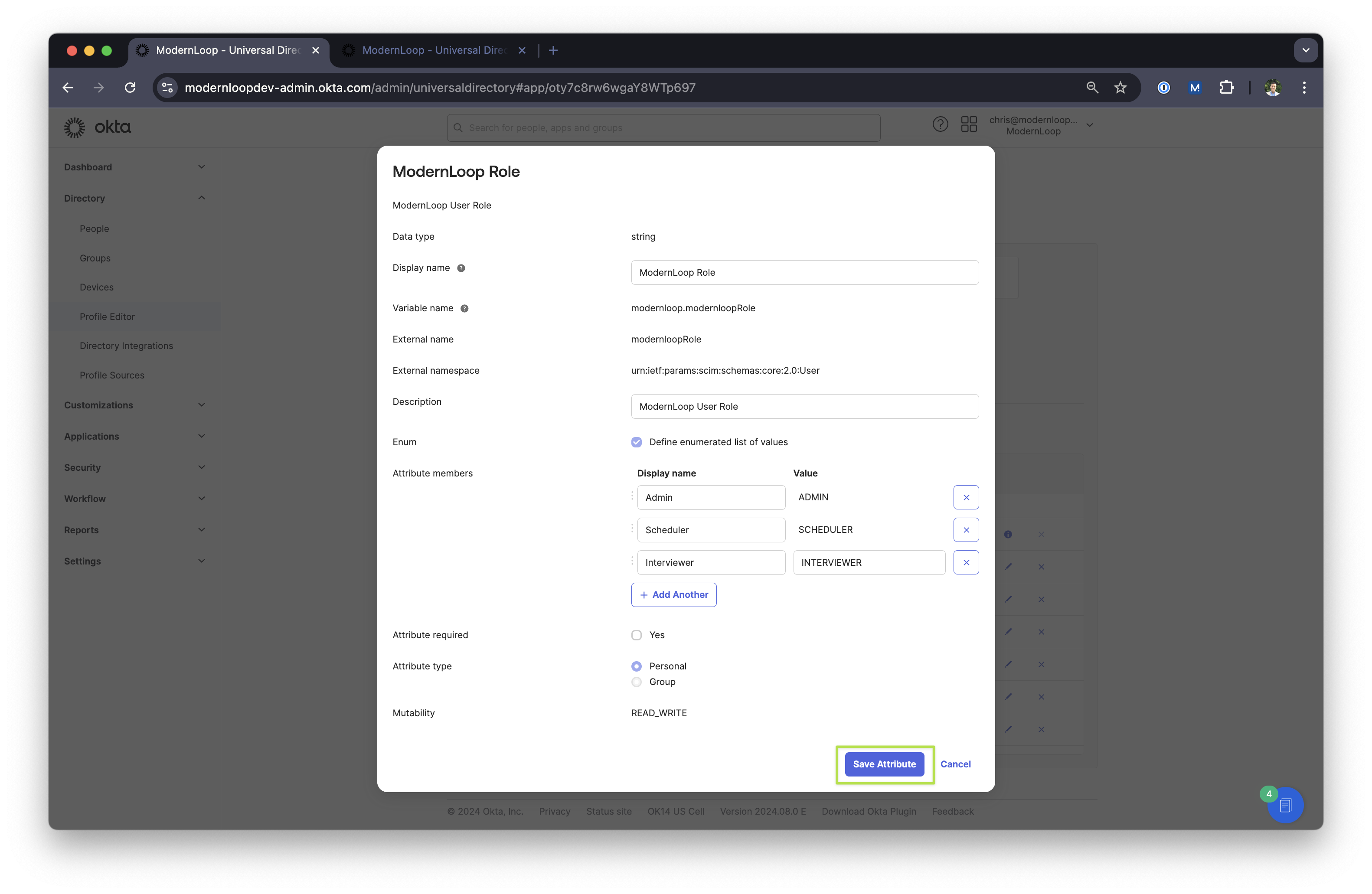
You should now have the Interviewer Permission Role!
If you need to recreate the attribute please set these values:
Data type | string |
Display name | ModernLoop Role |
Variable name |
|
External name |
|
External namespace |
|
Enum | Checked |
Attribute Members | Admin → ADMIN |
Attribute type | Personal OR Group* |