HackerRank
Last updated: February 5, 2026
This guide shows you how to integrate HackerRank with ModernLoop. HackerRank integrates with ModernLoop to create HackerRank interview sessions for candidates Your organization needs to add the HackerRank API key (Token key) to ModernLoop to generate HackerRank links.
Prerequisites
Before setting up the integration, ensure the following:
The HackerRank user configuring the integration must have admin access to HackerRank.
The user must also have admin access to ModernLoop.
If the HackerRank account generating the API key is deprecated, the integration will stop working. Best practice is to use a dedicated admin account or create a new HackerRank admin account specifically for this integration.
Instructions
Step 1: Generate an API Key in HackerRank
Log in to your HackerRank account at hackerrank.com.
Click the downward arrow next to the user icon in the top-right corner.
Select Settings from the drop-down menu.
In the left navigation pane, click API Access.
On the displayed page, click Generate New Token.
In the New Token dialog box:
Enter ModernLoop as the application name.
Click Generate Token.
Step 2: Connect HackerRank to ModernLoop
Log in to ModernLoop at app.modernloop.io.
Navigate to Organization Settings in the left navigation menu.
Go to the Integrations tab.
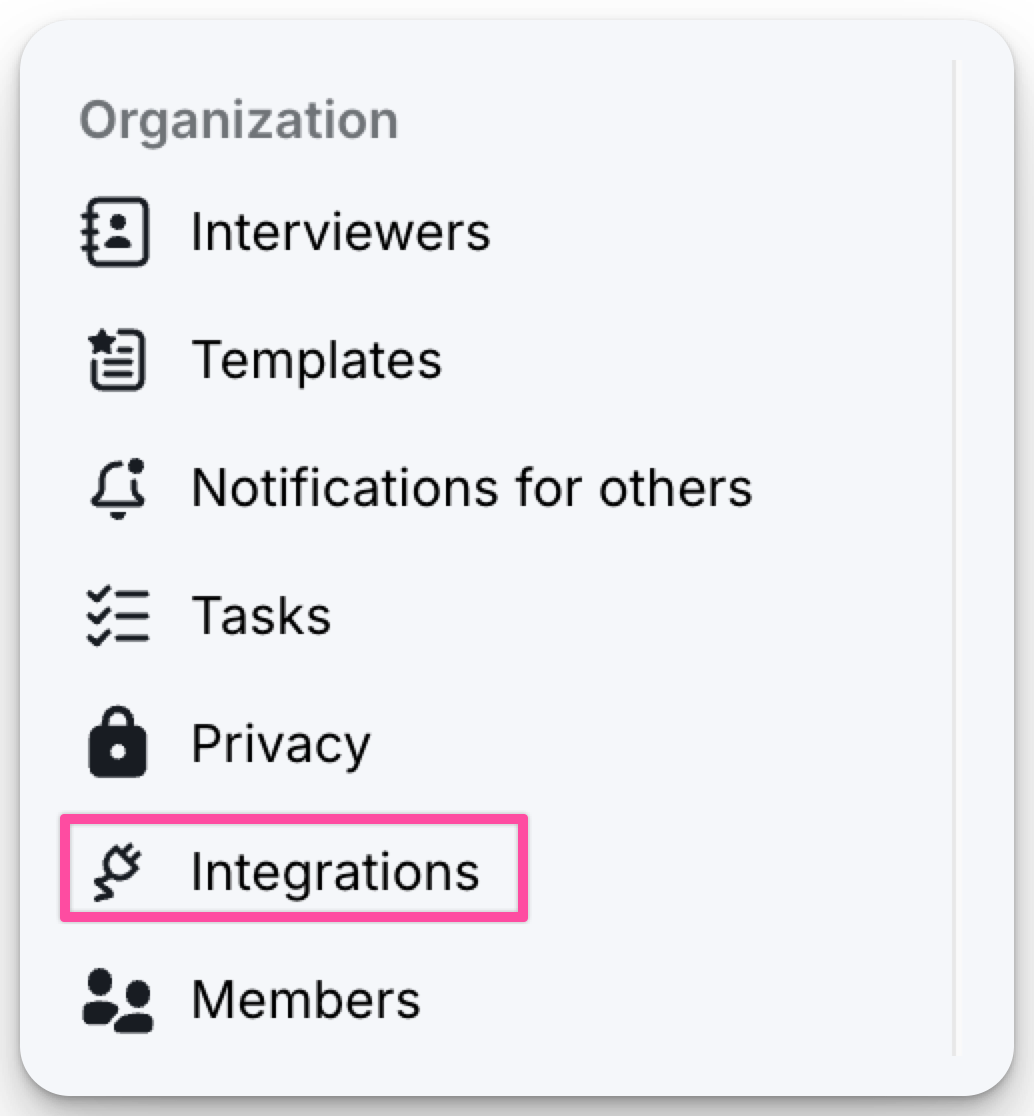
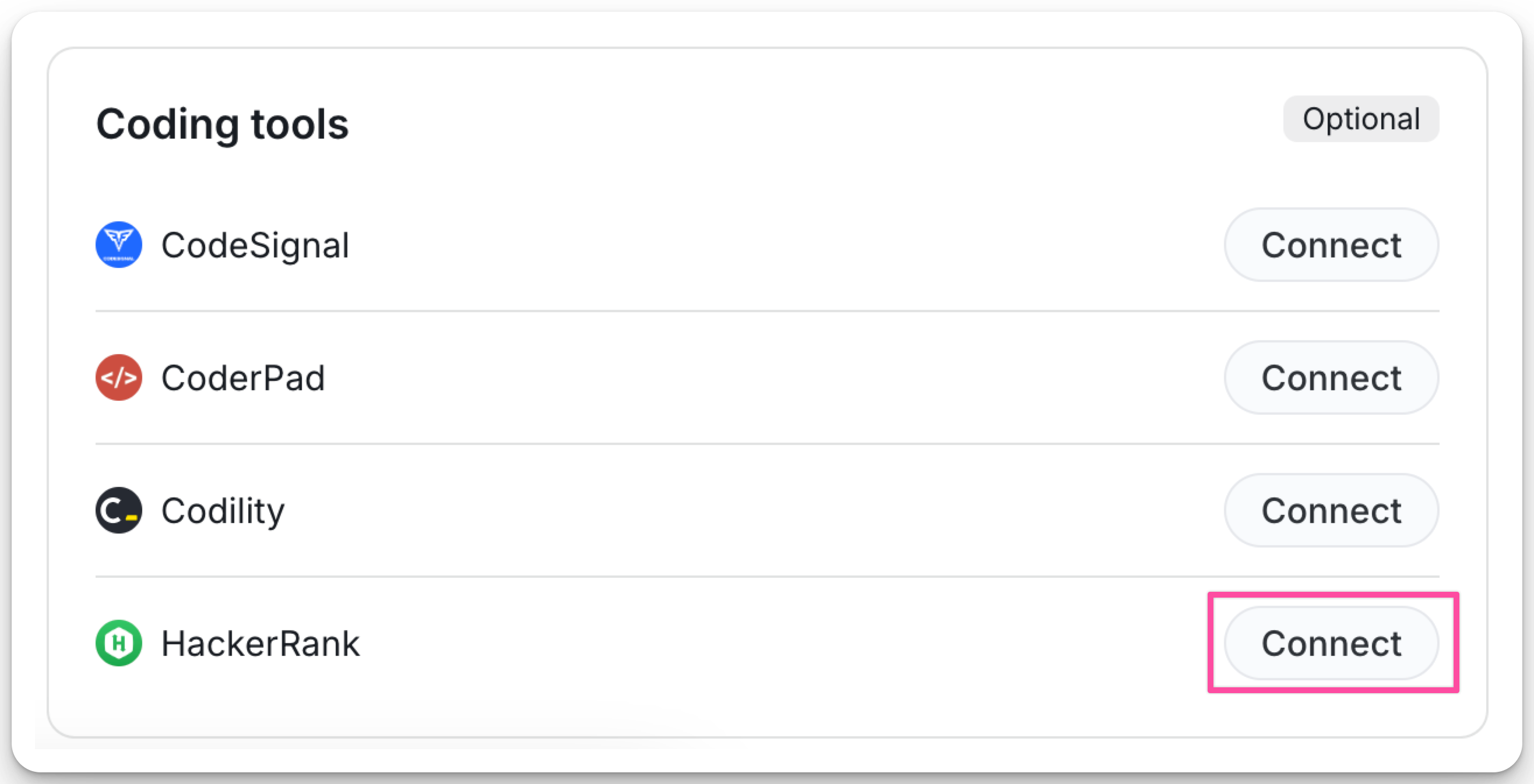
Scroll to the HackerRank section under Coding Tools.
Click Connect to the right of HackerRank.
Paste the API Key (Token key) generated in HackerRank.
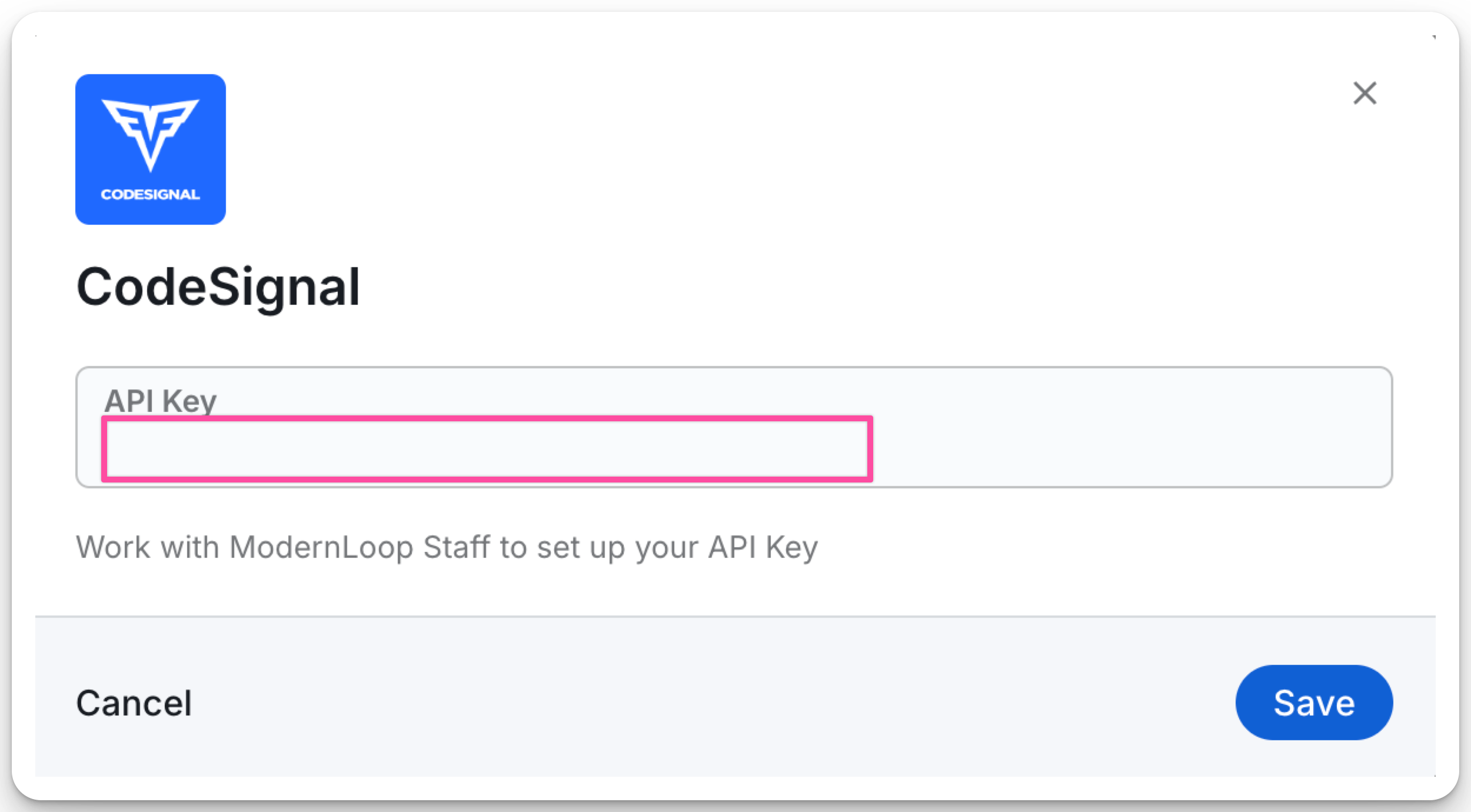
Click Save.
Using Your HackerRank Integration
1. Generating HackerRank Links During Scheduling
When scheduling an interview in ModernLoop:
Go to the Communications tab.
Select the HackerRank button to open a modal.
Click + Add HackerRank link to auto-generate a link for the interview.
2. Adding HackerRank Links to Interview Plans
To automate link generation for specific job stages:
Navigate to the Jobs tab in ModernLoop.
Select the desired job.
Choose the relevant job stage.
Locate the interview where you want to add a default coding assessment link.
Click the "</>" icon to configure the link.
Once configured, HackerRank links will be automatically generated whenever an interview schedule is created for that stage.
If you decide to deprecate your HackerRank integration, your links will remain active—ModernLoop never deletes coding links.