Calendar Event Keywords
Last updated: July 31, 2026
Keywords allow you to modify schedule settings by adding keywords you want ModernLoop to account for when scheduling interviews.
All non-private events on an interviewer's calendar will appear in the ModernLoop scheduling view, regardless of who organized the meeting. If a calendar event does not match any configured keyword, it will still appear as a scheduling option but without any indicator label. These non-keyword events will be ranked lower in the list of available options and will display a conflict warning message when selected.
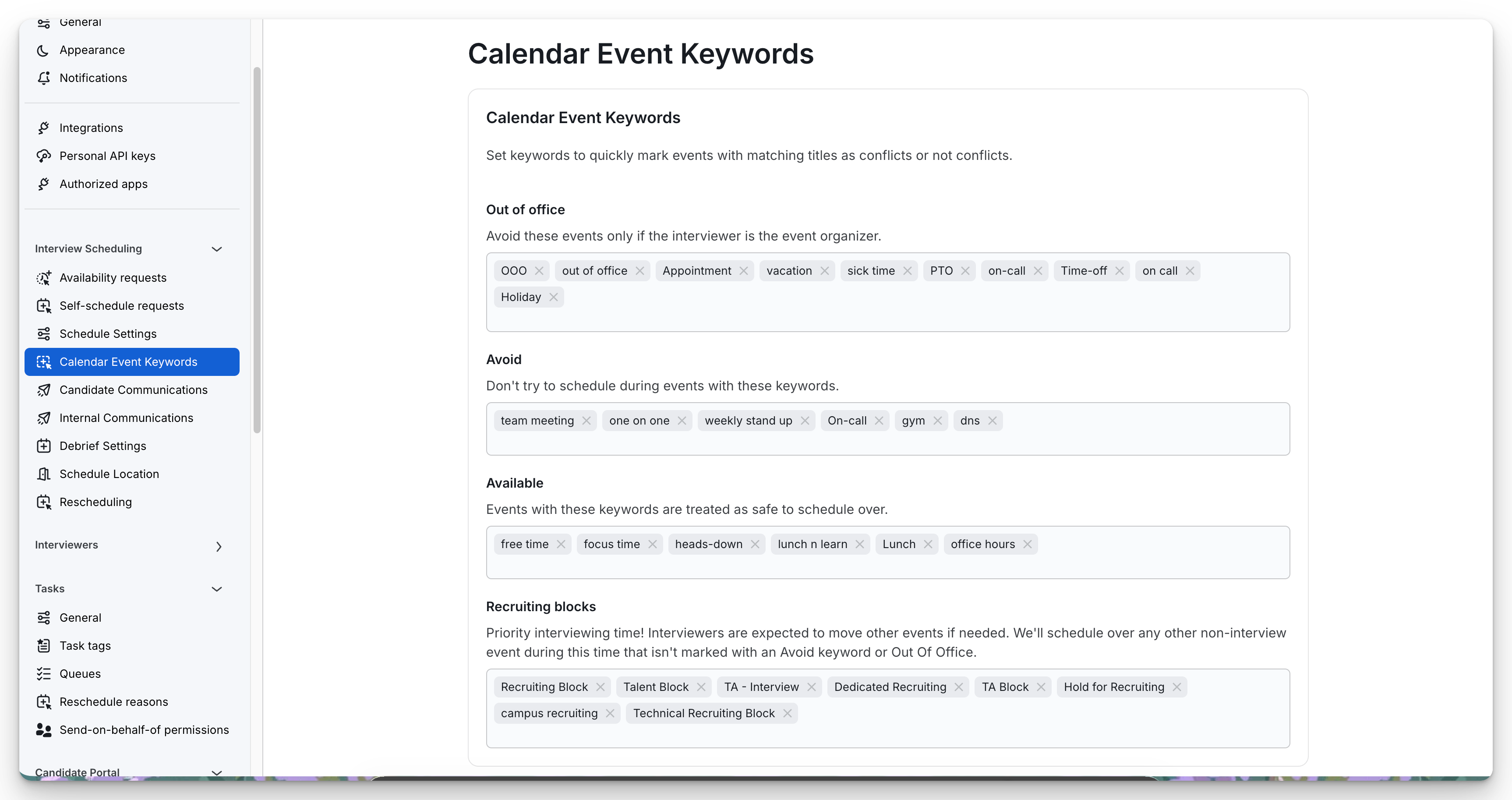
Out of Office
Phrases for these events will be avoided only if the interviewer is the event organizer. Interviewers who have been added to an event containing any of the phrases in this section will be surfaced as available so long as no other conflicts exist.
This functionality will allow your team to invite other members to their out of office events without impacting their availability for interviews.
Avoid
ModernLoop will downrank scheduling options that contain these keywords. You may still schedule over meetings with these key words but you will be presented with a warning message when in the calendar view of scheduling.
Available
ModernLoop will treat meetings with these key words as meetings that are acceptable to schedule over. A message will appear while scheduling that this is being scheduled over an Available time.
Recruiting Blocks
ModernLoop will search for the keywords/ phrase inputted in the Recruiting Blocks section in your interviewer's calendar and prioritize those times for interview scheduling.
When an interviewer has a Recruiting Block phrase listed on their calendar, ModernLoop will treat the time as preferential and provide options within the Recruiting Block first.