Schedule Location
Last updated: August 5, 2026
Set a default schedule location for all new interviews. A location other than the default schedule location can be set from the jobs tab.

When configuring the default schedule location, choose one of the following options:
Location Type | Description | |
|---|---|---|
Zoom (requires Zoom integration) | Automatically create Zoom meetings for interviews. Choose the meeting host as the interviewer, scheduler, or a specific connected account. | 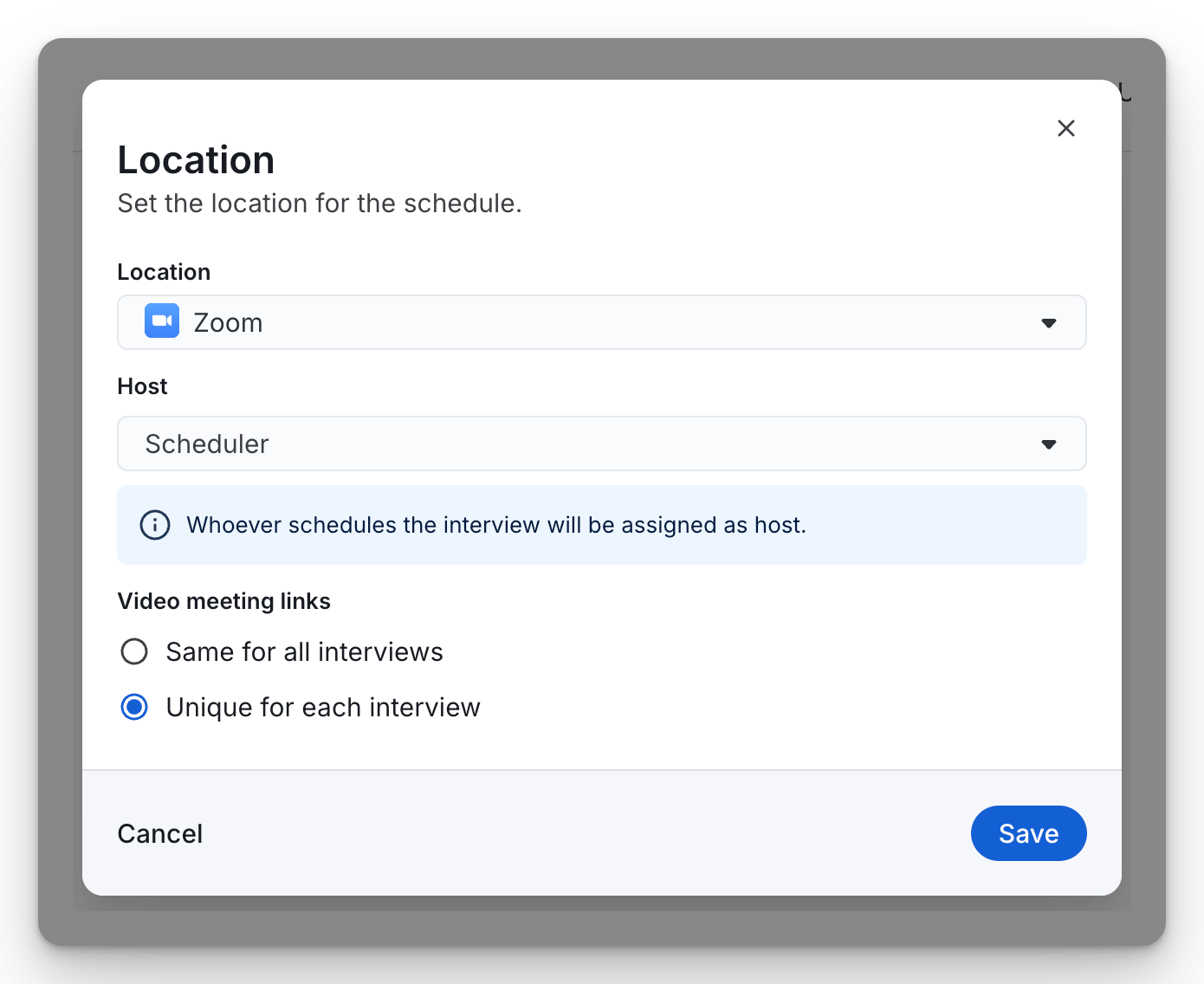 |
Google Meet or Microsoft Teams (based on your calendar integration) | Automatically generate meeting links using your connected Google Workspace or Microsoft 365 integration. Select the meeting host as the interviewer, scheduler, or a specific connected account. | 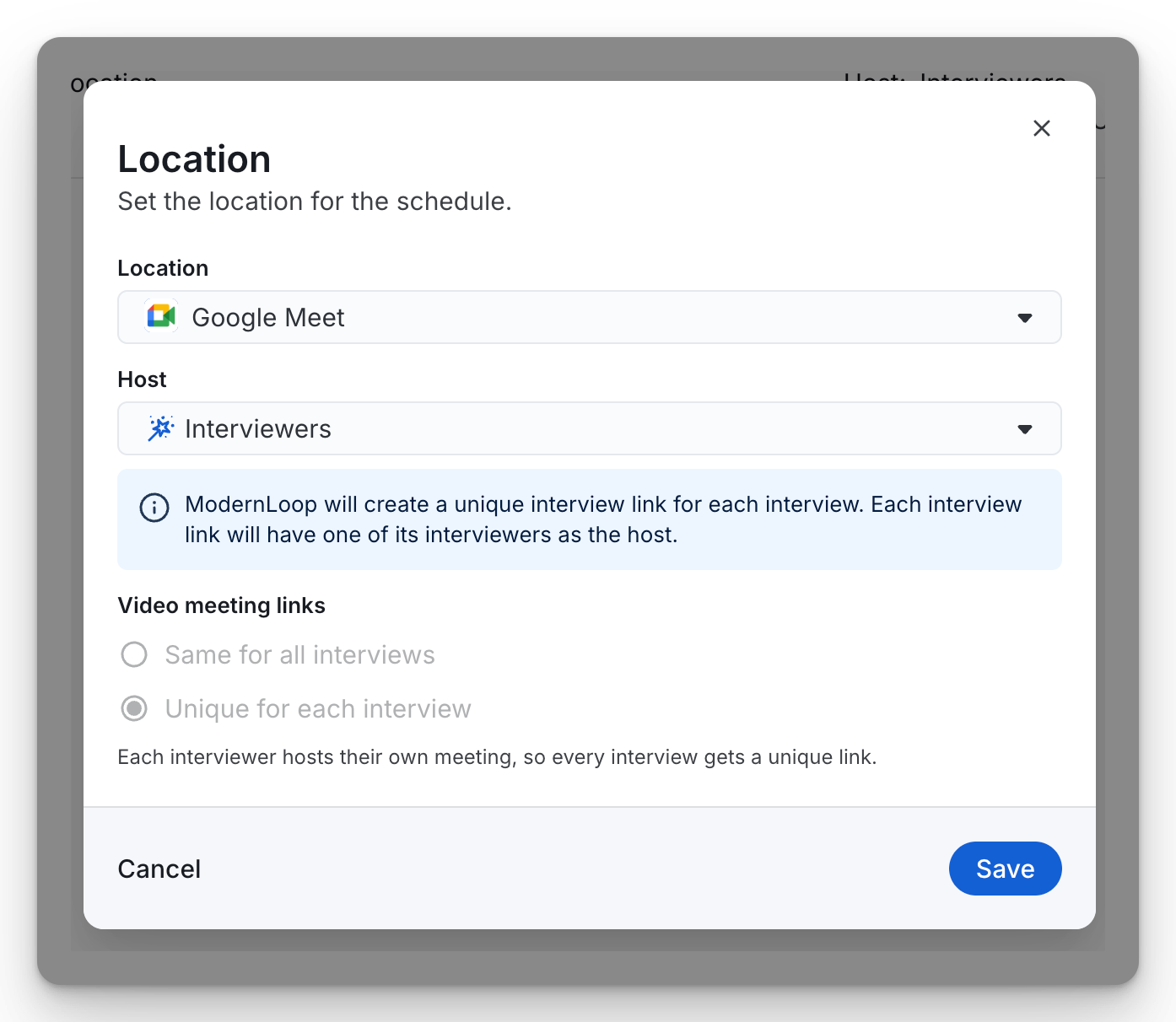 |
Custom link | Provide a custom URL that will be included with interview invitations. This is useful for third-party meeting platforms or externally managed meeting spaces. | 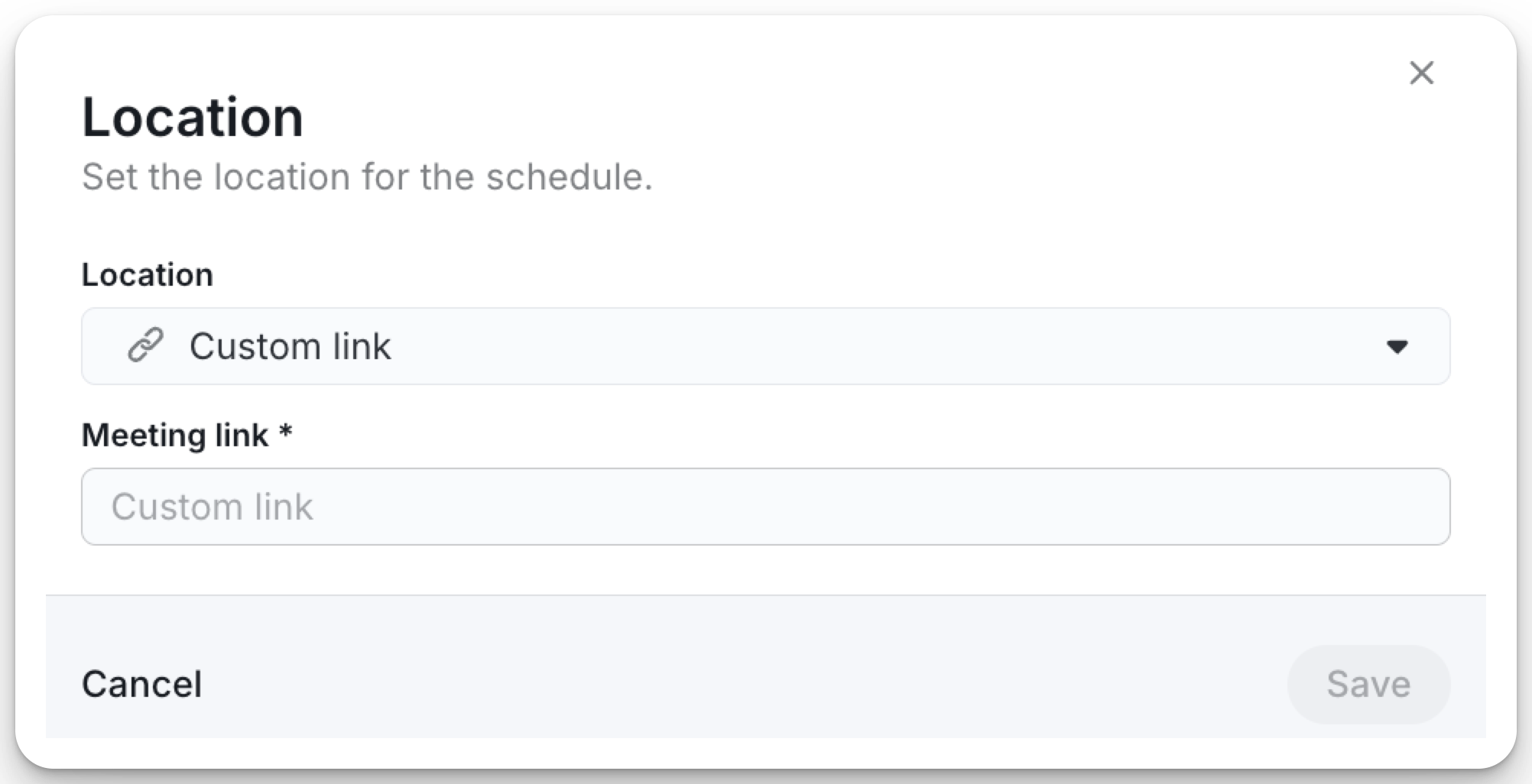 |
Candidate phone number | Indicates that interviewers should call the candidate using the phone number stored in ModernLoop. | 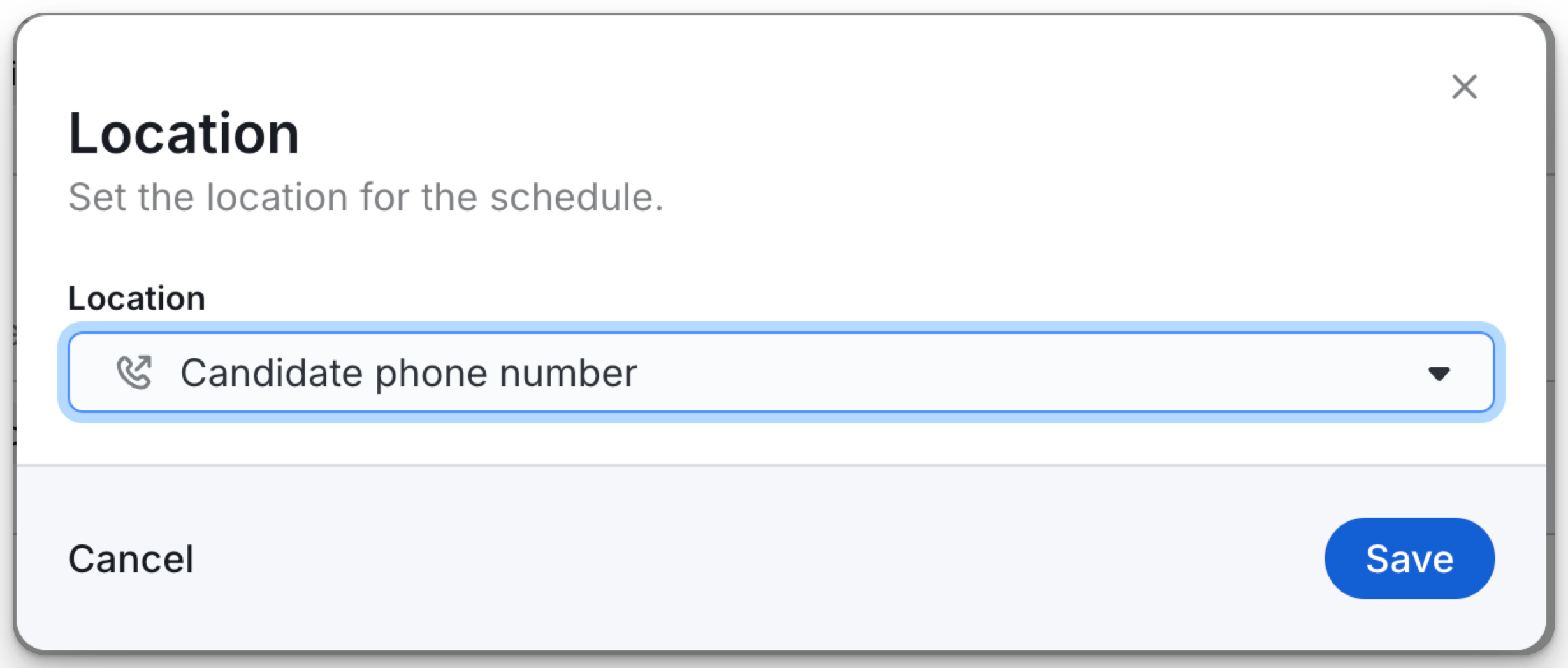 |
Custom phone number | Specify a phone number for the candidate to call to join the interview. | 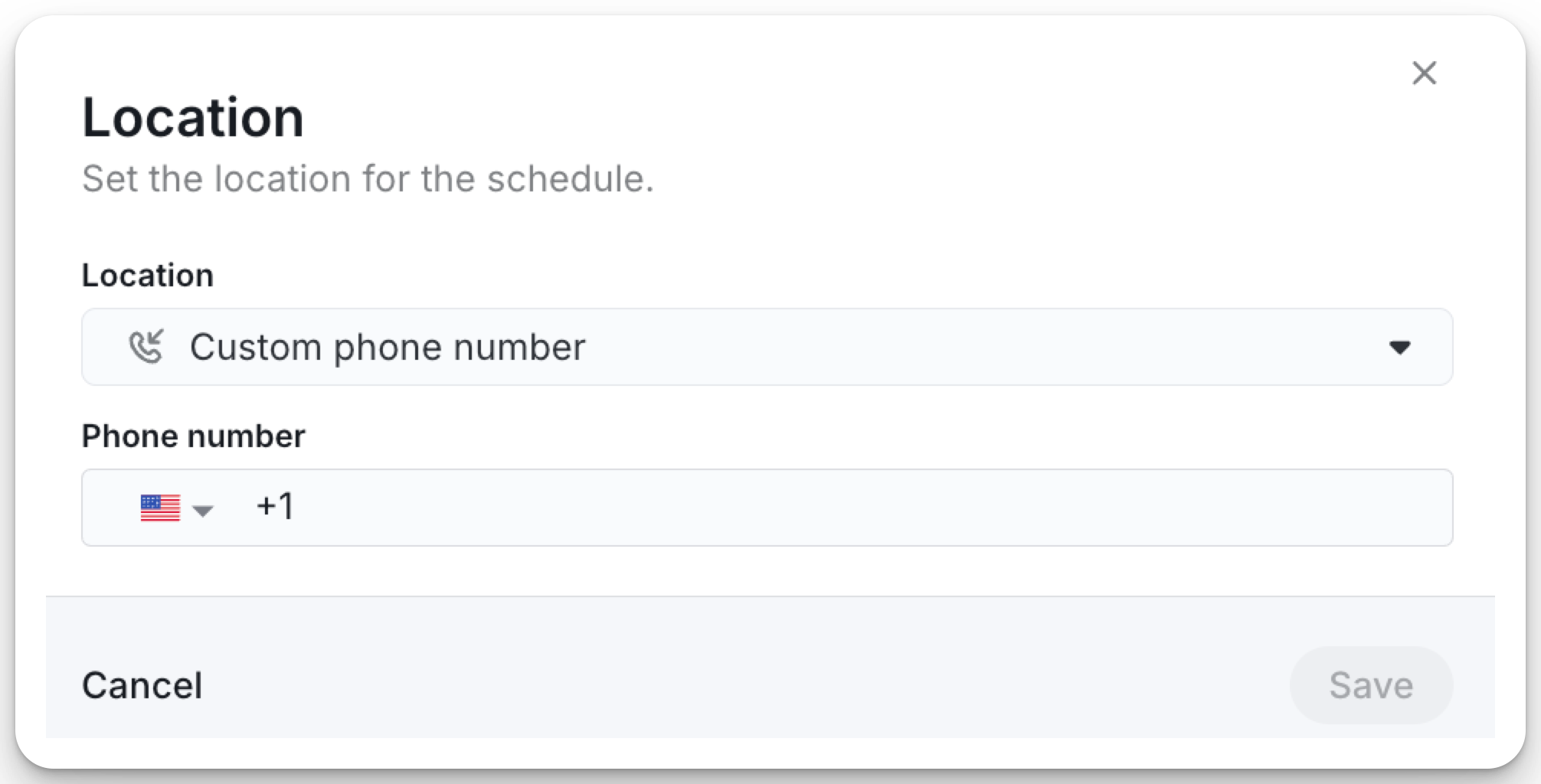 |
Custom text | Display custom instructions instead of a meeting link, such as a physical office address, reception details, or other location-specific information. | 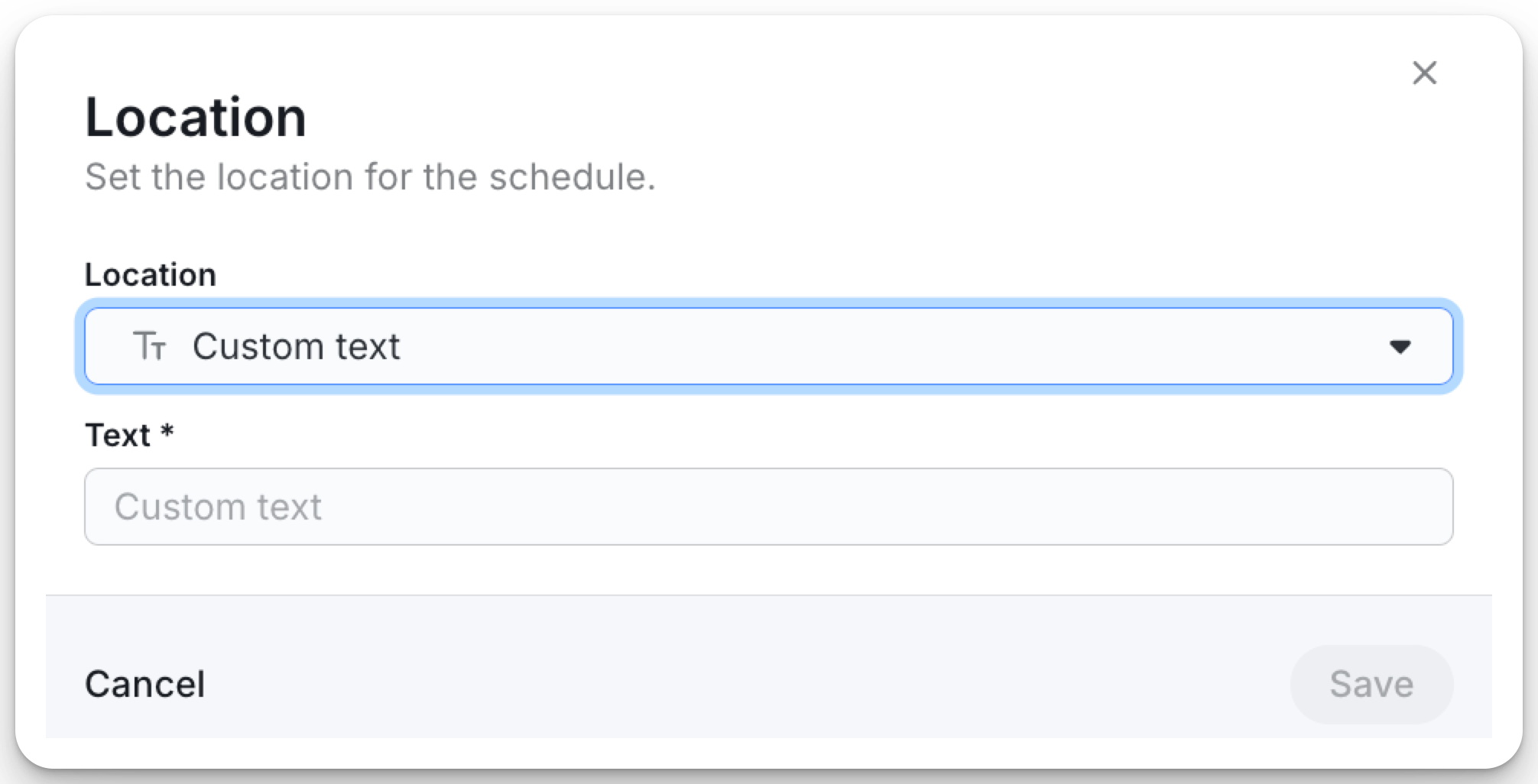 |
None | No meeting location or instructions will be added to the interview invitation. | 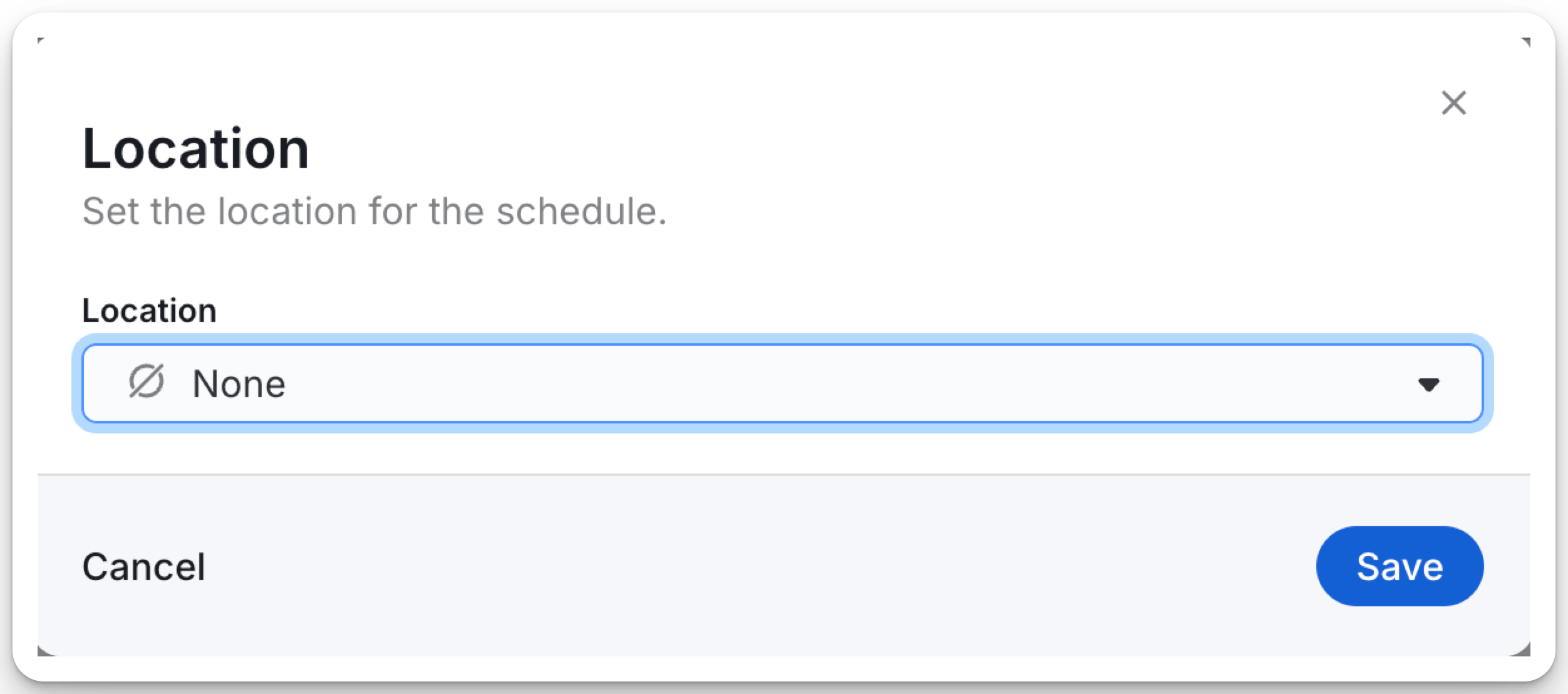 |
Note: The organization-level default is applied to all new interviews unless a different schedule location is configured for a specific job.