Debrief Location
Last updated: August 27, 2026
Configure the default location for debrief meetings scheduled through ModernLoop. You can choose a video conferencing provider, add a custom link or phone number, include custom instructions, or leave the debrief without a location.
Configure the Debrief Location
Navigate to Organization Settings > Interview Scheduling> Debrief Location.
From the Debrief Location page, click Location to configure the default meeting location.
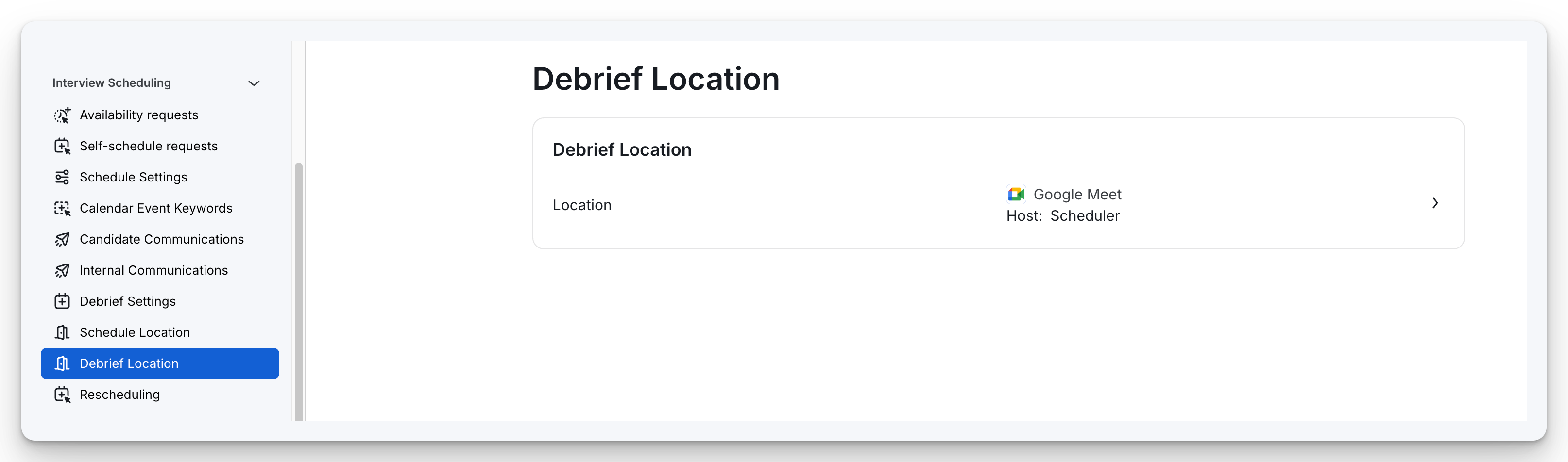
When configuring the default schedule location, choose one of the following options:
Location Type | Description | |
|---|---|---|
Zoom (requires Zoom integration) | Automatically create Zoom meetings for interviews. Choose the meeting host as the scheduler, or a specific connected account. | 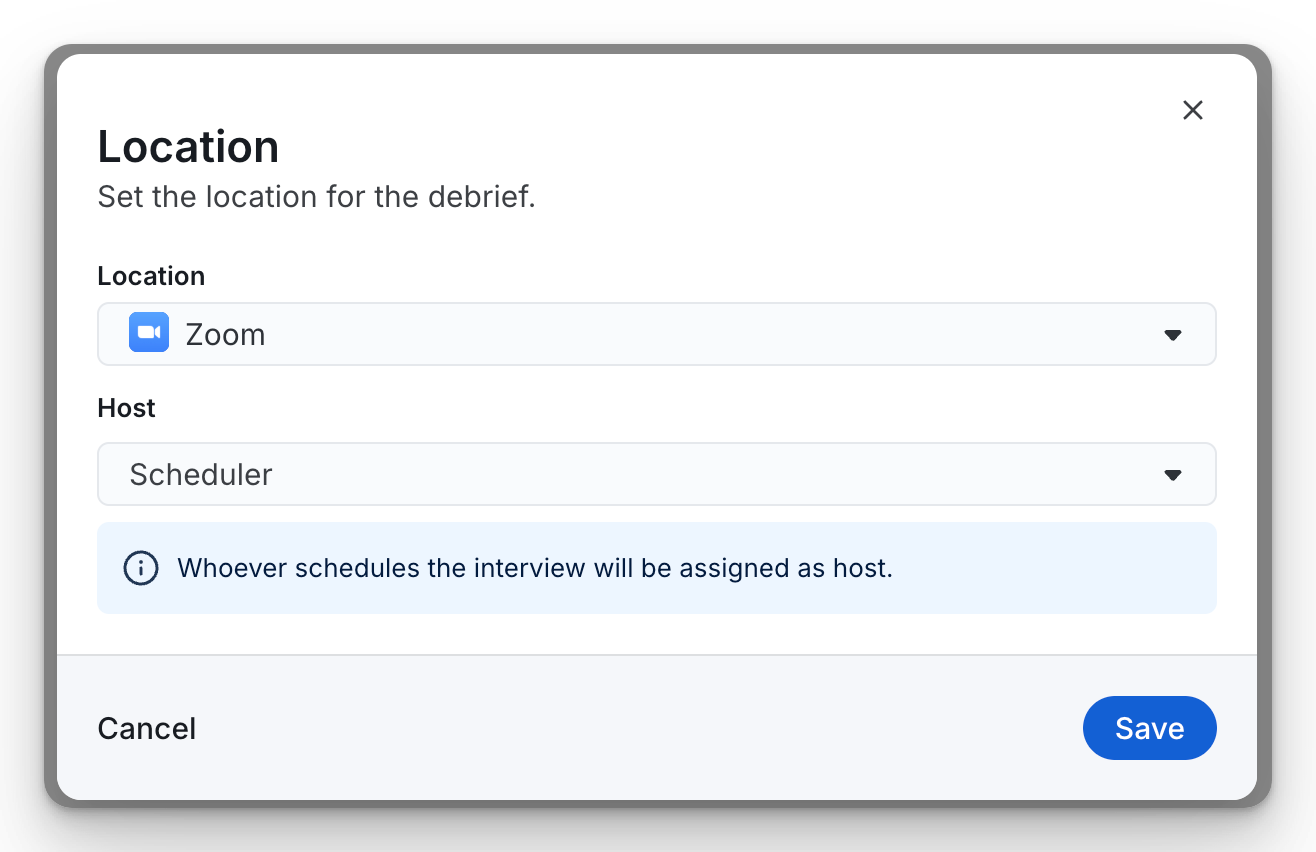 |
Google Meet or Microsoft Teams (based on your calendar integration) | Automatically generate meeting links using your connected Google Workspace or Microsoft 365 integration. Select the meeting host as the scheduler, or a specific connected account. | 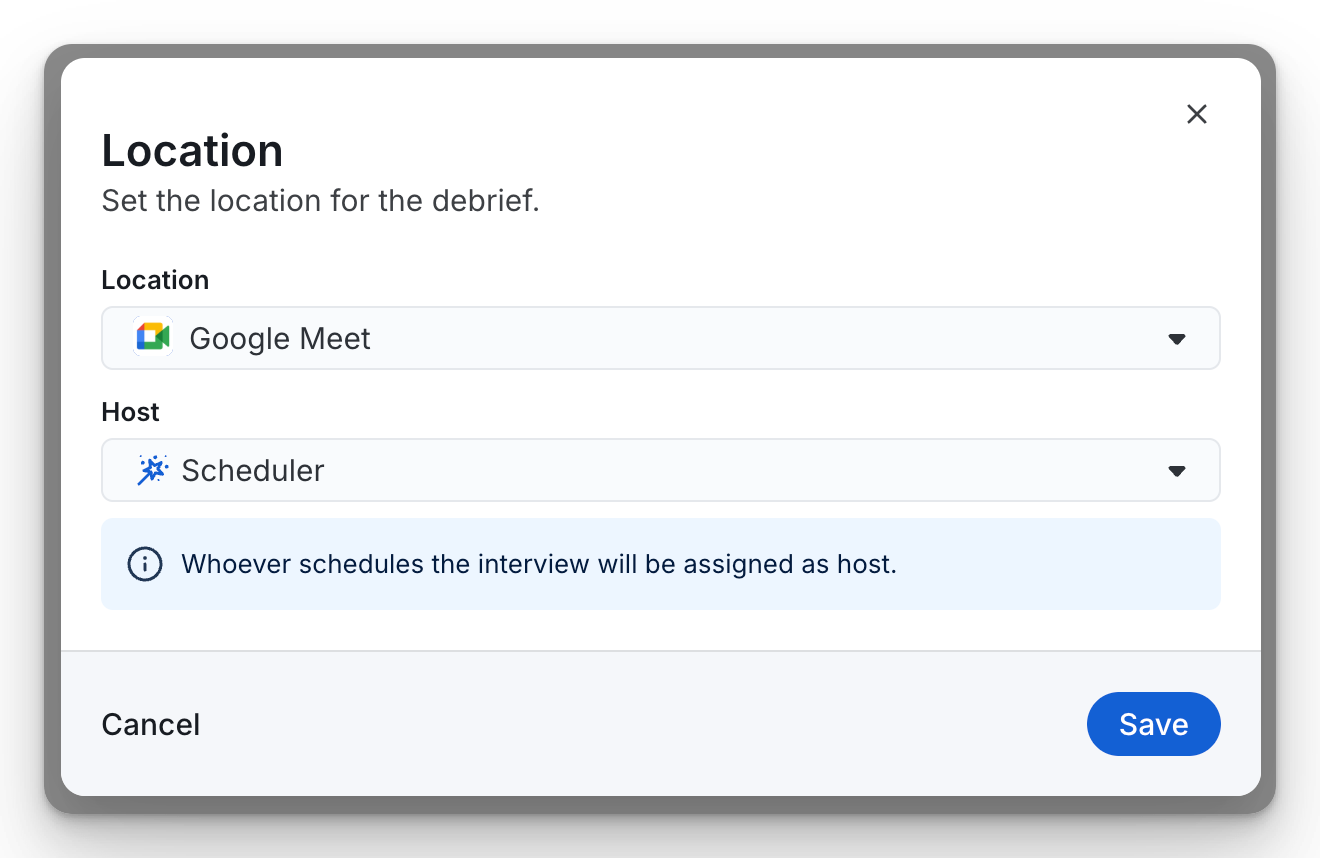 |
Custom link | Provide a custom URL that will be included with interview invitations. This is useful for third-party meeting platforms or externally managed meeting spaces. | 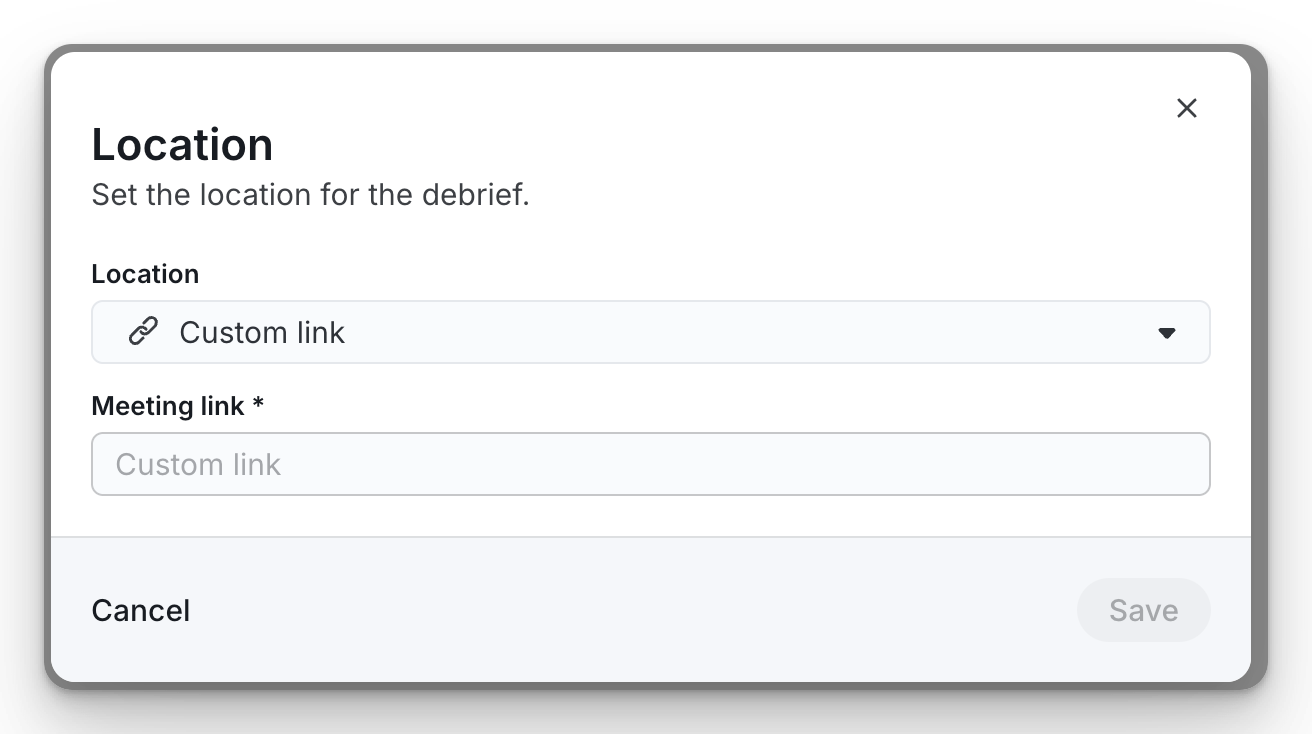 |
Custom phone number | Specify a phone number for the candidate to call to join the interview. | 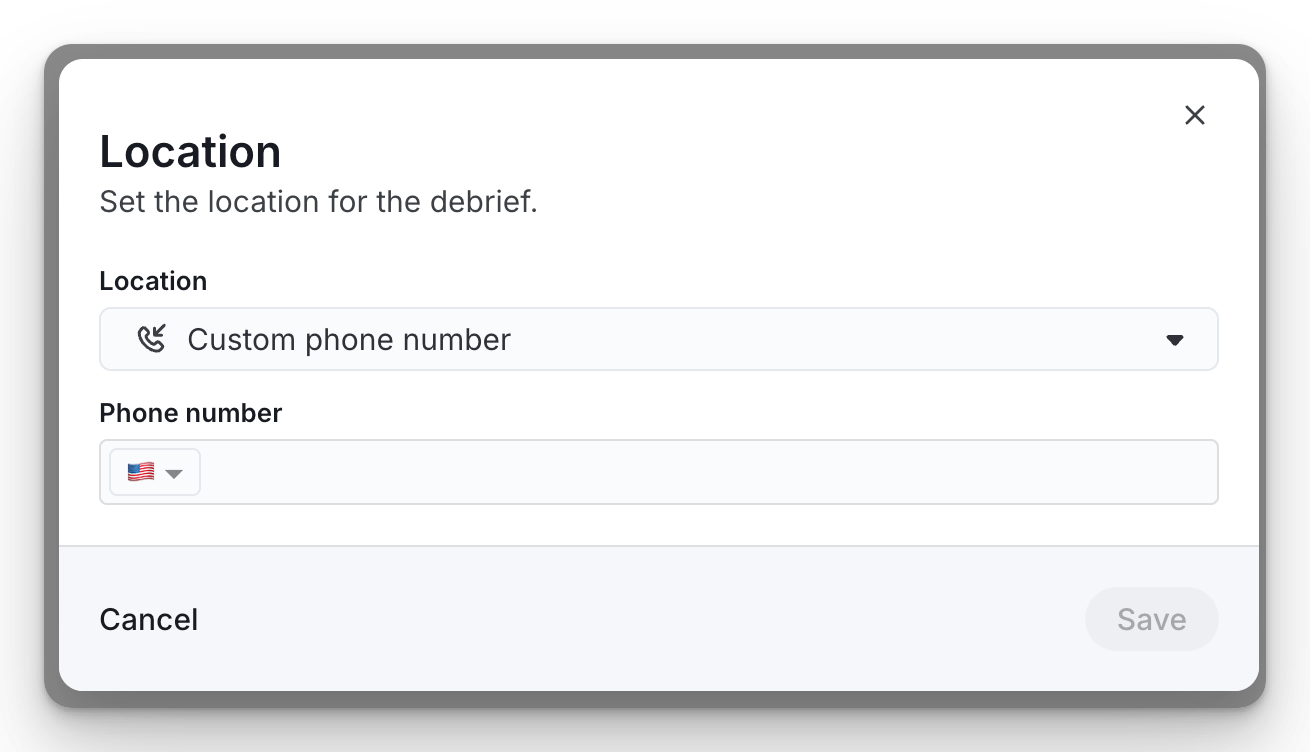 |
Custom text | Display custom instructions instead of a meeting link, such as a physical office address, reception details, or other location-specific information. | 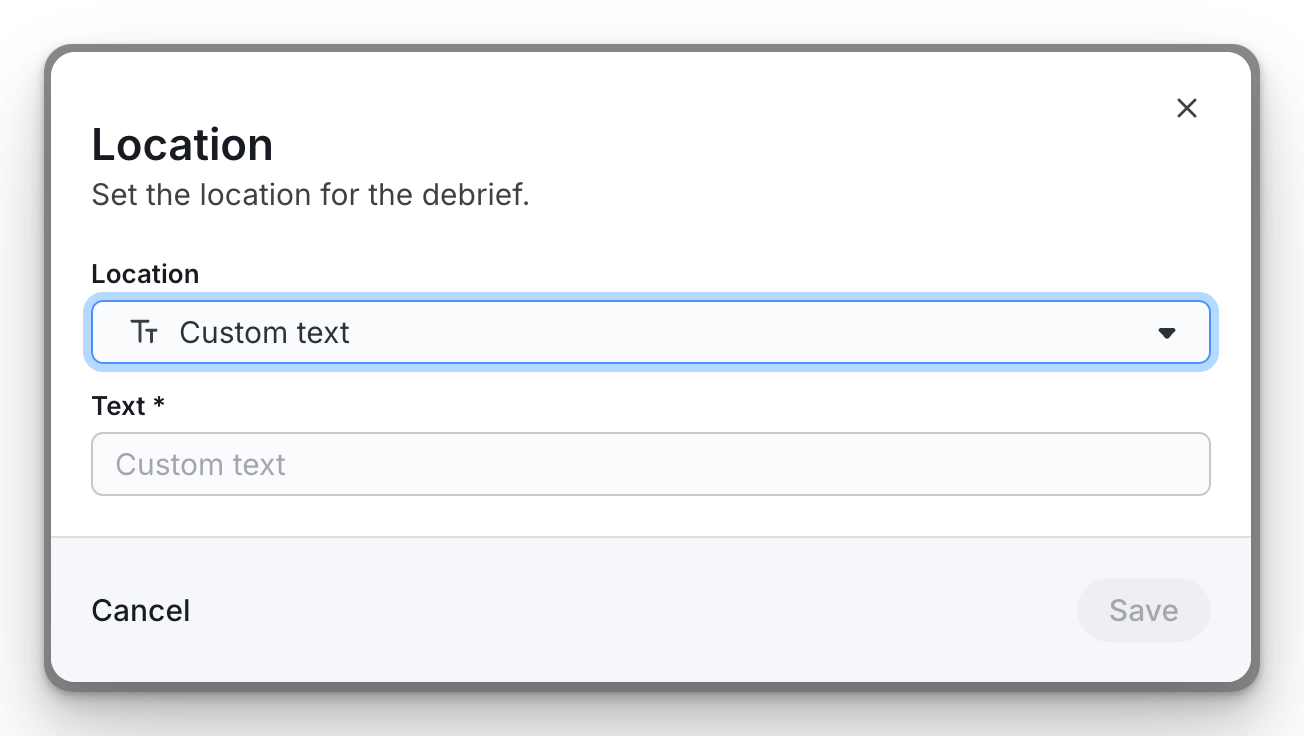 |
None | No meeting location or instructions will be added to the interview invitation. | 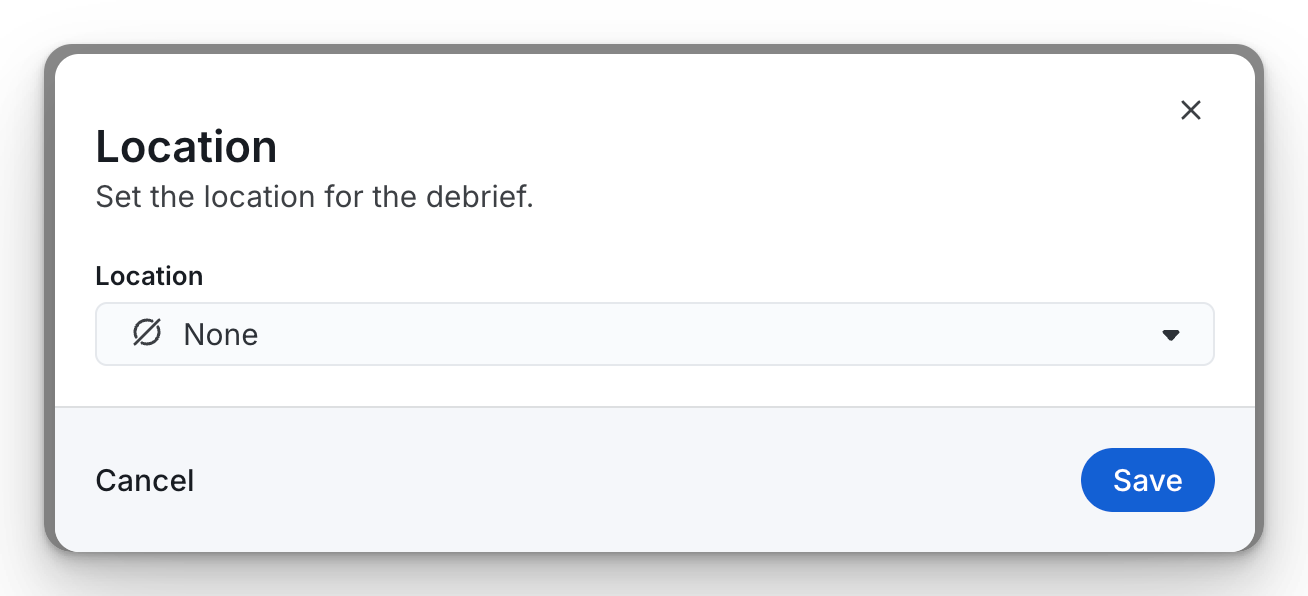 |
Selecting a Host
When using Google Meet, Microsoft Teams or Zoom, ModernLoop must know which account should create the meeting.
You can choose:
Scheduler (recommended) – The scheduler creating the debrief will generate the meeting link.
A specific employee – Always use the selected employee's connected conferencing account.
Using Scheduler allows each scheduler to create meeting links from their own connected calendar and conferencing account.
Save Your Changes
After selecting the desired location and host, click Save.
All future debriefs created after saving will use the configured location by default.
Note: Changing the Debrief Location does not update debrief meetings that have already been scheduled. The new configuration only applies to newly created debriefs.