Rescheduling Settings
Last updated: July 31, 2026
Rescheduling Settings let you control how interview changes are handled after an interview has been scheduled. You can automatically replace interviewers who decline an interview and limit how many times candidates can reschedule self-scheduled interviews. These settings help reduce manual scheduling work while ensuring recruiters stay informed when additional action is needed.
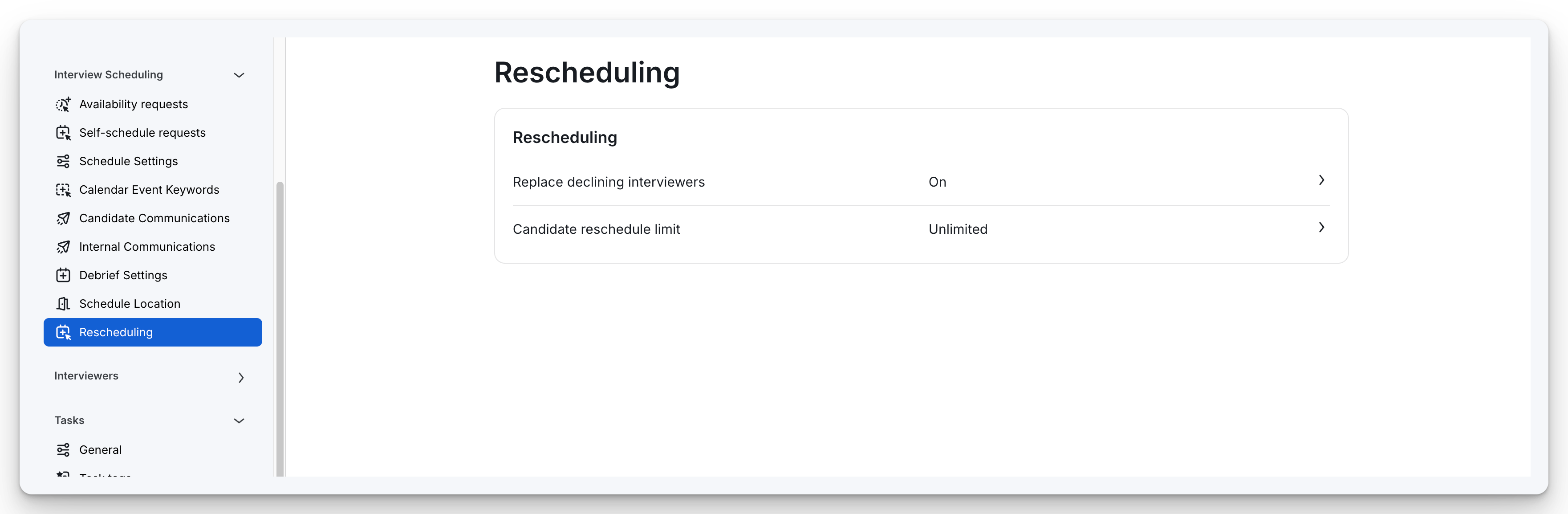
Replace declining interviewers
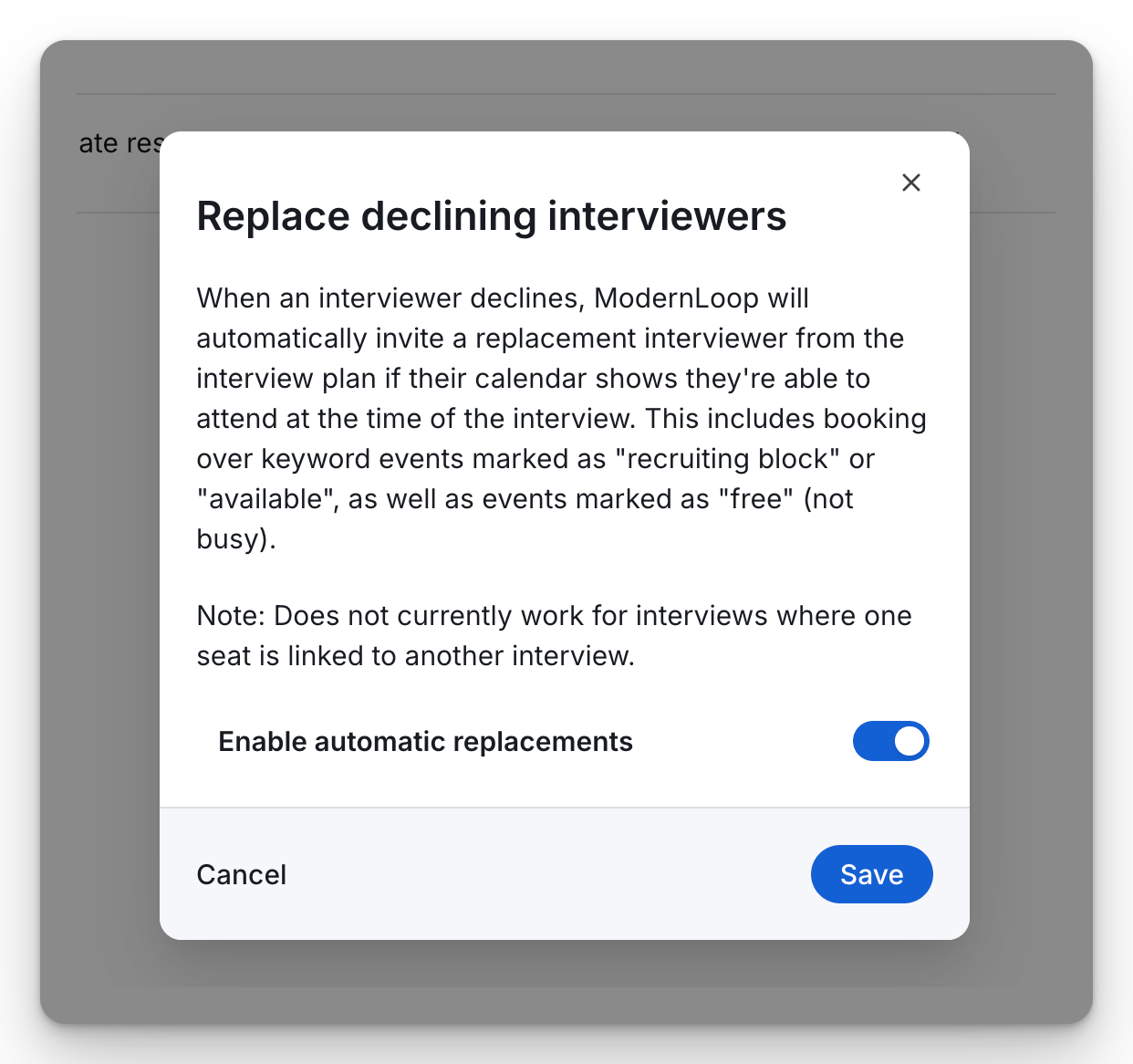
Auto-replacement will automatically select an interviewer replacement from the interview module or the list of interviewers used in the interview plan. Replacements can occur up to 24 hours before the interview begins. There is no limit to the number of replacements. If no replacements are available, the scheduler will be notified via email, and the decline will appear as a flagged task, prompting further action.
To automatically replace declined interviewers, turn the Replace declining interviewers setting to On.
Candidate reschedule limit
The Candidate Reschedule Limit is a setting that allows organizations to control how many times a candidate can reschedule a self-scheduled interview. Once the limit is reached, the candidate cannot reschedule or cancel the self‑scheduled interview on their own and must use the Request to Change flow.
Setting the Reschedule Limit
To configure the Candidate Reschedule Limit:
Navigate to Organization Settings > Interview Scheduling > Rescheduling> Candidate Reschedule Limit.
Find the Self-schedule candidate reschedule limit option.
Select one of the following options from the dropdown menu:
Unlimited - No restriction on reschedules.
0 (No reschedule allowed) - Candidates cannot reschedule on their own after the initial schedule.
1, 2, or 3 - Candidates can reschedule up to the specified limit.