Google Workspace - User App Install (Email send)
Last updated: February 3, 2026
This article provides a step-by-step guide to integrating your Google Email (Gmail) with ModernLoop. This integration enables ModernLoop to send emails to candidates and interviewers on your behalf.
This process is only required if your organization has not granted ModernLoop Domain-Wide gmail.send scopes. If Domain-Wide access has been configured, no additional steps are needed. Otherwise, each ModernLoop user will be prompted to authorize ModernLoop to send Gmail emails on their behalf during login.
If you’re an existing ModernLoop customer planning to transition from Google Workspace to Microsoft, please notify your CSM or email support@modernloop.io at least 1 month prior to your target transition date.
For IT Admins: Adding ModernLoop Gmail Send App to Trusted Apps
If your organization blocks users from authenticating with Google apps, you may need to add the ModernLoop Gmail Send App to your Google Workspace's Trusted Apps. Without this step, users will encounter an authorization error when attempting to connect:
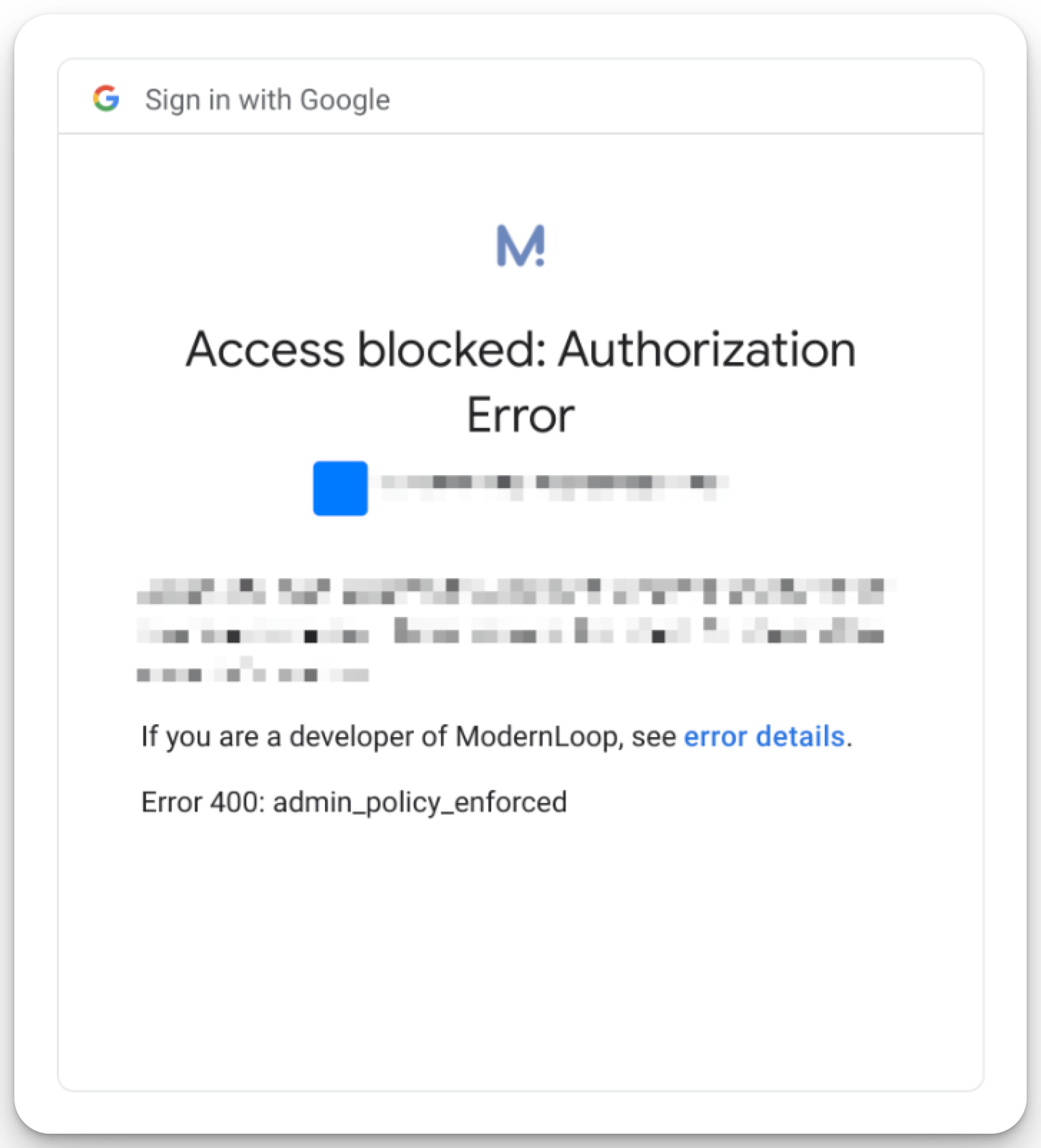
To add the app:
Navigate to Google Admin Console - Trusted Apps.
Select Add App.
Choose OAuth App Name or Client ID.
Paste the following Client ID:
873667596296-did8ecp8r83604m4ib09l9m089fvt704.apps.googleusercontent.com
Click ModernLoop.
Click the Checkbox.
Click Select.
Choose Trusted and click Configure.
Follow the prompts to complete the setup.
New User Authentication
If this is your first time logging in to ModernLoop and email permissions have not yet been granted, you will be prompted to authorize ModernLoop during sign-in.
Log in to ModernLoop.
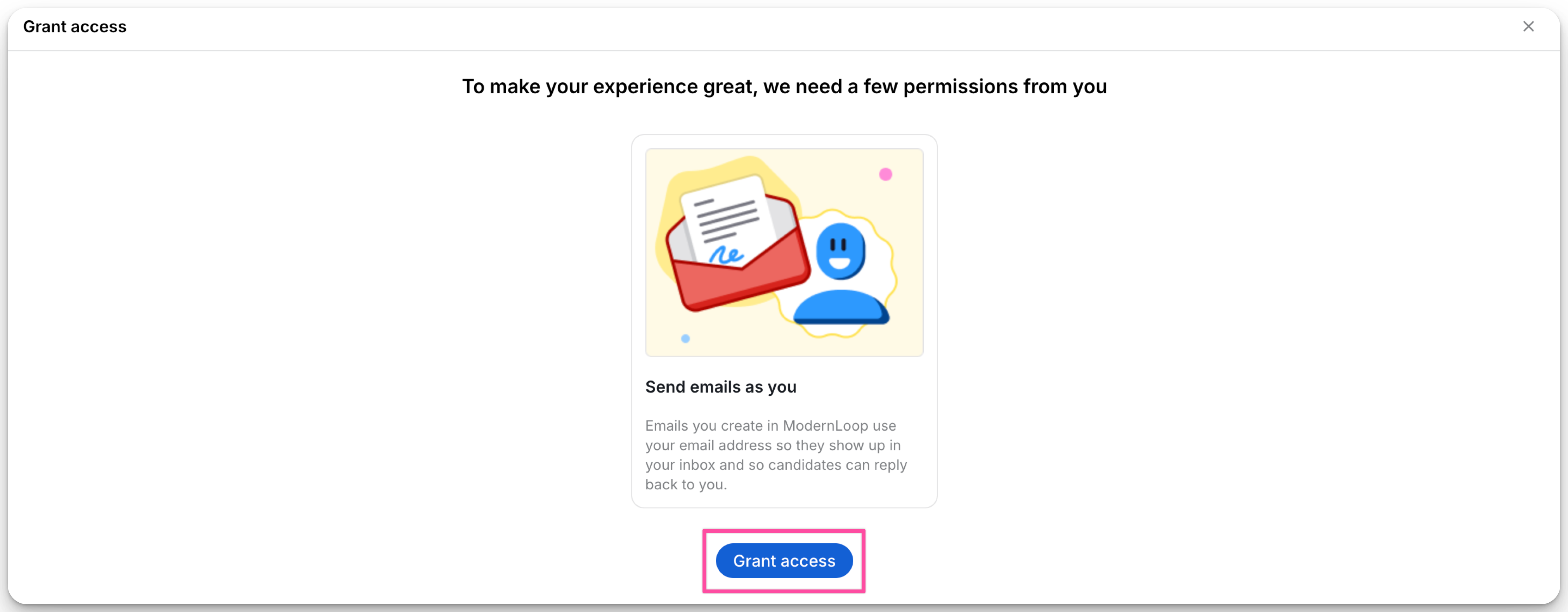
When prompted, select Grant access.
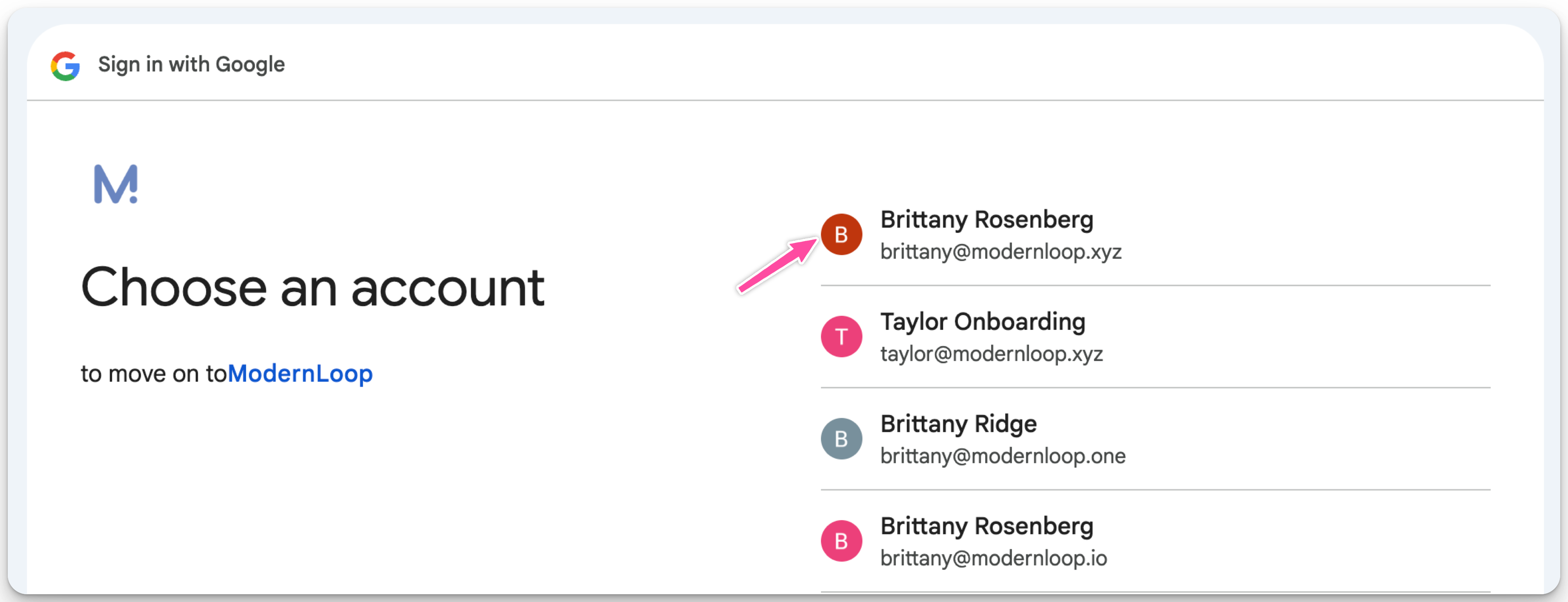
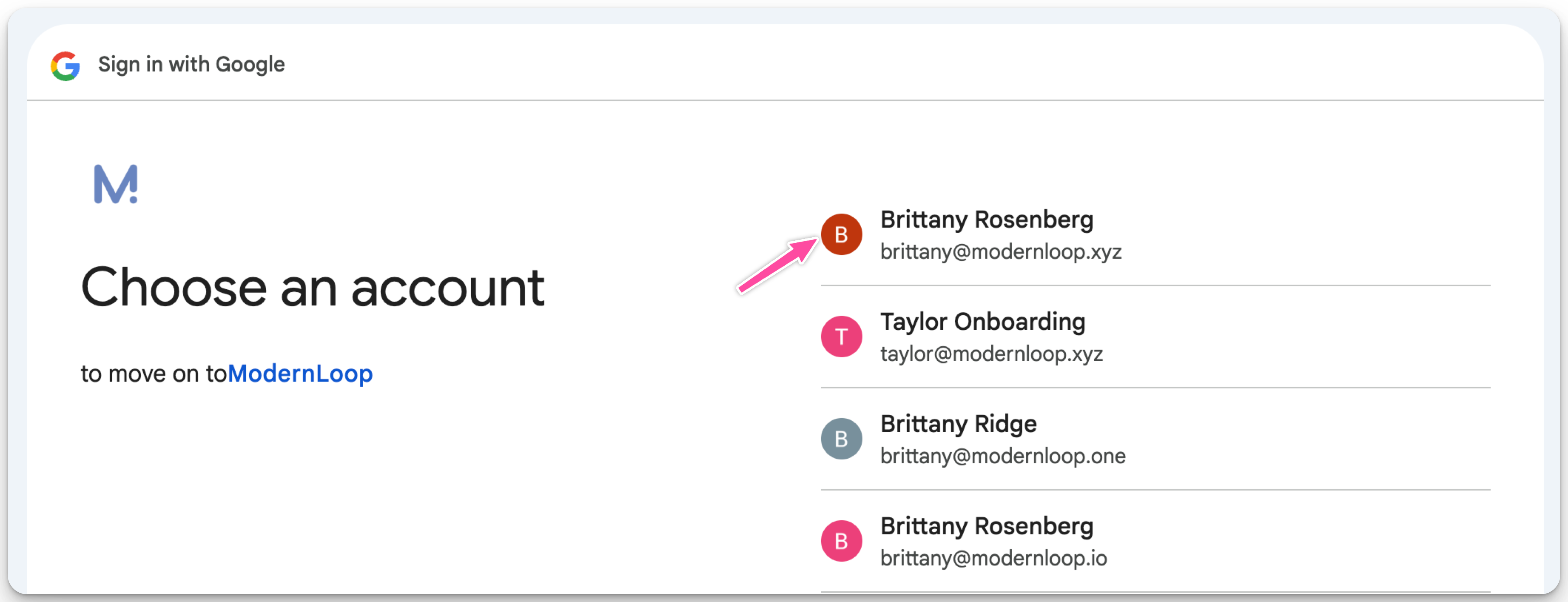
Choose your Google account.
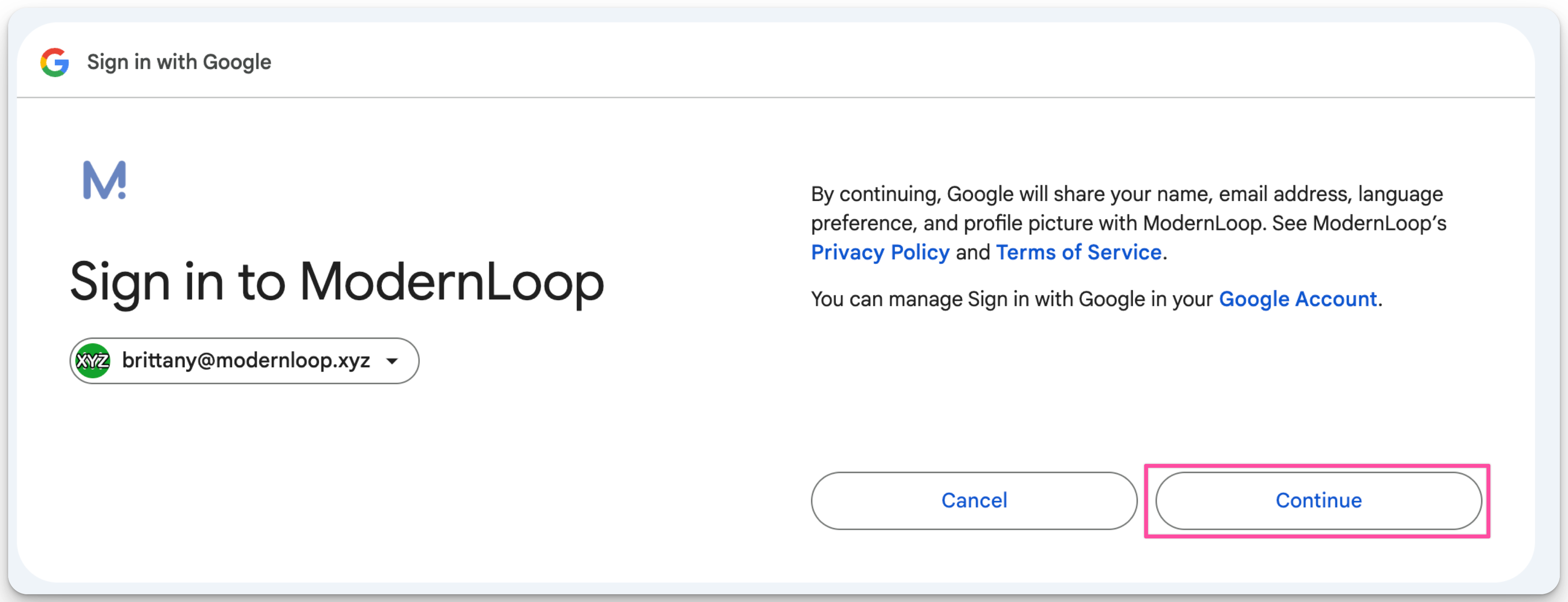
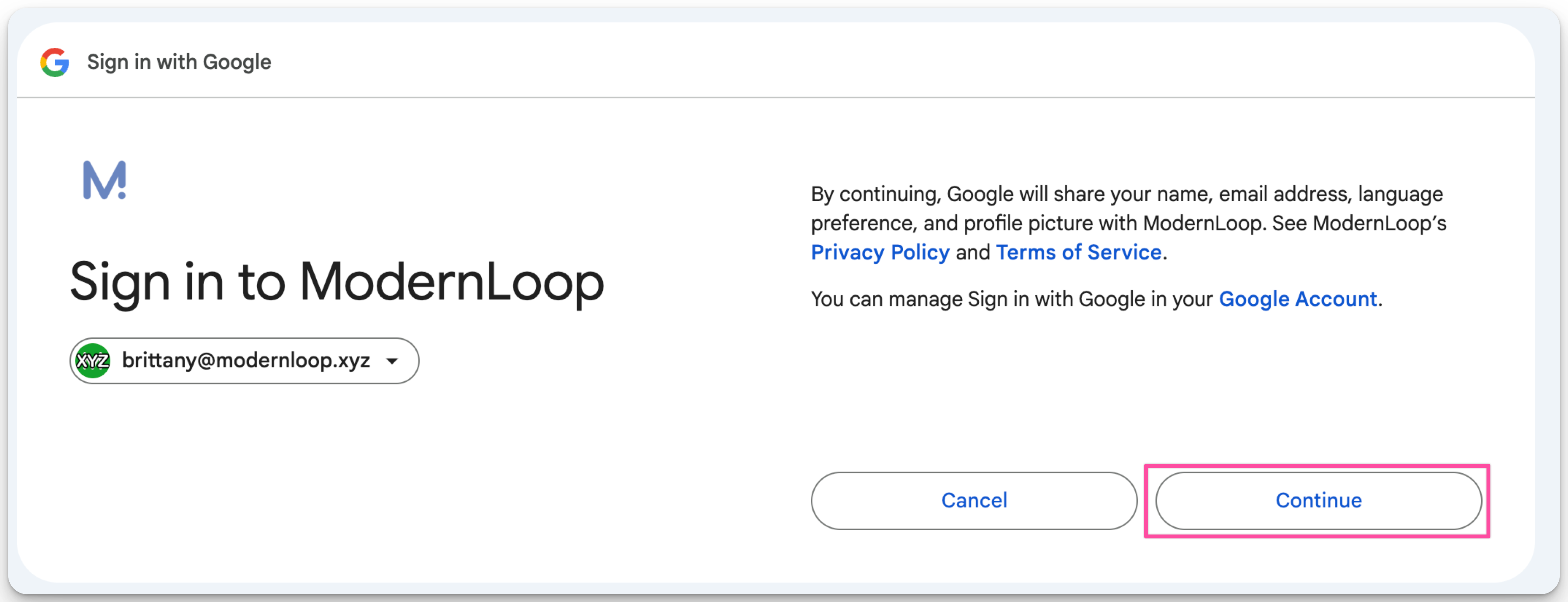
Select Continue.
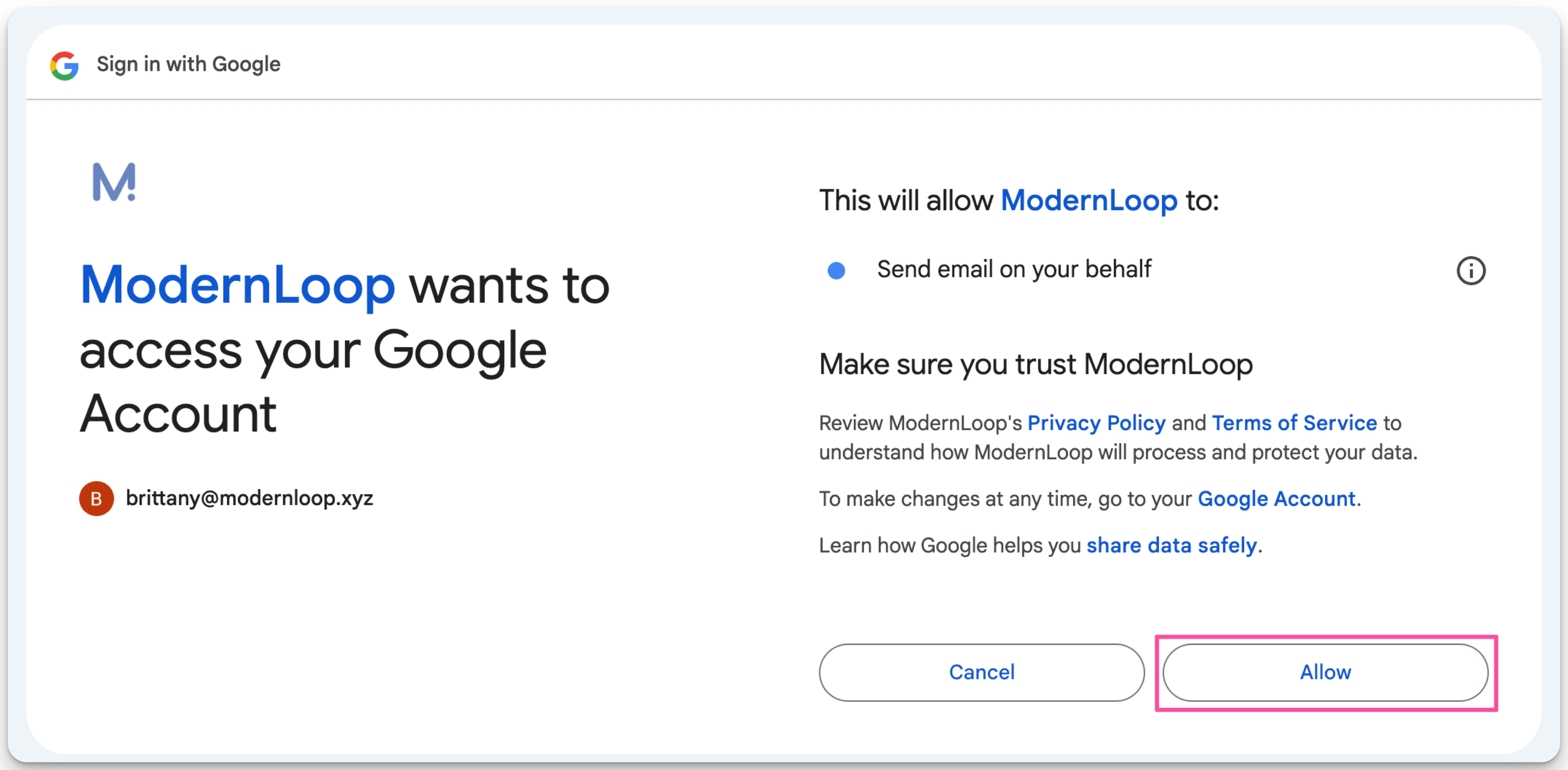
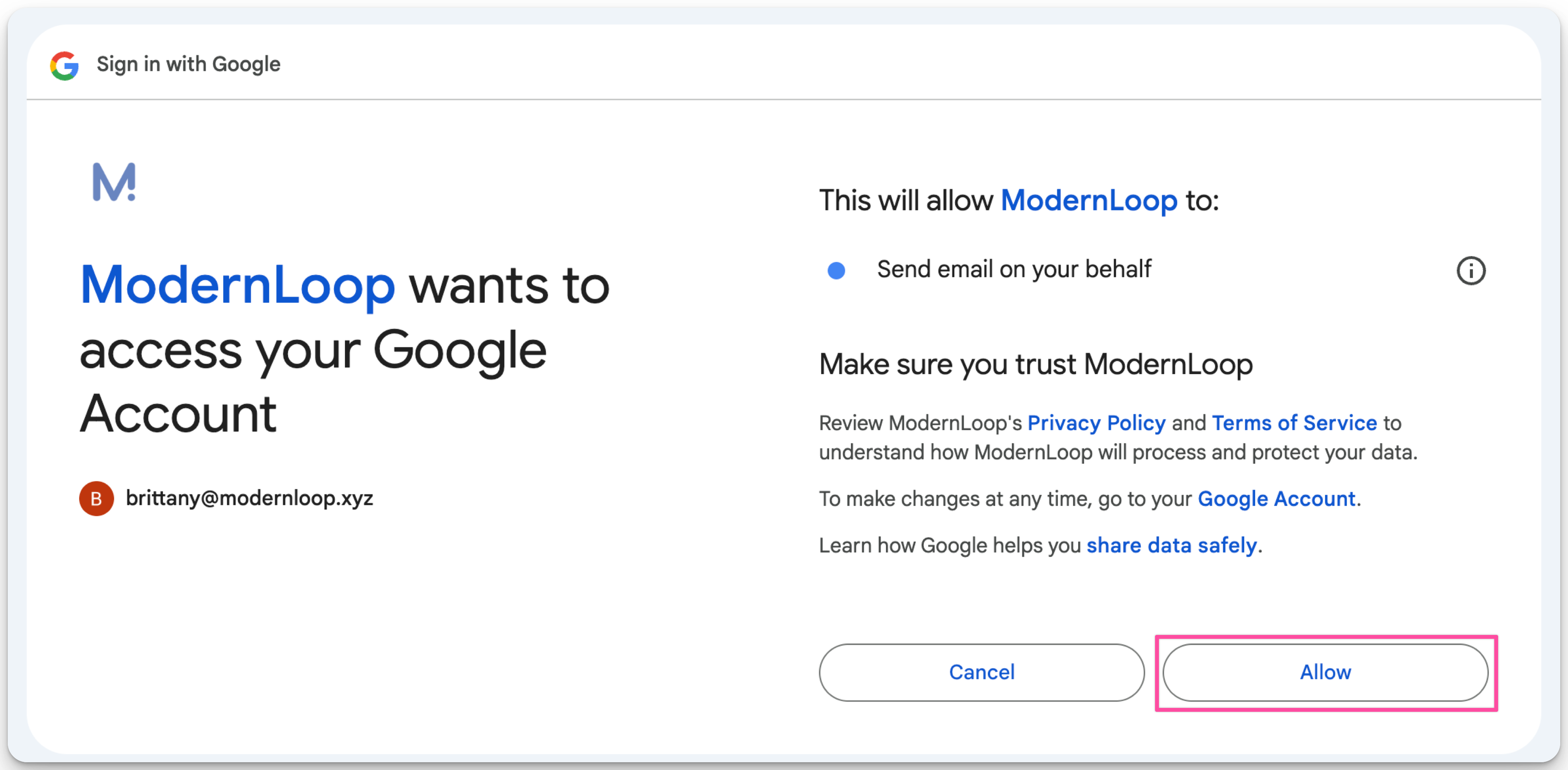
Select Allow.
Steps to Integrate
If you need to manually set up Gmail integration in ModernLoop, follow these steps:
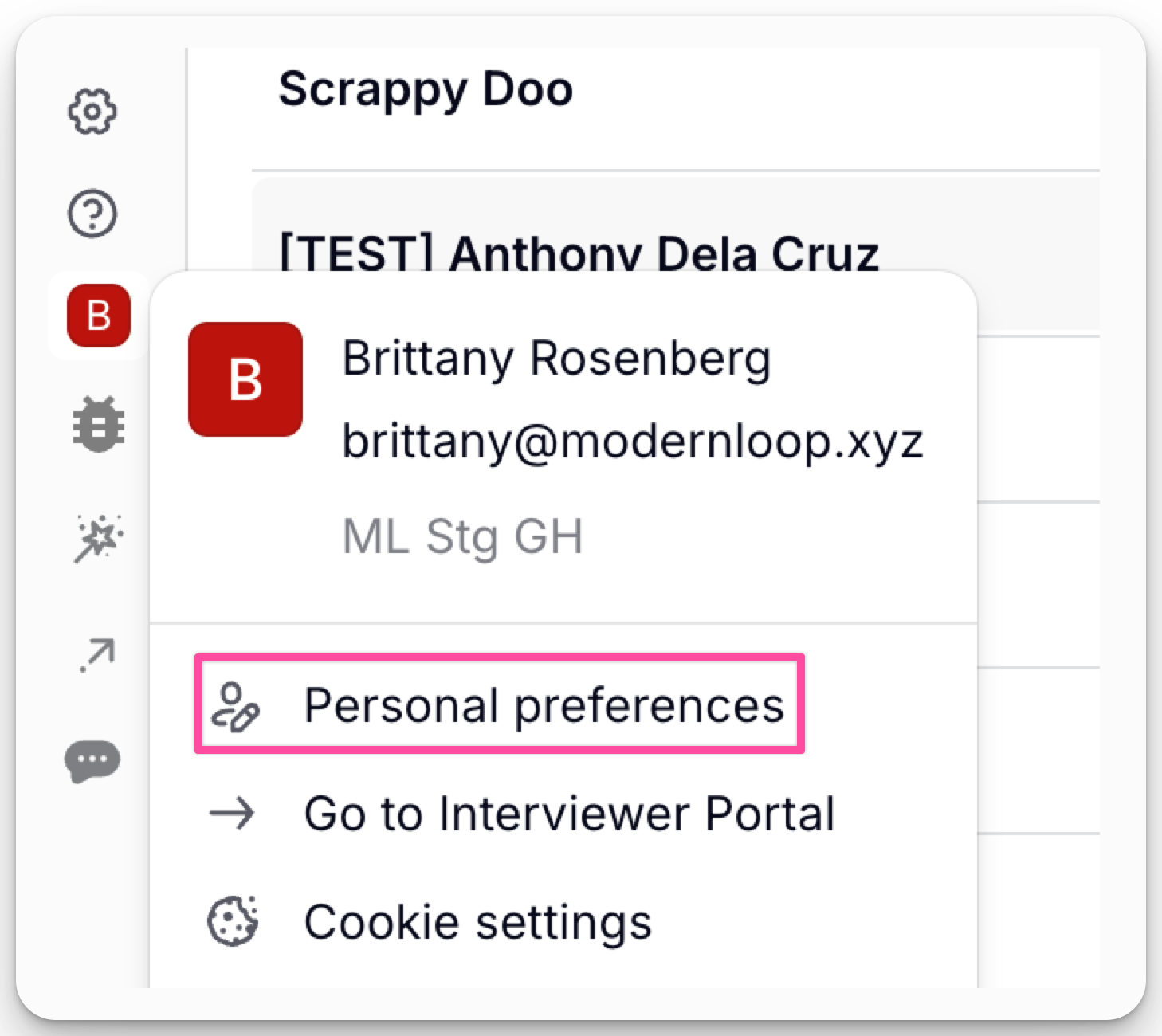
Navigate to Your Account → Personal Preferences.
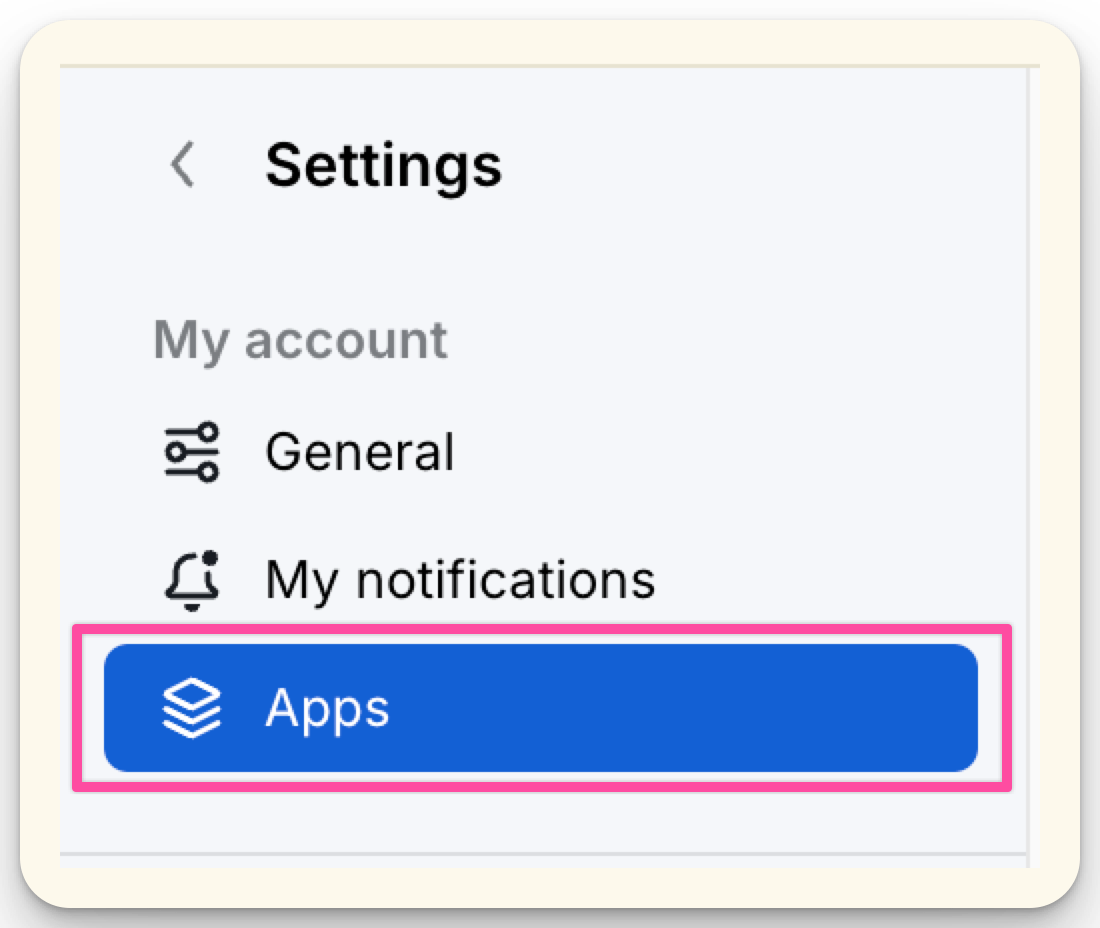
Open the Apps tab.
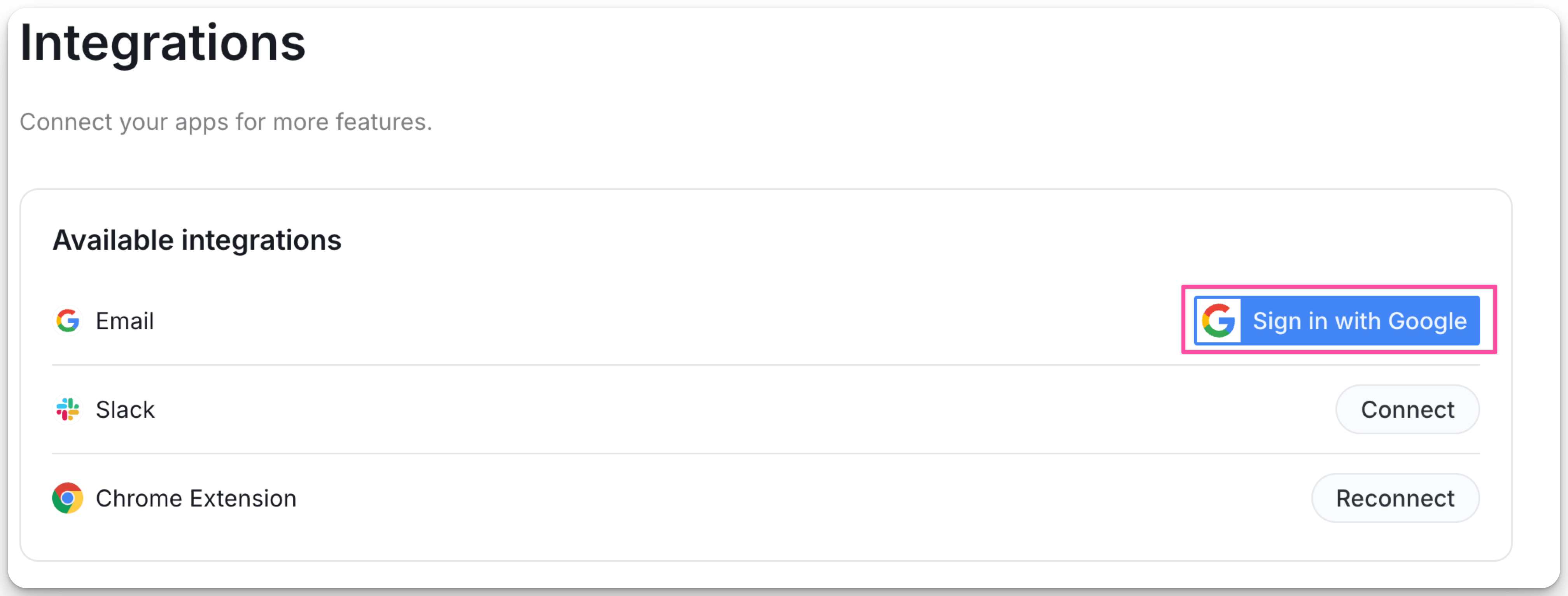
Select Sign in with Google.
Choose your Google email address.
Click Continue to complete the integration.
Select Allow.
Permissions
Granting ModernLoop email access provides the following capabilities:
Send email on your behalf:
Allows ModernLoop to send emails that appear to come directly from your email address.
Associate you with your personal info on Google:
Identifies you based on the personal information you've made public on Google.
See your primary Google Account email address:
Lets ModernLoop know the primary email address associated with your Google account.