Slack - User App Install
Last updated: February 5, 2026
ModernLoop's Slack integration streamlines coordination and enhances internal communication for your recruiting team. The ModernLoop Interview Bot will:
ModernLoop supports only one Slack workspace per organization. The ModernLoop Bot can only access and post to private Slack channels (indicated by a 🔒 icon), not public channels (indicated by a # icon). This is an intentional design choice to limit what ModernLoop can see and prevent candidate information from being posted too broadly.
Automatically create private Slack channels for onsite interview loops (the bot only works with private channels, not public channels), add interviewers, share interview schedules, and upload candidate resumes.
Send reminders to interviewers who haven’t accepted their interview invites.
Prepare interviewers with reminders a day before their scheduled interview.
Progress trainees through their training modules.
Slack data processed through this integration is governed by ModernLoop's Privacy Policy.
You can also visit ModernLoop’s Slack App Directory Page.
Prerequisites
ModernLoop Access: Ensure you have access to the ModernLoop platform. If not, a recruiting team member with access can grant it to you.
Org-Level Installation: Slack must first be installed at the organizational level before it can be installed at the user level.
Instructions to Install the Slack App (User)
The Slack app must be installed at the organizational level before proceeding with user-level installation.
The user-level integration allows recruiters to send messages from their personal Slack account, adding a personalized touch and the ability to edit Slack channels or messages later. If the user integration is not set up, messages will be sent by the ModernLoop Interview Bot.
Steps for User Installation:
Log in to ModernLoop.
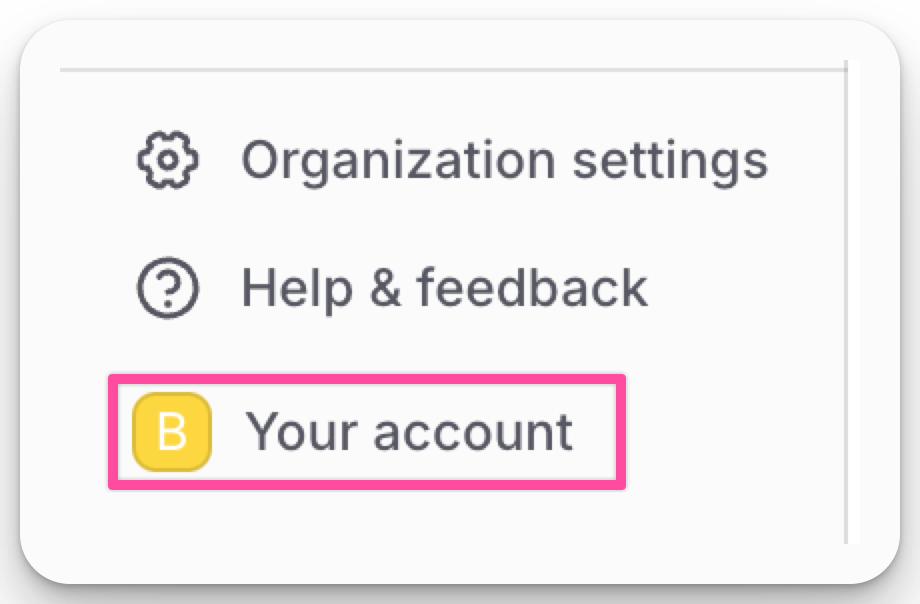
Click on Your Account at the bottom-left corner.
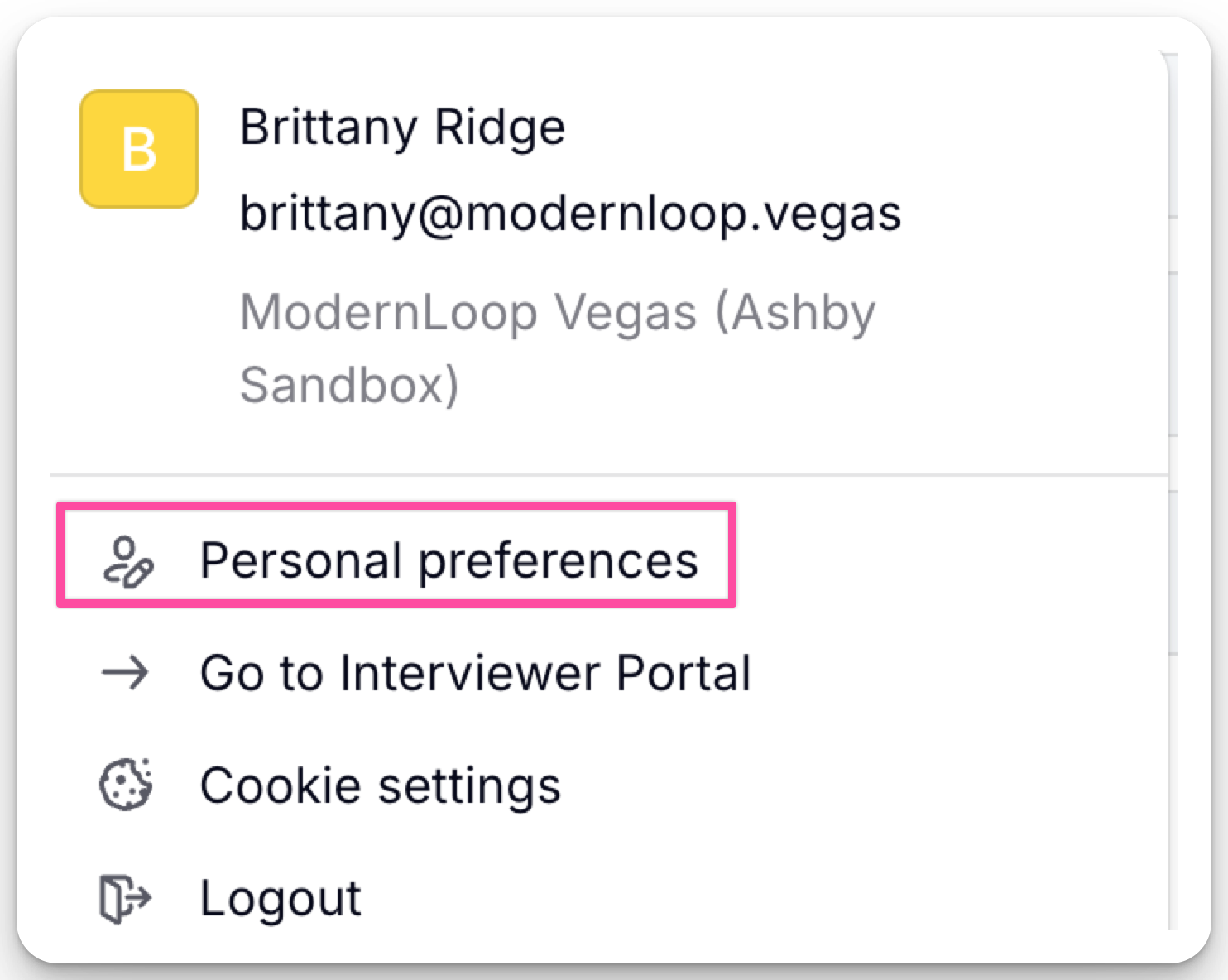
Select Personal Preferences from the dropdown.
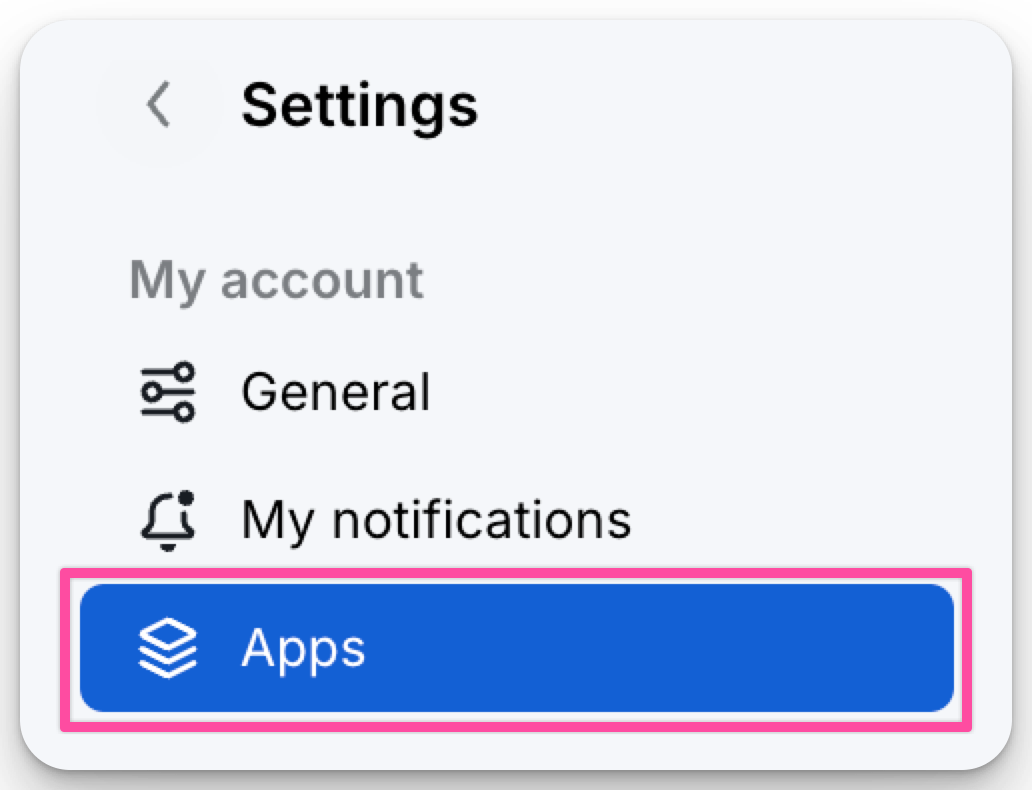
Go to the Apps tab.
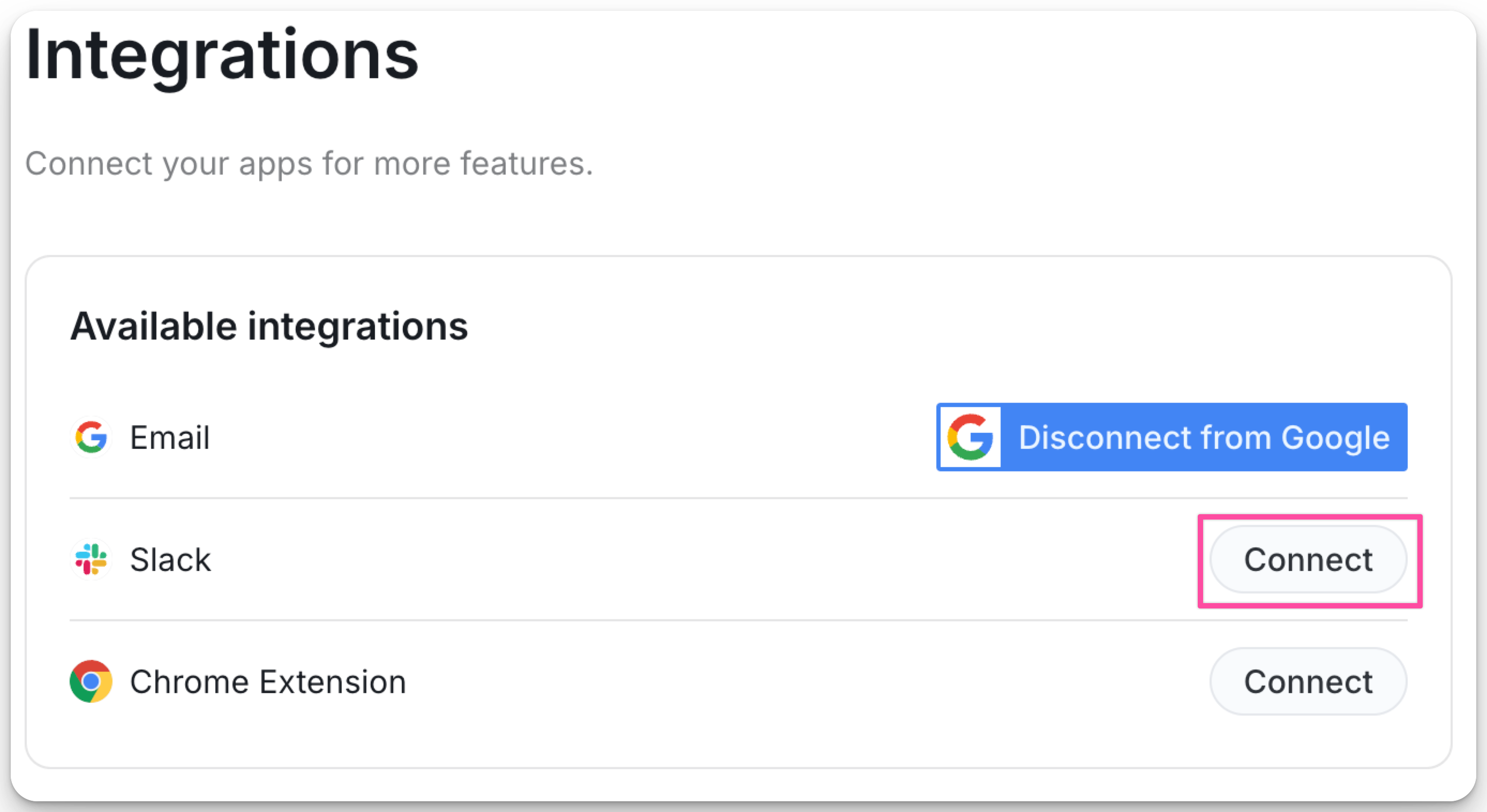
Click Connect next to Slack and follow the authorization steps.
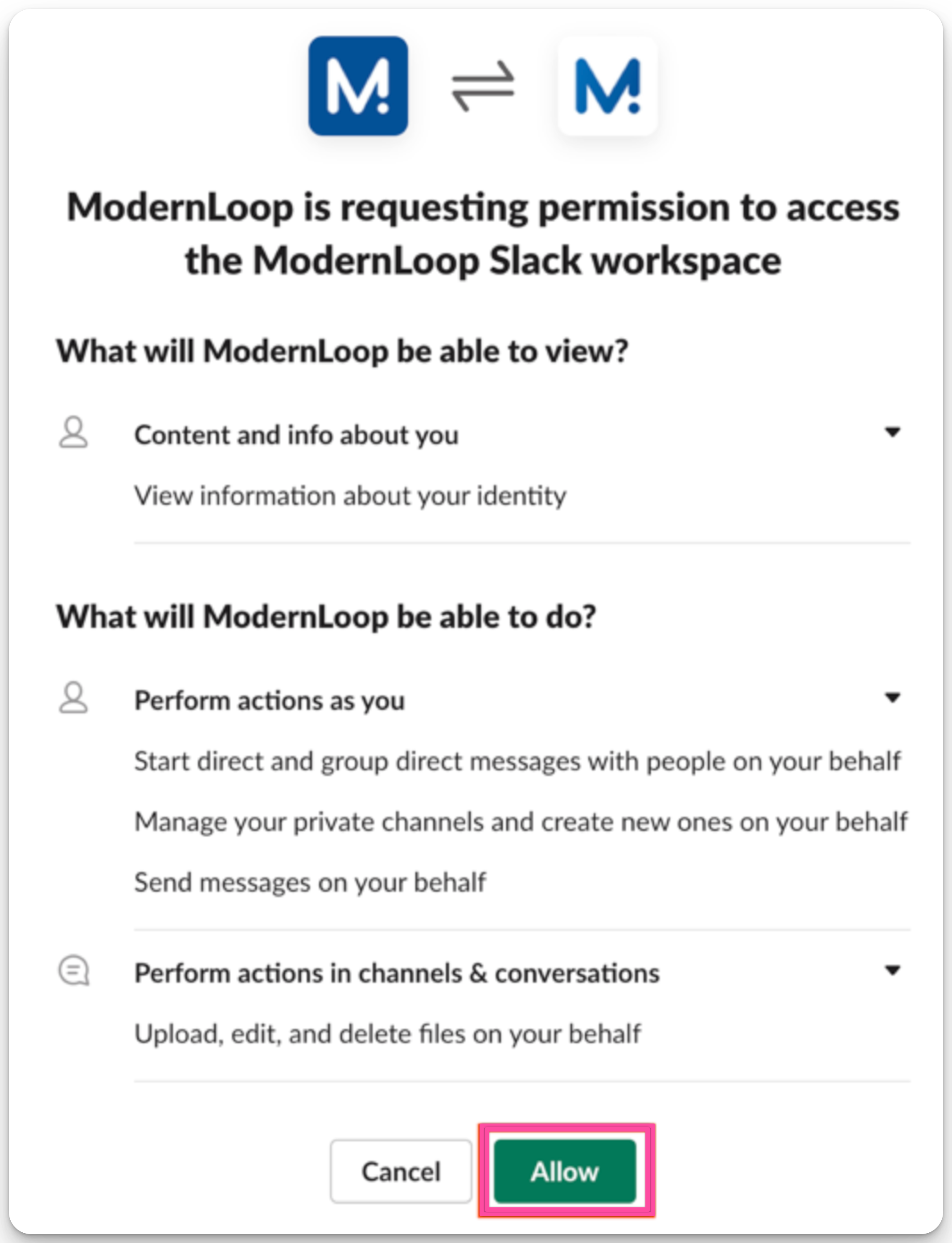
Click Allow to grant ModernLoop permissions to create private Slack channels in your name.
Authorizations
On Behalf of Users (User-Level)
ModernLoop can:
View information about a user’s identity.
Send messages on the user’s behalf.
Upload, edit, and delete files on the user’s behalf.
Manage the user’s private channels and create new ones.
Start direct and group messages on the user’s behalf.